What is enterprise search and where does a web search API help?
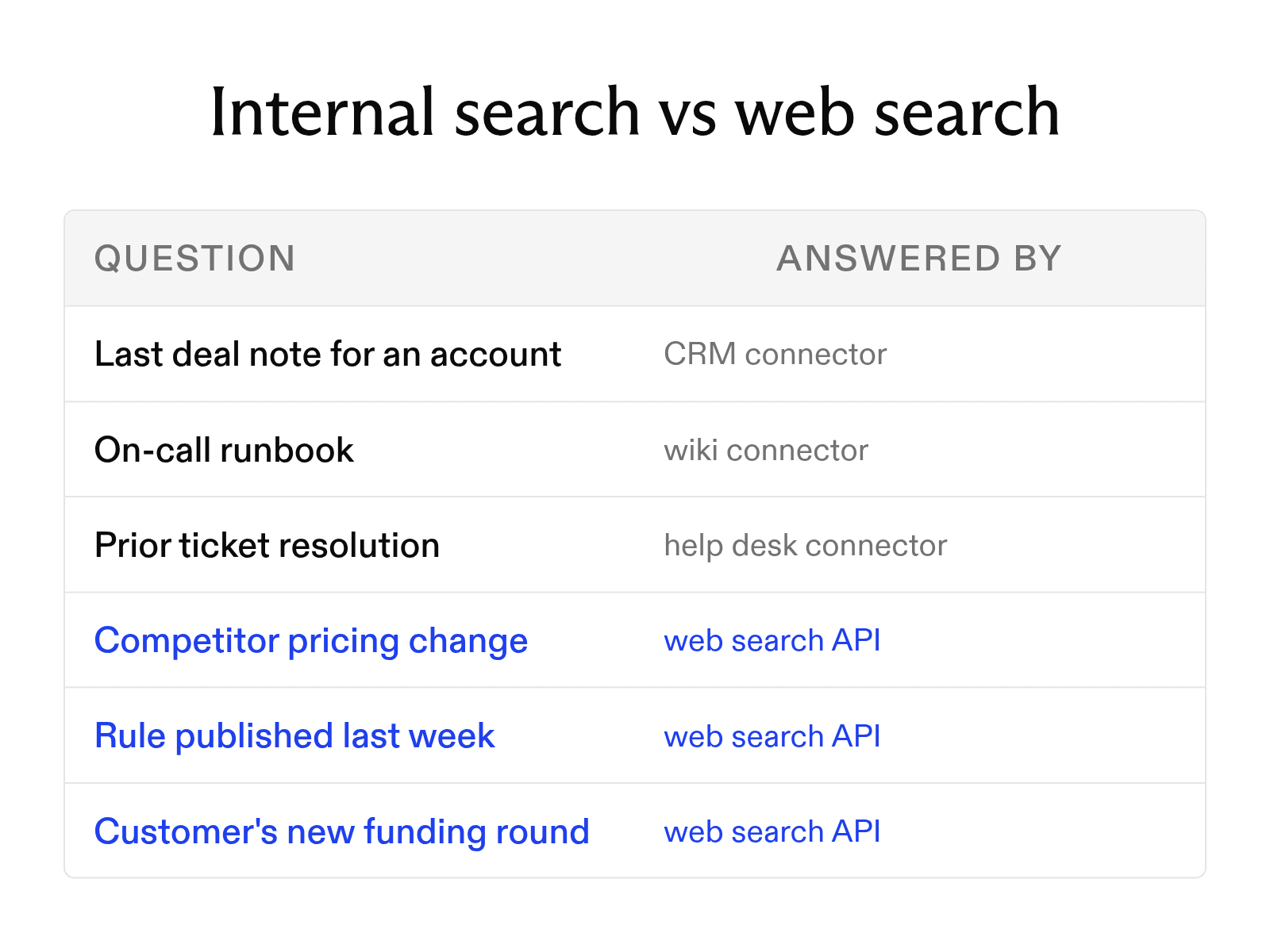

Enterprise search lets one query reach a company's own systems (support tickets, email, chat, code repositories, wikis, and shared documents) and shows each person only what they already have permission to open. It stops at the company's edge: an internal index never holds a competitor's new pricing page or last week's funding news.
At Exa, we build a web search API that AI assistants use to fill that gap.
Below, we cover how connectors, indexing, permissions, and ranking work, compare the main vendors, and show how to add public-web retrieval to an internal assistant safely.
How enterprise search works
An enterprise search system has four parts.
-
Connectors. Each connector pulls content from a source system through its APIs. Elastic provides self-managed connectors for SharePoint Online, ServiceNow, Google Drive, Salesforce, GitHub, and Slack.
-
Indexing. Elasticsearch stores keyword indexes and vector embeddings together, so a query can match exact terms and meaning and combine both scores into one ranking.
-
Permissions. Each document keeps the access rules copied from its source app, and the search layer filters results against the user's permissions, so a finance analyst and a sales rep can get different results for the same query. Microsoft's documentation puts it plainly: users "only see results that they already have access to." To test this, run one query from two accounts with different access levels and compare.
-
Ranking. Ranking orders what's left by text relevance, recency, and who created or opened a document. Microsoft Search uses Microsoft Graph activity, so two people can get different results for the same words.
Permissions are what separate enterprise search from a public website's search box. Site search indexes pages anyone can read; an enterprise index may hold salary files next to lunch menus and must enforce access controls on every query.
How teams use enterprise search
Each team searches a different internal system and pays a different cost when search comes up empty.
-
Support agents search past tickets for a prior resolution. Without one, the customer waits while someone solves the problem again.
-
Sales reps pull an account's last deal note, call summary, or pricing exception. Without it, they repeat discovery questions the customer already answered.
-
Engineers on call search for the runbook during an incident. Every minute spent in wikis extends the outage.
-
Lawyers find a clause across hundreds of signed contracts, such as every agreement with an uncapped indemnity. Without search, someone opens them one at a time.
A 2012 McKinsey Global Institute report estimated that interaction workers spend nearly 20 percent of the workweek looking for internal information or colleagues who can help, and that a searchable record of company knowledge can cut that by up to 35 percent.
Enterprise search approaches and vendors
Vendors fall into three groups: search infrastructure, workplace search, and AI research assistants.
| Vendor | Approach | What it searches | Best fit |
|---|---|---|---|
| Elastic | Search infrastructure | Data synced from other apps into Elasticsearch through content connectors | Companies with search engineers who want control over ranking rules |
| Coveo | Search infrastructure | E-commerce, customer service, and workplace content | Service and commerce teams that need answers on customer-facing sites |
| Glean | Workplace search | Company apps, through more than 250 connectors | Large companies that want one assistant across all their tools |
| Slack | Workplace search | Slack conversations and connected apps, such as Google Drive, Confluence, and GitHub | Companies where most work already happens in Slack |
| Microsoft Search | Workplace search | Microsoft 365 content, plus outside systems through Microsoft 365 Copilot connectors | Companies that use Microsoft 365 as their main platform |
| Hebbia | AI research assistant | A firm's documents and financial data | Investors, bankers, lawyers, and consultants |
What internal search cannot answer and how to add web retrieval
An internal index holds only what the company has written or received. Consider three common situations where it can miss an important update.
-
A competitor changed its pricing. The new page went up this morning, but connectors don't track other companies' websites, so sales may first hear about it from a customer.
-
A regulator published a rule last week. The compliance wiki describes the old rule until someone writes up the new one.
-
A customer raised a funding round. The CRM still shows last year's headcount and no new funding, so the account manager misses the expansion signal.
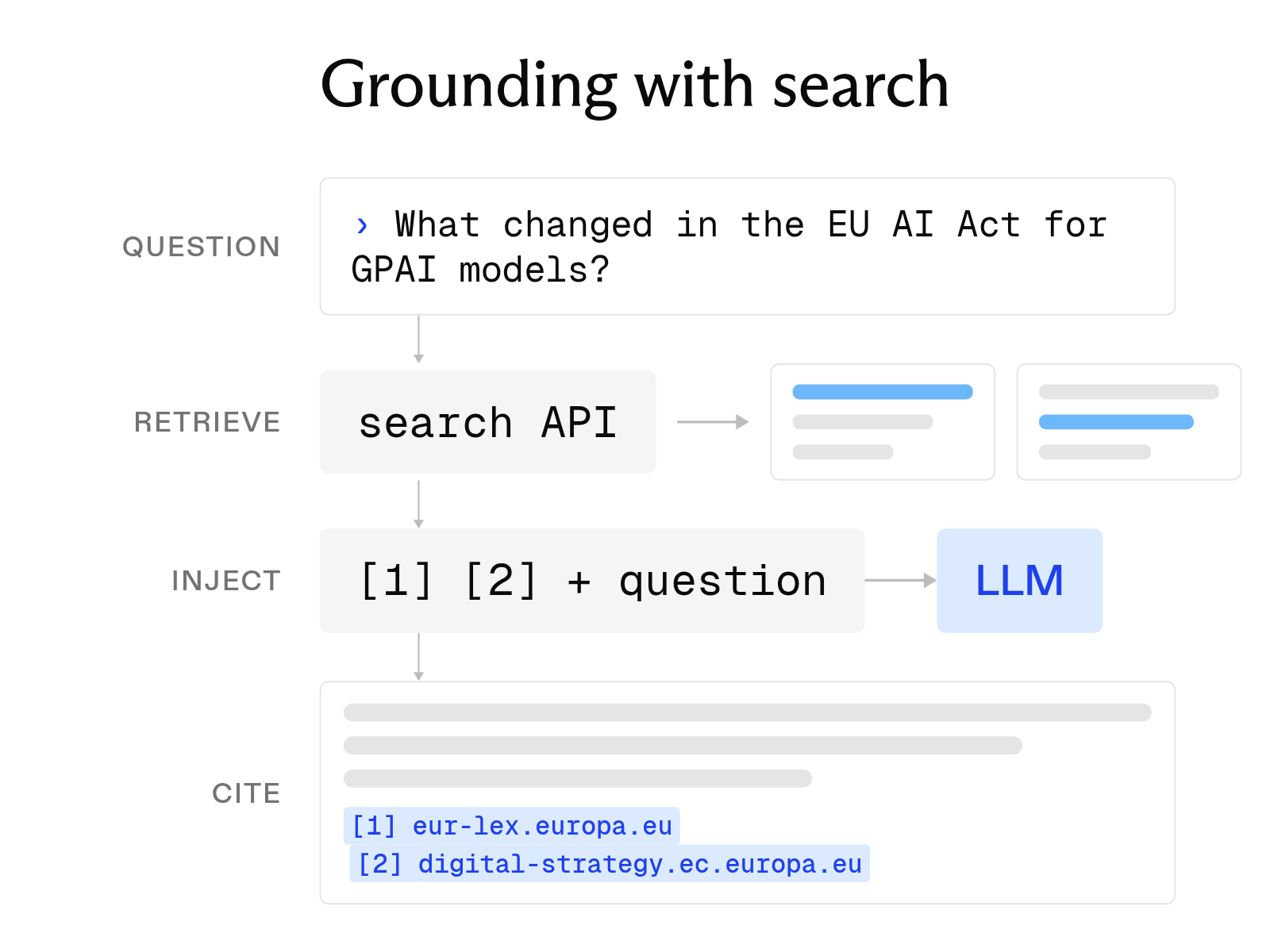
An AI assistant can route each question: "What did we promise Acme at renewal?" goes to the internal index, "What did Acme announce this month?" to a web search API, and "Should we raise Acme's renewal price?" to both. The model writes one answer citing internal documents and public web pages.
We build the web half. Our index tracks over 2 trillion public URLs and serves 100 billion pages as of October 2026, per the Exa FAQs. On Enterprise plans, we can also index proprietary, private, or domain-specific sources alongside the public web. Teams use it in three ways:
-
Enrich internal records with people and company data. HubSpot's Breeze agents use our people and company search to add web signals like funding rounds and leadership changes to CRM data. "Exa is necessary for agents on HubSpot to supplement internal data with high quality, real-time people and company search," says Praty Sharma, AI Lead at HubSpot, in our HubSpot case study. monday.com's lead agents, built with Exa Search, add companies and contacts to CRM records and have completed 2.7 million enrichments.
-
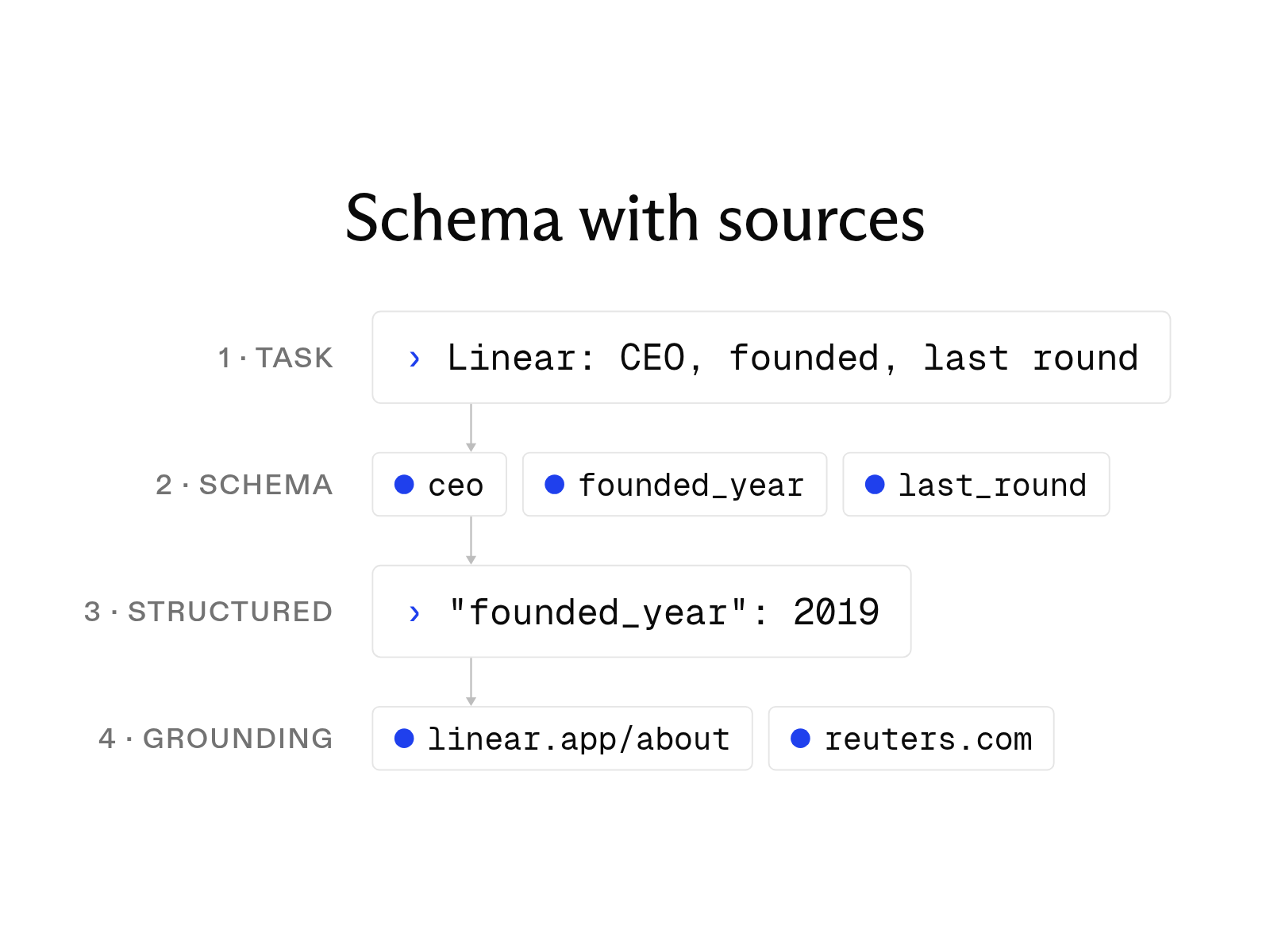
Fill in fields on rows you already hold. The Exa Agent API accepts records through
input.data, researches each row, and returns validated JSON with citations. For more ways to enrich records, compare data enrichment platforms.from exa_py import Exa exa = Exa() # reads EXA_API_KEY accounts = [ # rows exported from your CRM {"account_id": "A-1042", "company": "Ramp", "domain": "ramp.com"}, {"account_id": "A-1043", "company": "Mercury", "domain": "mercury.com"}, ] run = exa.agent.runs.create( query="For each input company, find its latest announced funding round " "and its current head of security or CISO. Return one row per input.", effort="low", input={"data": accounts}, output_schema={ "type": "object", "required": ["rows"], "properties": {"rows": {"type": "array", "maxItems": 2, "items": { "type": "object", "required": ["account_id", "latest_funding_round", "security_lead"], "properties": { "account_id": {"type": "string"}, "latest_funding_round": {"type": ["string", "null"]}, "security_lead": {"type": ["string", "null"]}, }, }}}, }, ) run = exa.agent.runs.poll_until_finished(run.id) print(run.output.structured) # one enriched row per account_id print(run.output.grounding) # source URLs behind each field -
Monitor public sources for new developments. WhyHow, a litigation intelligence firm, uses Exa to process millions of new pages each day for legal risk signals.
Three constraints decide whether this is safe and reliable.
-
Data exposure. Send only the query in the web call, never internal document text. We're SOC 2 Type II certified, and Enterprise plans add Zero Data Retention and HIPAA compliance.
-
Freshness. New articles become searchable within minutes. The Contents API's
maxAgeHoursoption sets how old a cached page can be. -
Token cost. In our benchmark, highlights matched full-page text's accuracy with 16 times fewer tokens. Search costs $7 per 1,000 requests.
FAQ
What is the difference between enterprise search and RAG?
Enterprise search finds and ranks documents for a person or a model. Retrieval-augmented generation (RAG) adds relevant passages to a model's prompt so it can use them in its answer; an enterprise assistant runs RAG on top of a search index. To add the web as a second retriever, start with the Exa Search quickstart.
Cheers,
Keep learning
Browse all Learn articles →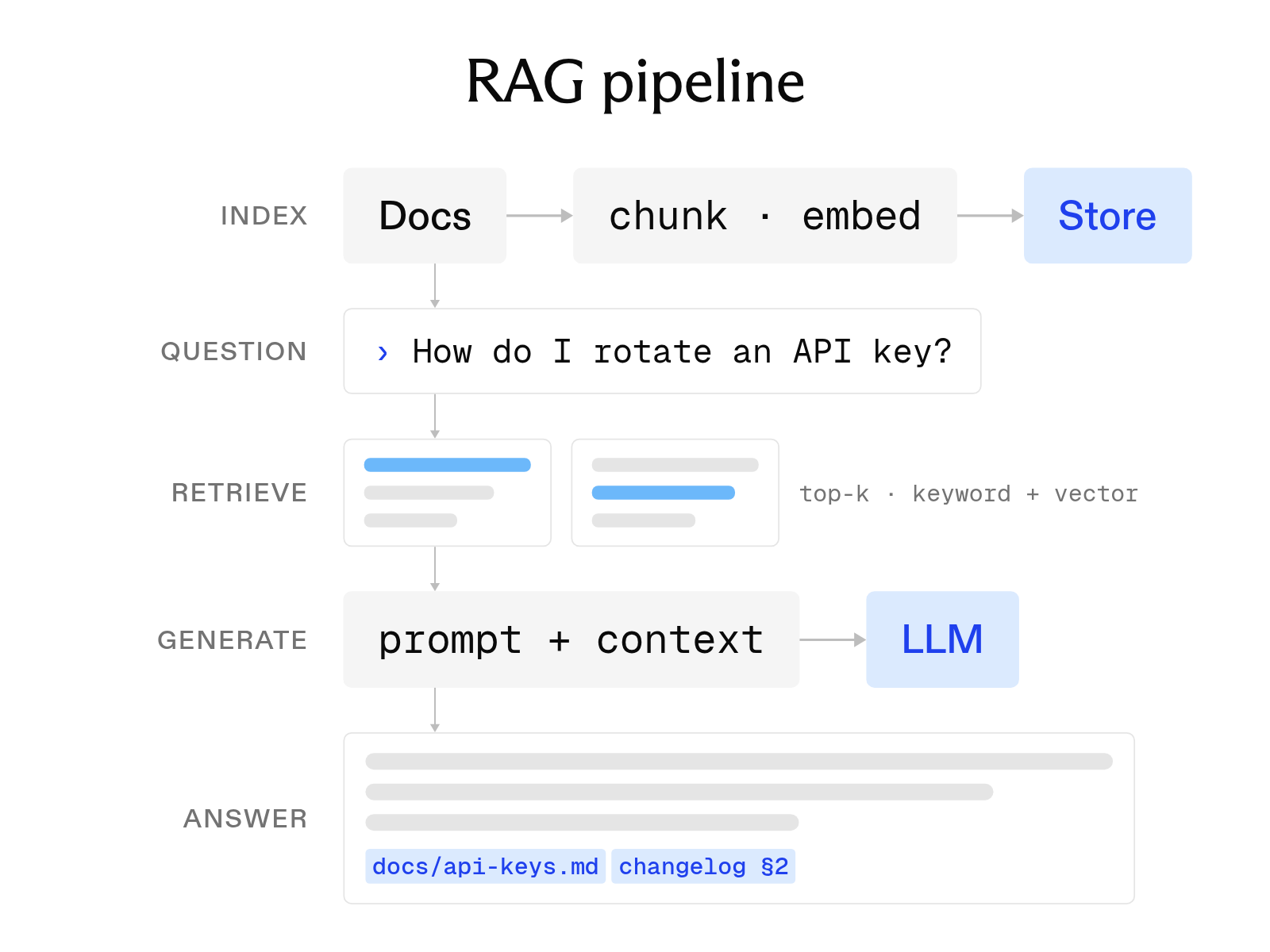
What is a RAG API? RAG as a service explained
October 1, 2026
What is LLM grounding, and how does it work with a search API?
October 6, 2026
How to get structured outputs from a search API
November 24, 2026
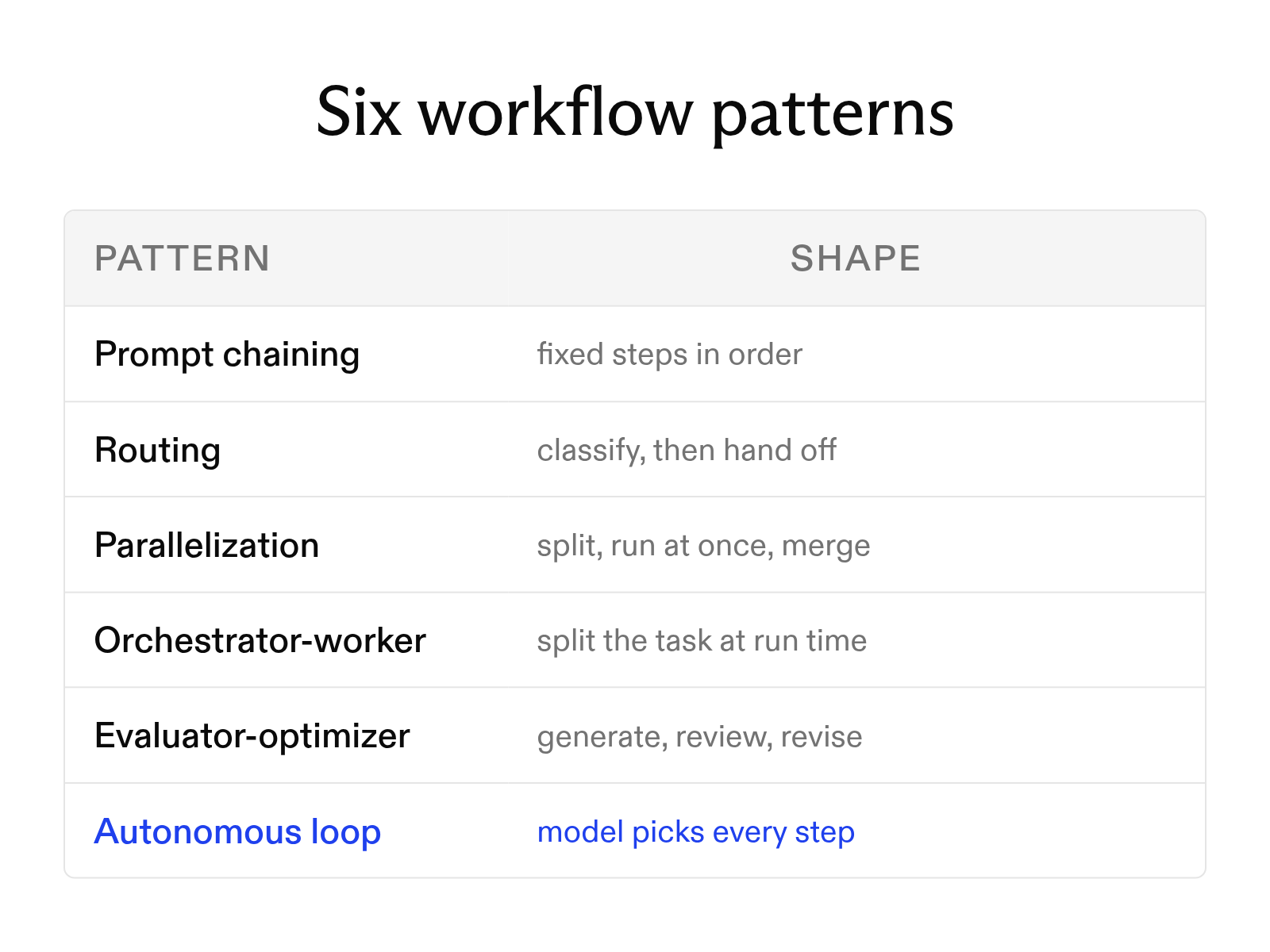
Agentic workflows: 6 patterns and the search infrastructure that supports them
November 24, 2026
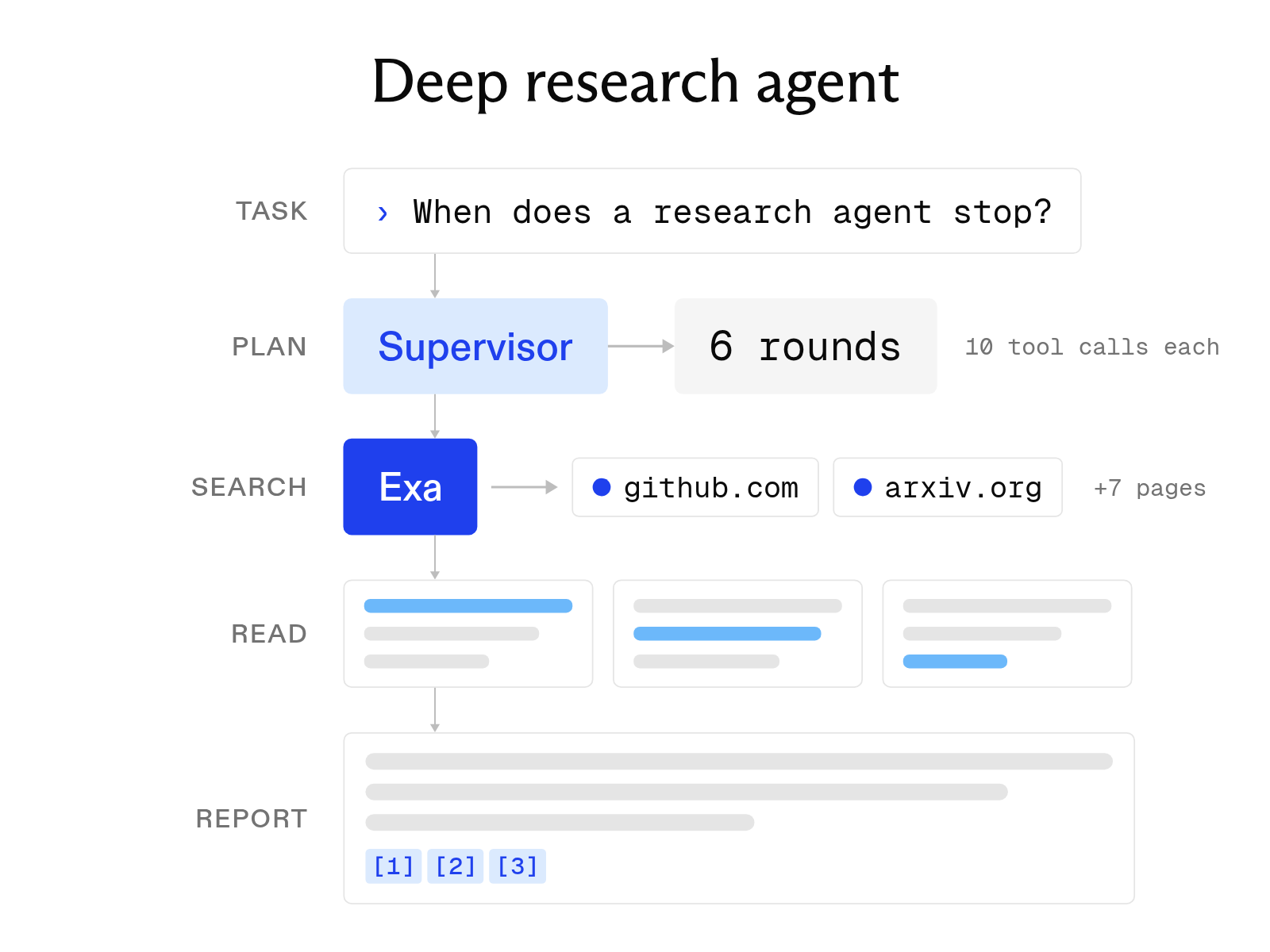
Open-source deep research agents: how they work and how to use them
October 1, 2026
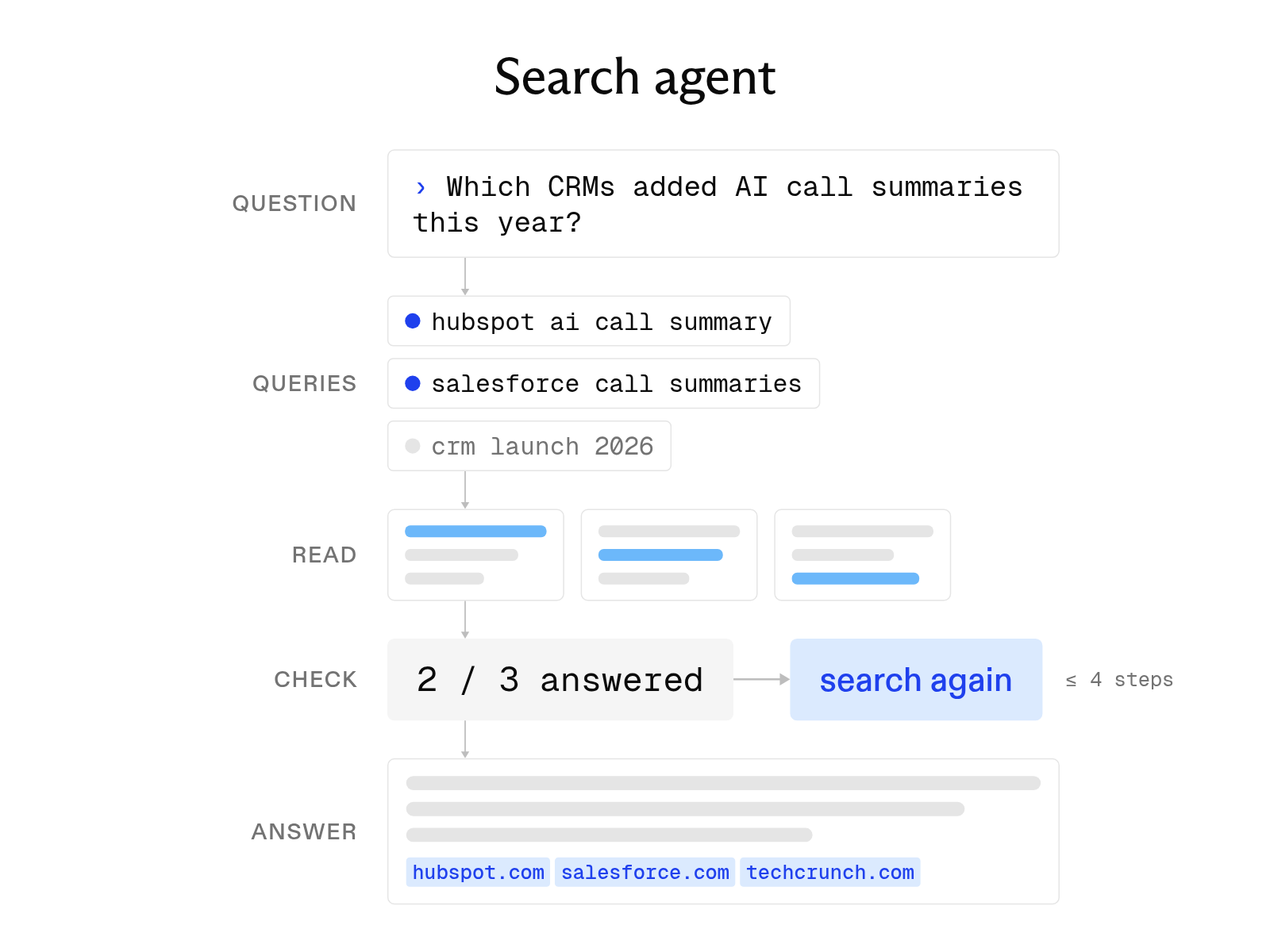
What is a search agent? How they work and how to build one
October 1, 2026