What is web indexing? How it works and why AI search needs its own index
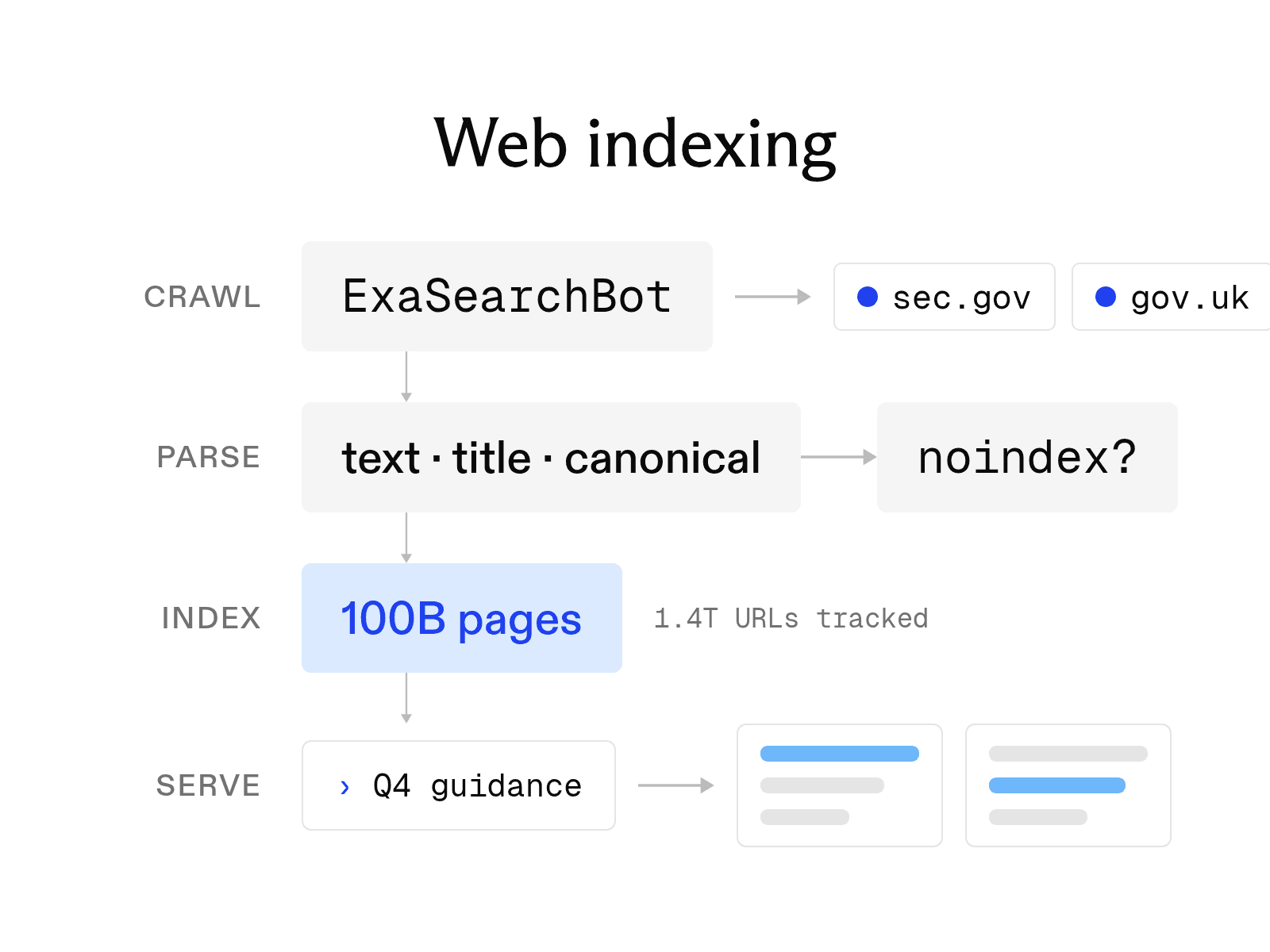

Web indexing is how a search engine turns crawled pages into a database it can search in milliseconds. A search engine cannot return a page it hasn’t indexed, so crawling the web is only the beginning: the engine also has to understand, organize, and store what it finds.
We work on this problem at enormous scale at Exa. Our index contains more than 100 billion webpages, built specifically for AI retrieval rather than traditional keyword search. That changes what matters: an AI search index needs to understand what a page is about, retrieve it by meaning, and return useful content for a model to reason over.
This guide explains how web indexing works, how pages get included or excluded, and what changes when you build an index for AI search. We’ll also look inside the approach Exa uses to index the web.
How indexing works at Google
Google Search Central divides search into three stages: crawling, indexing, and serving. Not every page completes all three.
-
Crawling. Automated programs called crawlers discover URLs through links, sitemaps, and previous crawls. They then download text, images, and videos from each page. Googlebot is Google's main crawler.
-
Indexing. The search engine analyzes each downloaded page, including its text, title, images, noindex tags, and canonical URL. It then stores the relevant information in the index, which Google describes as a large database.
-
Serving. When someone searches, the engine finds matching pages in the index and ranks them using relevance and quality signals. Google calls this stage serving search results.
Indexing connects crawling to serving. If a crawled page never enters the index, the ranking system cannot return it in search results.
How to get a site indexed by Google
Google does not guarantee that it will crawl, index, or serve a page. However, these four steps give your pages the best chance of appearing in search results.
-
Submit a sitemap. List your canonical URLs in an XML sitemap and submit it through the Sitemaps report in Search Console. You can also add a Sitemap: directive to your robots.txt file to help crawlers find the sitemap.
-
Request indexing through URL Inspection. In Search Console, inspect a new or updated URL, run a live test, and click Request Indexing. Google notes that submitting a request does not guarantee that the page will enter the index.
-
Check noindex and robots.txt. Remove any noindex meta tag or X-Robots-Tag header from pages you want indexed. Then confirm that robots.txt does not block those URLs, since a blocked crawler cannot read the pages.
-
Build internal links. Link to every important page from pages that are already indexed, such as your homepage, category pages, and related articles. Because crawlers discover most new URLs by following links, pages without internal links can be difficult to find.
Why pages are not indexed by Google
The Page indexing report in Search Console explains why Google excluded each URL from its index. Four reasons appear frequently.
-
Excluded by a noindex tag. The page instructs search engines not to index it. If that instruction is unintentional, remove the tag or header.
-
Duplicate without a user-selected canonical. Google found the same content at another URL, selected that URL as the canonical version, and will not serve this one.
-
Discovered, currently not indexed. Google knows about the URL but has not crawled it yet. According to Google, this status usually appears when crawling the page could overload the site, so Google reschedules the crawl.
-
Crawled, currently not indexed. Google crawled the page but did not add it to the index. The page may be indexed later, and Google says you do not need to submit it again.
Search engine indexes versus AI retrieval indexes
A search engine's index is designed to rank links. It stores the information needed to select URLs for a query and display a snippet beneath each result. The reader must then open a result to access the full page.
An LLM, by contrast, reads material supplied by a retrieval system and uses it to generate an answer. That difference changes what an AI retrieval index must store.
-
Passages. A model needs the exact sentences that answer a question. An AI retrieval index therefore stores full page text and returns the most useful passages. Supplying only relevant passages also preserves space in the model's context window, reducing cost and latency.
-
Freshness. A model answers from the stored version of a page, so stale content can produce an outdated answer. An AI retrieval index must refresh pages when a question depends on current prices, filings, or news.
-
Coverage beyond the popular web. Link-based ranking systems favor pages that receive links from many other pages. Agents often need documents with few links, including regulatory filings, clinical trial records, changelogs, and court decisions. An AI retrieval index must crawl and store these sources even when they would not rank highly on a general search results page.
How Exa built its own index
These three requirements led Exa to build and operate its own crawl rather than resell another provider's results. ExaSearchBot discovers and refreshes pages across the public web. It respects robots.txt and limits request rates for each site. Exa's index tracks over 2 trillion URLs and serves 100 billion pages.
To support passage retrieval, Exa Search can return highlights that extract the parts of a page most relevant to a query. This gives a model supporting text without filling its context window with the entire page. Exa Search starts at $4 per 1,000 requests. By comparison, native web search through the OpenAI and Anthropic APIs costs $10 per 1,000 searches, plus charges for tokens added by the results.
To maintain freshness, Exa refreshes pages continuously and lets users limit the age of cached content with maxAgeHours. Setting the value to 0 makes Exa fetch the page live for every request.
To extend coverage beyond the popular web, Exa's Data Index includes SEC filings, earnings calls, research papers, patents, clinical trials, court opinions, sanctions lists, vulnerability advisories, and package registries.
Exa organizes these sources by industry and use case, including financial markets, legal and public records, code and developer documentation, companies and people, research publications, and cybersecurity. This structure lets a compliance query reach sanctions lists and court opinions without a site filter. A coding agent can similarly reach package registries and changelogs.
Glossary
-
Crawl budget. Google defines crawl budget as the set of URLs that it can and wants to crawl on a site. This budget depends on the site's server capacity and Google's demand for its pages.
-
Index. An index is the database where a search engine stores information about the pages it has crawled. A page must be in the index to appear in search results.
-
Spider. A spider is another name for a web crawler.
-
Noindex. Noindex is a directive in a robots meta tag or X-Robots-Tag HTTP header that tells search engines not to index a page. The crawler must still be able to access the page to detect and follow the directive.
FAQ
How long does it take for a page to get indexed by Google?
There is no fixed timeline because Google does not guarantee that it will crawl or index any page. However, submitting a sitemap, requesting indexing through URL Inspection, and linking to the page from indexed pages can help Google find it sooner.
Does blocking a page in robots.txt remove it from the index?
No. robots.txt controls crawling, not indexing. To remove a page from Google's index, add a noindex tag or header while allowing the crawler to access the page and detect the directive. Google does not support noindex directives in robots.txt. Exa follows the same distinction: its FAQ states that robots.txt controls crawling and that a noindex meta tag or X-Robots-Tag header removes a page after the next re-fetch.
Cheers,
Keep learning
Browse all Learn articles →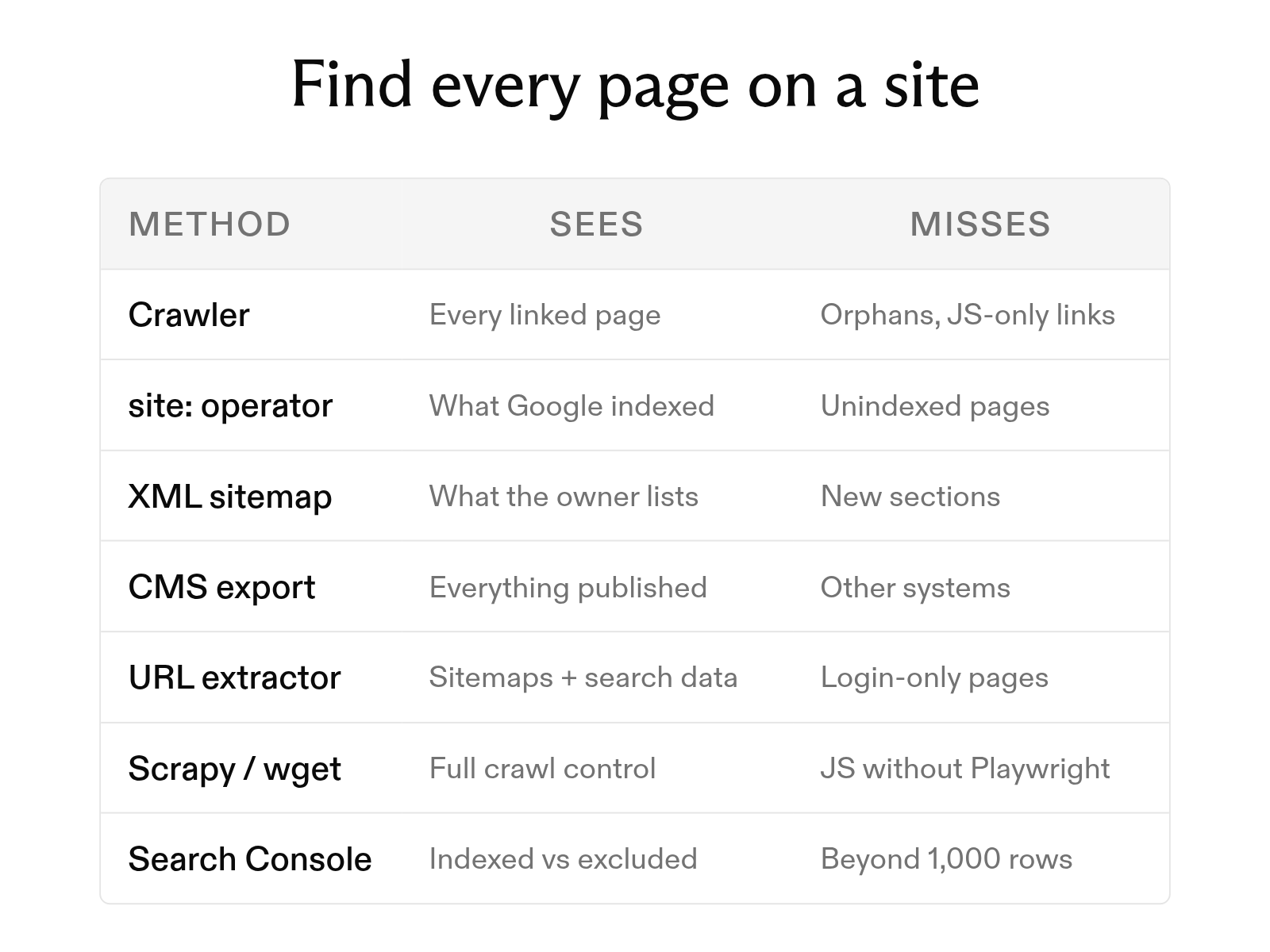
How to find all pages on a website: 7 methods
October 6, 2026
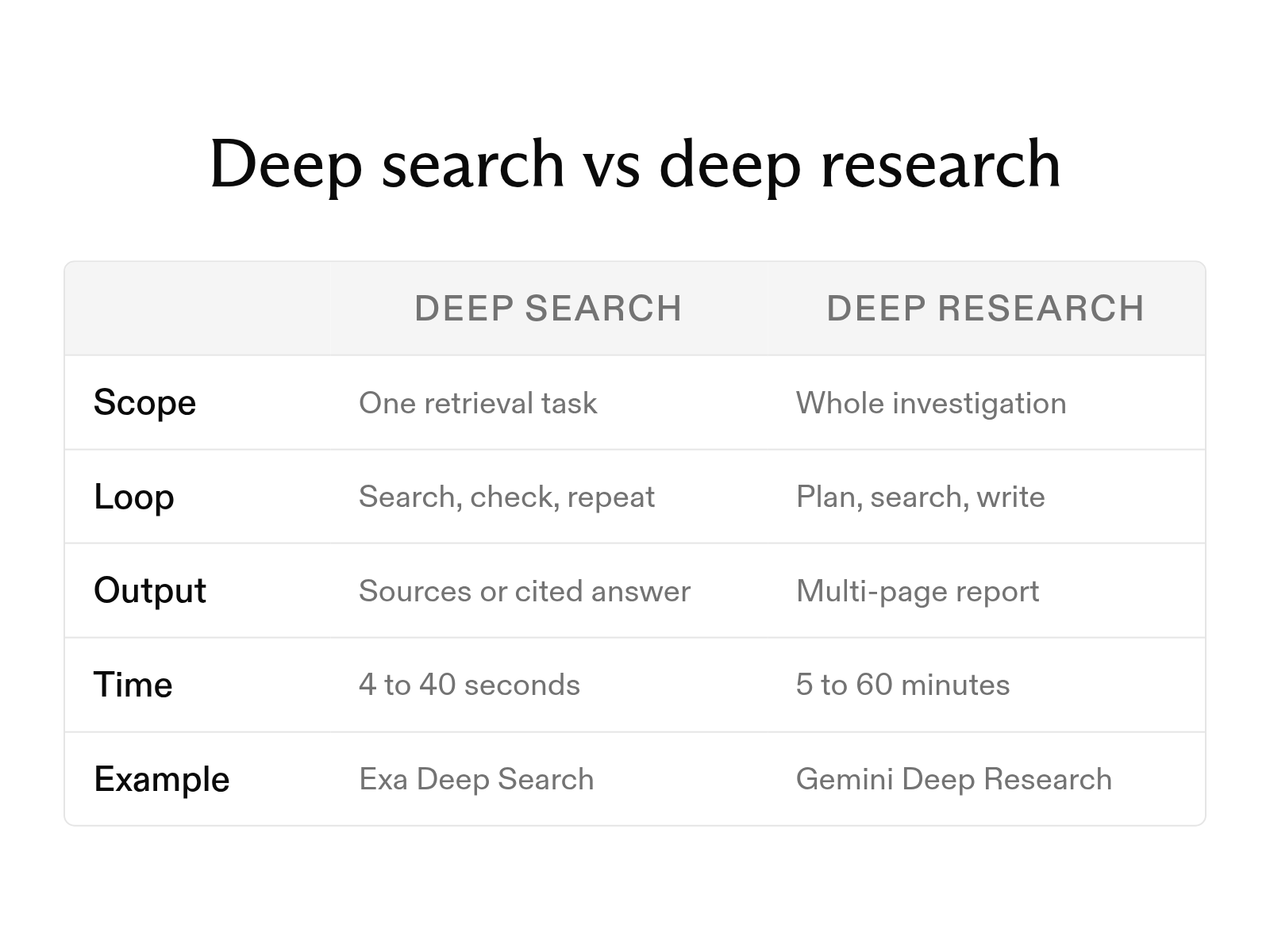
What is deep search, and how does it differ from deep research?
October 6, 2026
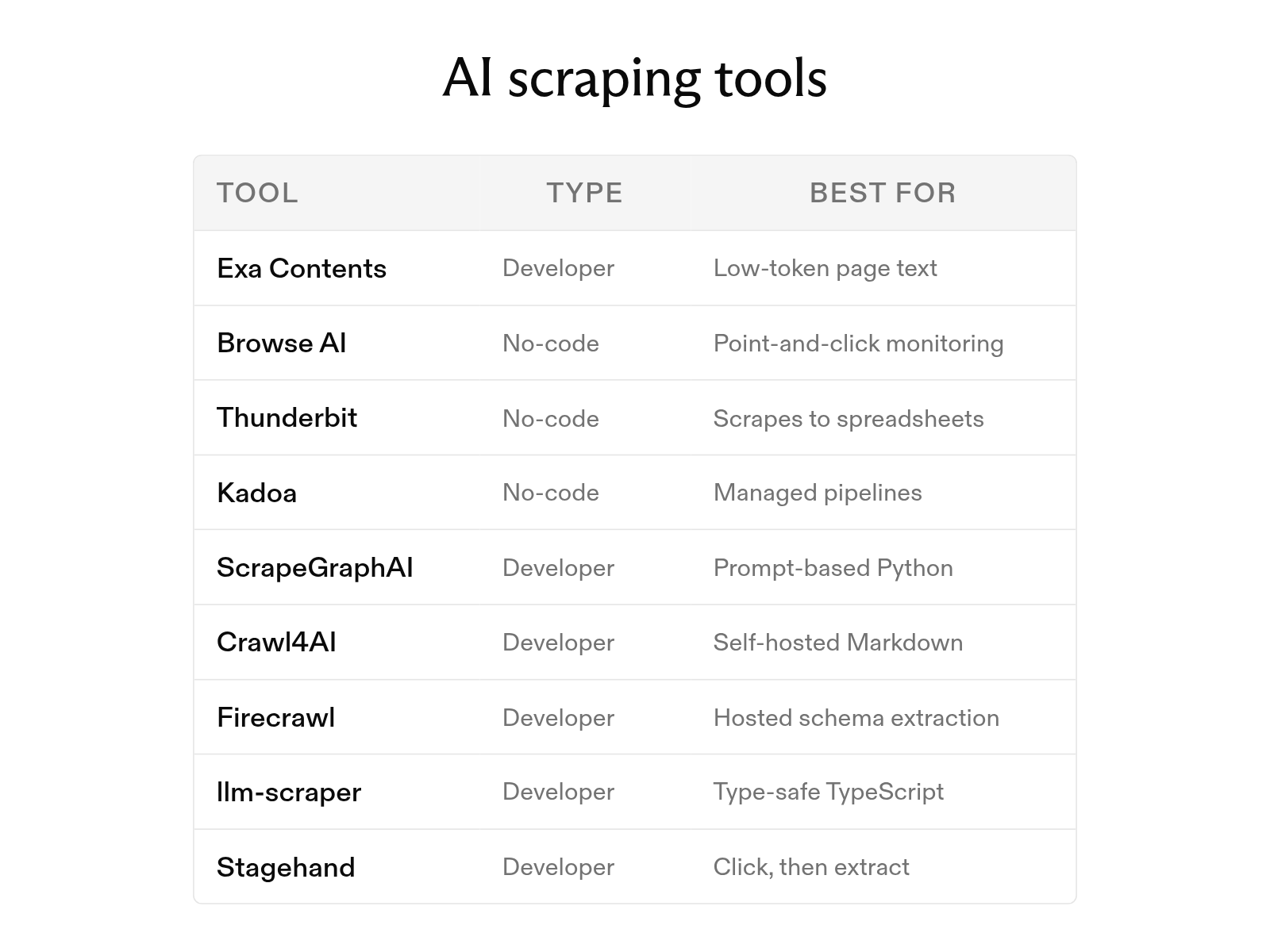
The 9 best AI web scraping tools in 2026 (and how AI scraping works)
October 6, 2026
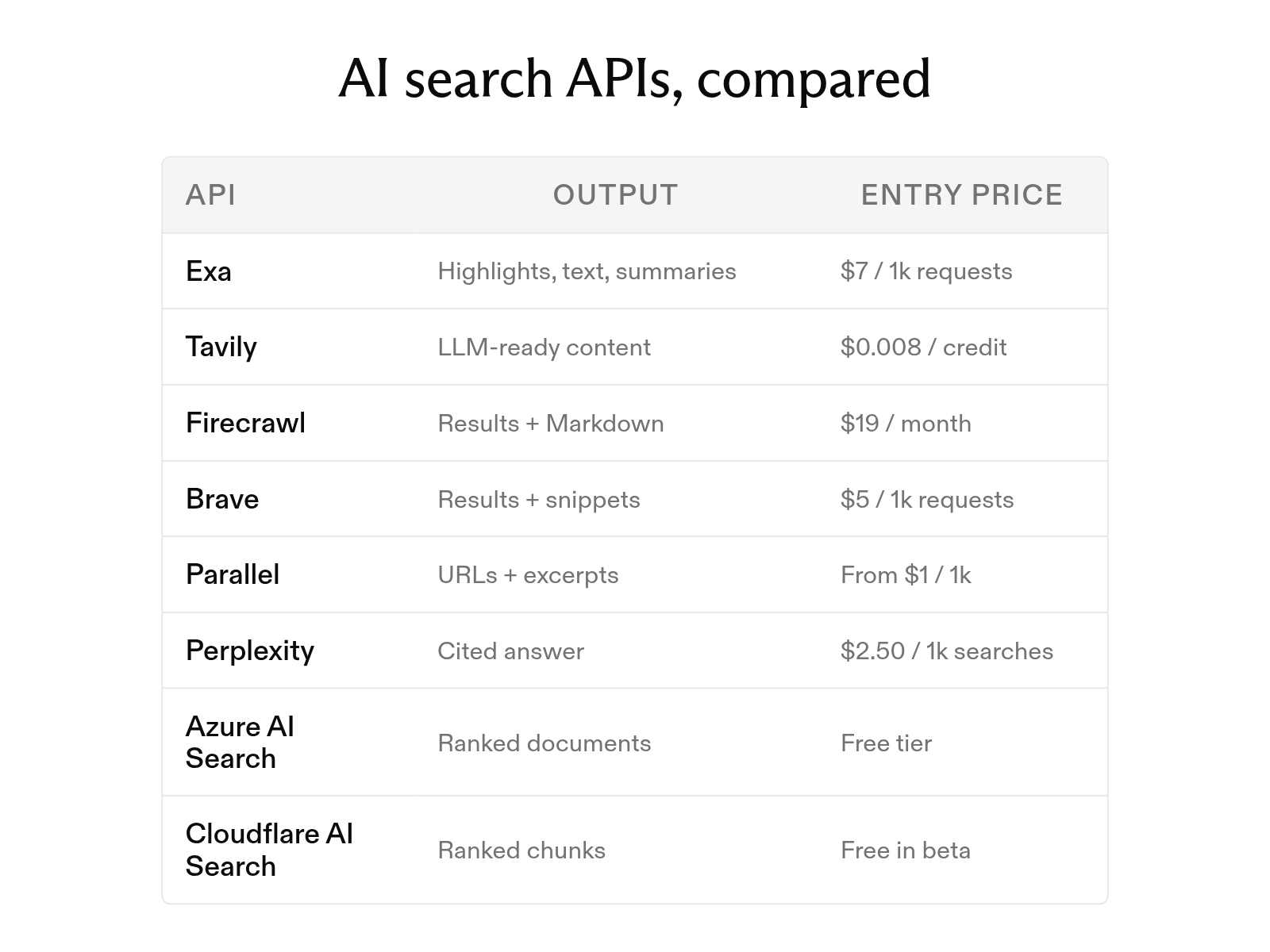
The 8 best AI search APIs in 2026
October 1, 2026
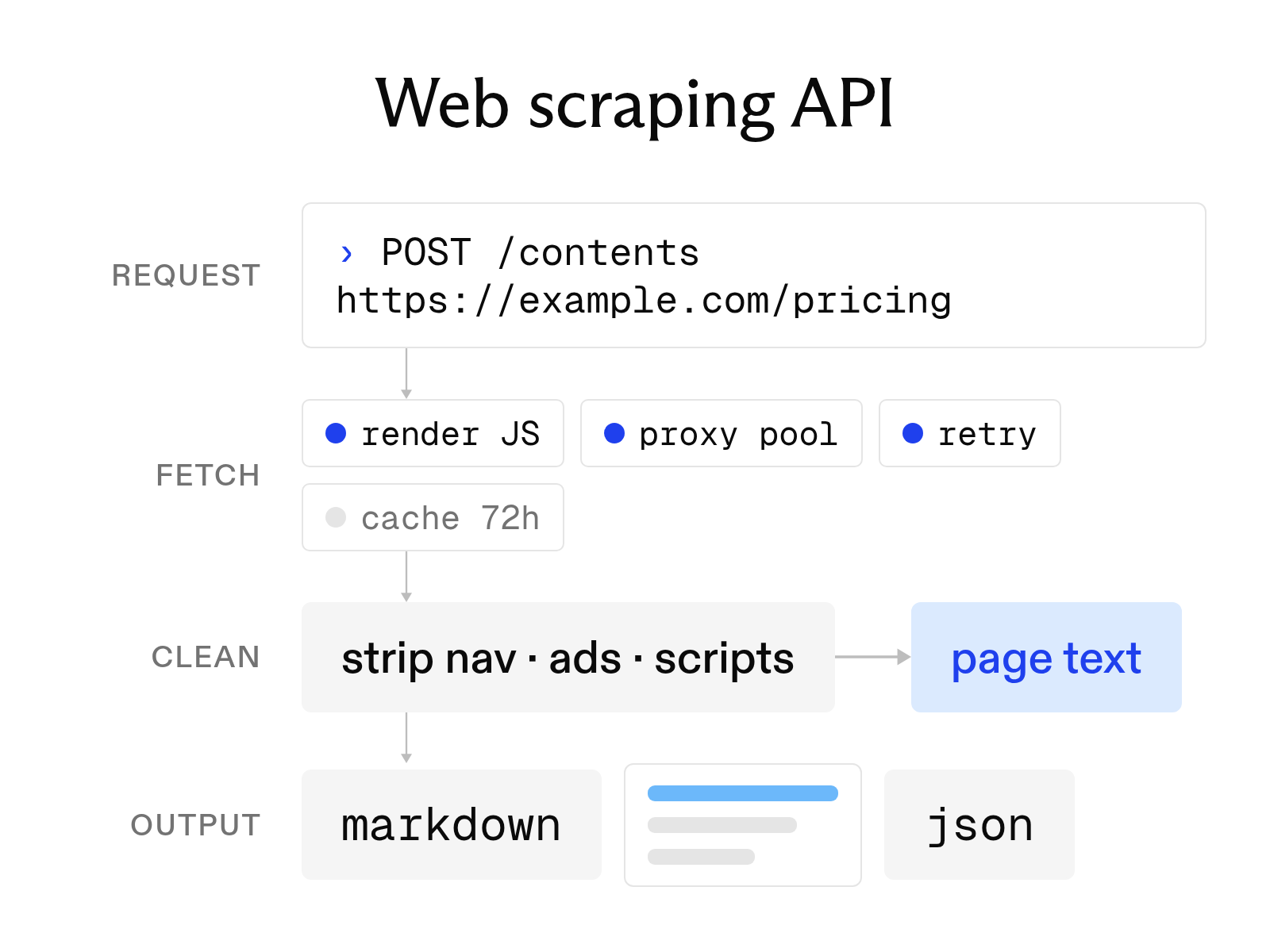
What a web scraping API is and how to choose one
October 6, 2026
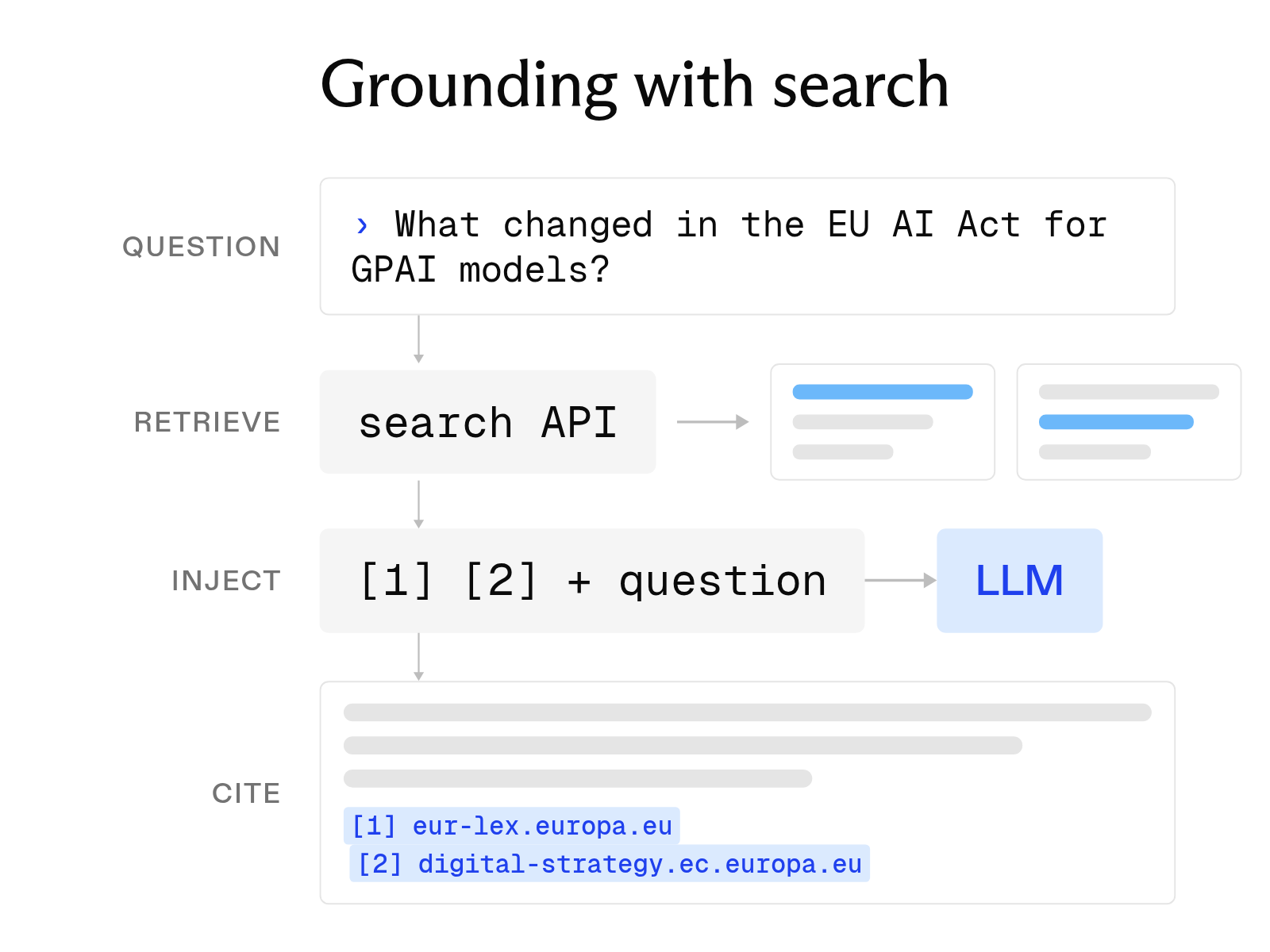
What is LLM grounding, and how does it work with a search API?
October 6, 2026