How to scrape a website: 9 tools and methods compared

Web crawlers do three jobs: they audit a site you own, feed page content to an application, and collect pages for a dataset. The right approach depends on what you need to scrape, how much of the web you need to cover, and what you plan to do with the resulting data.
At Exa, we build search for AI applications rather than human browsing. Our Contents API returns clean page text that can be used directly by language models, without requiring you to build and maintain your own scraping pipeline.
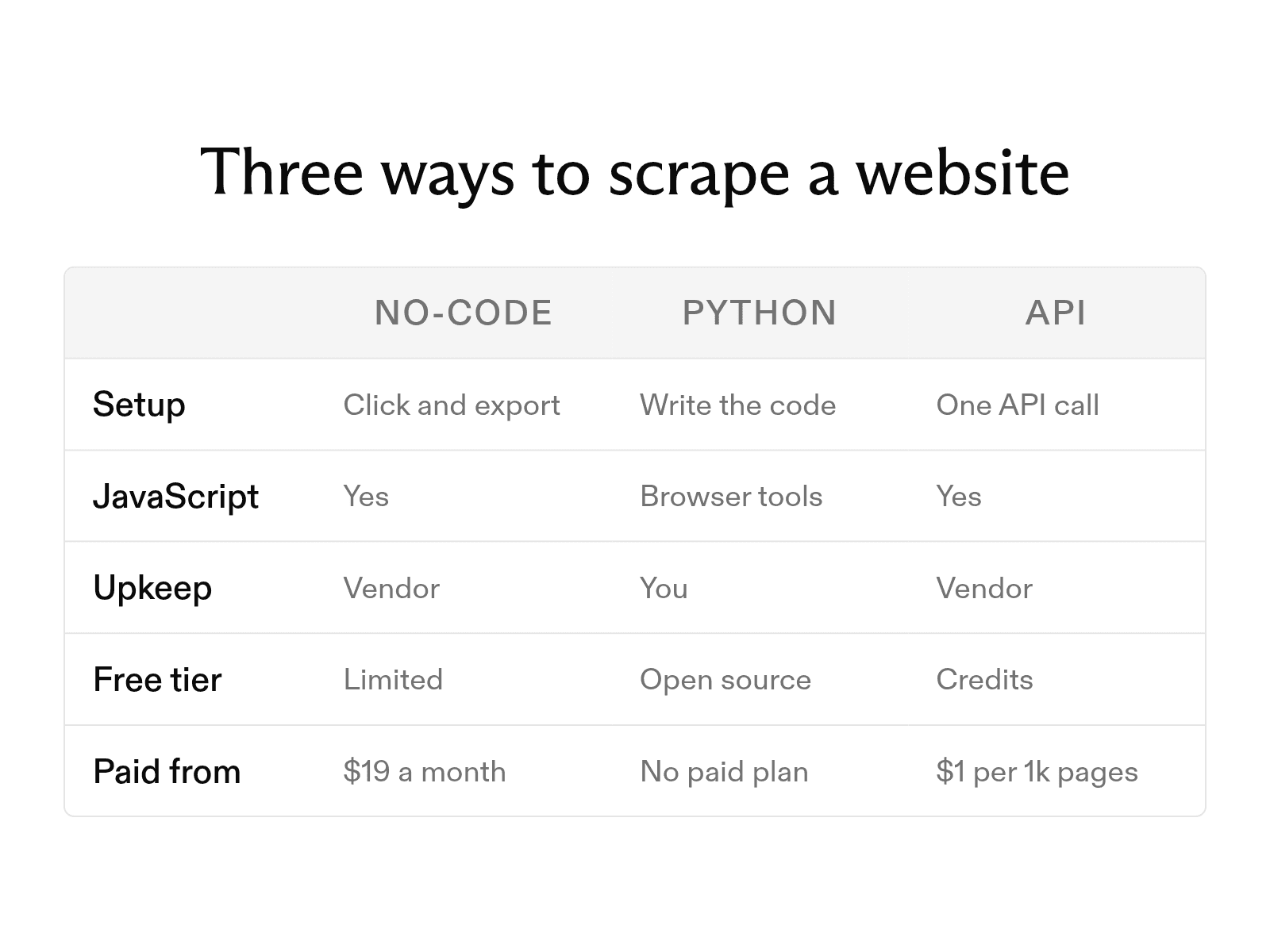
Below, we compare nine tools and methods across three approaches: no-code tools, Python scripts, and extraction APIs. We cover free tiers, pricing, and JavaScript support, then show how to get a first scraper running with Python or an API call.
Which scraping method fits your situation
For the simplest setup, use a no-code tool in a desktop app or web console. Click the first item you want on the target page, and the tool finds matching items and exports them to a spreadsheet. Setup takes minutes, and the tool handles pagination and scheduling. It suits marketers, analysts, and researchers who need tabular data but don't write code.
For more control, write a Python script that decides what to fetch, how to parse it, and where to store it. You don't pay per page, but you must update the code when the site's layout changes. It works best for developers who regularly scrape a few known sites.
For structured output without maintaining a scraping stack, use an extraction API. It suits developers building applications that feed page text into language model prompts.
The nine options side by side
Every no-code tool and extraction API renders JavaScript; among the open-source libraries, only the browser automation tools do.
| Tool | Type | Free option | Code needed | JavaScript | Paid from |
|---|---|---|---|---|---|
| ParseHub | No-code desktop | 200 pages per run, public projects | No | Yes | $189 per month |
| Apify | No-code marketplace | $5 in monthly usage | No | Yes | $19 per month, plus usage |
| Octoparse | No-code visual | 10 tasks, local only | No | Yes | $69 per month, billed annually |
| requests | Python library | Open source | Yes | No | No paid plan |
| Beautiful Soup | Python library | Open source | Yes | No | No paid plan |
| Playwright | Browser automation | Open source | Yes | Yes | No paid plan |
| Selenium | Browser automation | Open source | Yes | Yes | No paid plan |
| Exa Contents | Extraction API | $20 in credits on sign-up, plus $10 per month | Yes (API call) | Yes | $1 per 1,000 pages, per content type |
| Firecrawl | Extraction API | 1,000 credits per month | Yes (API call) | Yes | $16 per month, billed annually |
No-code scraping tools
All three export to spreadsheet formats but differ in how you define a job and how much the free plan allows.
-
ParseHub is a desktop app where you select data by clicking. It navigates AJAX, forms, dropdowns, logins, and infinite scrolling. The free plan needs no credit card and exports JSON or Excel. Paid plans add IP rotation.
-
Apify hosts a marketplace of ready-made scrapers, called Actors, for sites such as Google Maps and Instagram; it listed 72,447 in September 2026. Pick an Actor in the Apify Store, fill in its input form, and run it. Results export as JSON, CSV, Excel, XML, or HTML.
-
Octoparse offers more than 500 preset templates and a visual workflow editor, and handles logins, pagination, and infinite scrolling. The free plan runs on one device and exports up to 50,000 rows a month as Excel, CSV, JSON, HTML, or XML. Paid plans add cloud runs, IP rotation, and automatic CAPTCHA solving.
Build a scraper in Python
Most Python scrapers combine a library to fetch pages, one to parse HTML, and one to run a browser when a page needs JavaScript.
-
Fetch the page with requests.
requestssends an HTTP GET and returns the raw HTML. Set a descriptive User-Agent header and a timeout, and check the status code before parsing. -
Parse static pages with Beautiful Soup. It turns HTML into a tree you can search with CSS selectors. To find selectors, right-click the element in your browser, choose Inspect, and note its tag and class names.
This script scrapes quotes and authors from quotes.toscrape.com, a practice site for learning web scraping. Install both libraries with pip install requests beautifulsoup4. For more pages, follow the Next link at the bottom of each page and repeat.
import requests
from bs4 import BeautifulSoup

url = "https://quotes.toscrape.com/"
headers = {"User-Agent": "my-scraper/1.0 (you@example.com)"}

response = requests.get(url, headers=headers, timeout=10)
response.raise_for_status()

soup = BeautifulSoup(response.text, "html.parser")
for quote in soup.select("div.quote"):
    text = quote.select_one("span.text").get_text(strip=True)
    author = quote.select_one("small.author").get_text(strip=True)
    print(f"{author}: {text}")
When the page needs JavaScript
Many sites load content with JavaScript after the first HTML response. requests doesn't run JavaScript, so it may miss data you see in the browser. Playwright and Selenium control a real browser: they load the page, wait for elements, and return rendered HTML for Beautiful Soup to parse.
Playwright supports Chromium, Firefox, and WebKit and waits for elements automatically, so you write less timing code. Selenium WebDriver controls the major browsers and can scale across machines with Selenium Grid. A browser costs more memory and time per page than a plain HTTP request, so use one only when the data requires it.
Use a web extraction API
An extraction API handles the failure-prone parts of scraping: it renders JavaScript in a headless browser on its servers, retries failed requests, and manages proxies so a timeout or block doesn't end the job. Then it strips navigation, ads, and markup and returns clean text. A custom script has to do all of this itself.
The Exa Contents API
The Exa Contents API is our retrieval endpoint. Pass it a URL and we return the page as plain, markdown-style text, including JavaScript-rendered pages and PDFs. Or request highlights to get only the passages that match your query.
In our SimpleQA tests, 500 characters of highlights matched the accuracy of a page's first 8,000 characters while using 16 times fewer tokens.
We serve cached content by default; set max_age_hours=0 for a fresh copy of a page that changes often (the parameter accepts up to 720 hours). Contents cost $1 per 1,000 pages per content type.
This example uses the exa-py SDK and reads your key from the EXA_API_KEY environment variable:
from exa_py import Exa

exa = Exa()

result = exa.get_contents(
    ["https://exa.ai/blog/dynamic-highlights"],
    highlights={"query": "token efficiency and quality results"},
)

print(result.results[0].highlights)
Firecrawl
Firecrawl returns a page as Markdown, HTML, or structured JSON, and its documentation covers proxy handling, caching, rate limits, and JavaScript rendering. Its pricing page lists a basic scrape at one credit per page.
Web scraping best practices
These keep your scraper from overloading sites, getting its IP address blocked, or collecting data it isn't allowed to.
-
Check robots.txt first. This file at a site's root says which paths automated clients may visit; RFC 9309 standardized the format in 2022. Read it before writing code, and follow its rules and any Crawl-delay value.
-
Throttle your requests. Add a delay between requests and limit concurrency. Sending requests as fast as possible may slow a small site and will likely get your IP blocked. Back off on 429 or 503 errors. If the site still blocks you, look for an official API or data export before adding proxies.
-
Skip private and paywalled data. Scrape only pages anyone can view without logging in or paying. Terms of service often prohibit automated access behind a login or paywall, and laws regulate collecting personal data.
-
Cache your results. Save each downloaded page to disk or a database, so when you change your parser you can rerun it on the saved copies instead of requesting the pages again.
FAQ
Is it legal to scrape a website?
Scraping public pages is common, but whether it's legal depends on your country, the site's terms of service, and the data you collect. Personal data and copyrighted content carry the most risk. Consult a lawyer before a commercial project.
Why does my scraper return empty results?
Either the site loads content with JavaScript, so the raw HTML lacks the data, or it changed the class names your selectors rely on. Check your selectors against the live page first. If they still match, switch to Playwright or an extraction API like our Contents API, which returns text from JavaScript-rendered pages without adding a browser to your stack.
Cheers,
Keep learning
Browse all Learn articles →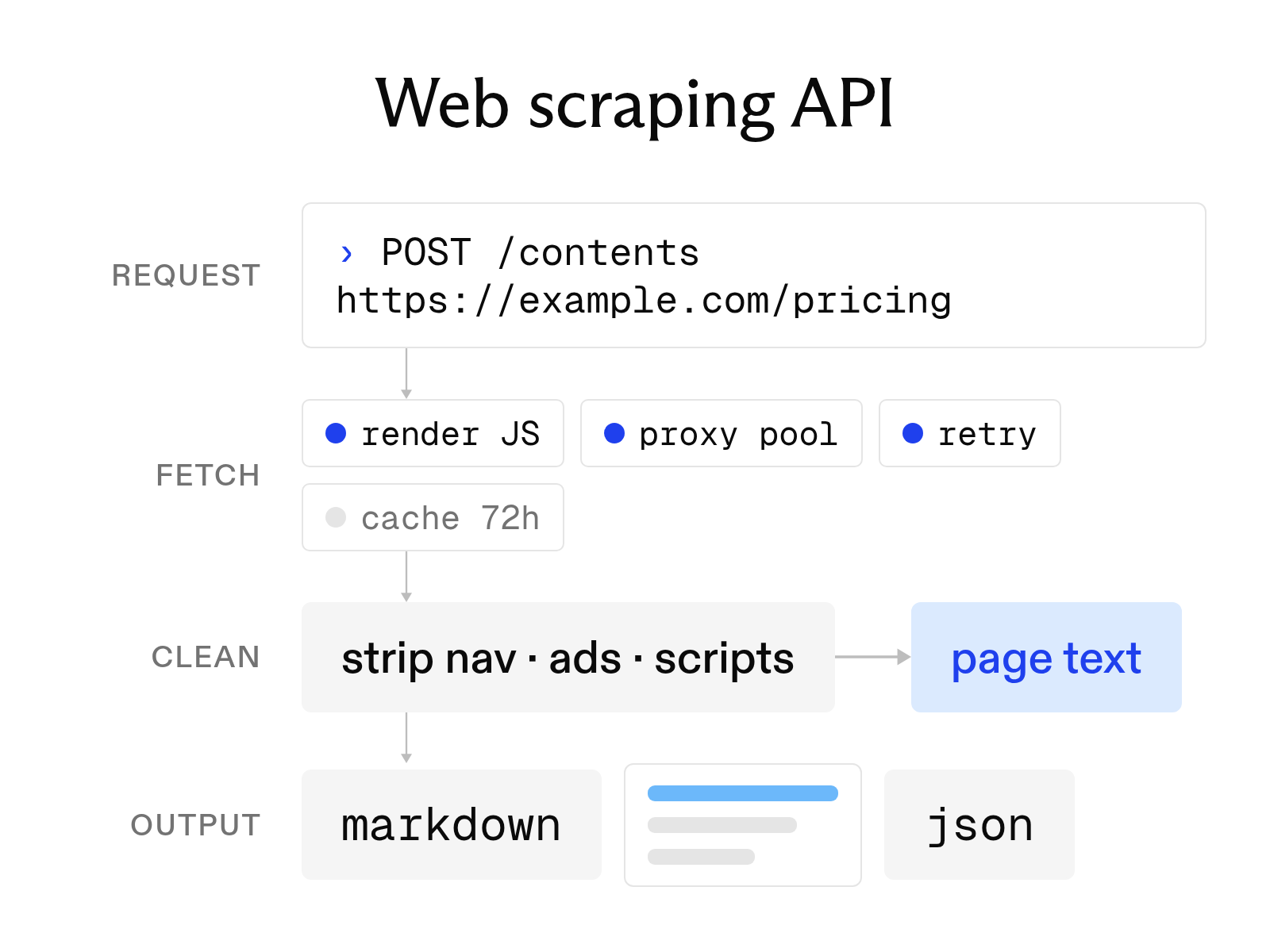
What a web scraping API is and how to choose one
October 6, 2026
The 9 best AI web scraping tools in 2026 (and how AI scraping works)
October 6, 2026
URL to text: 3 ways to turn a webpage into clean text or Markdown
October 20, 2026
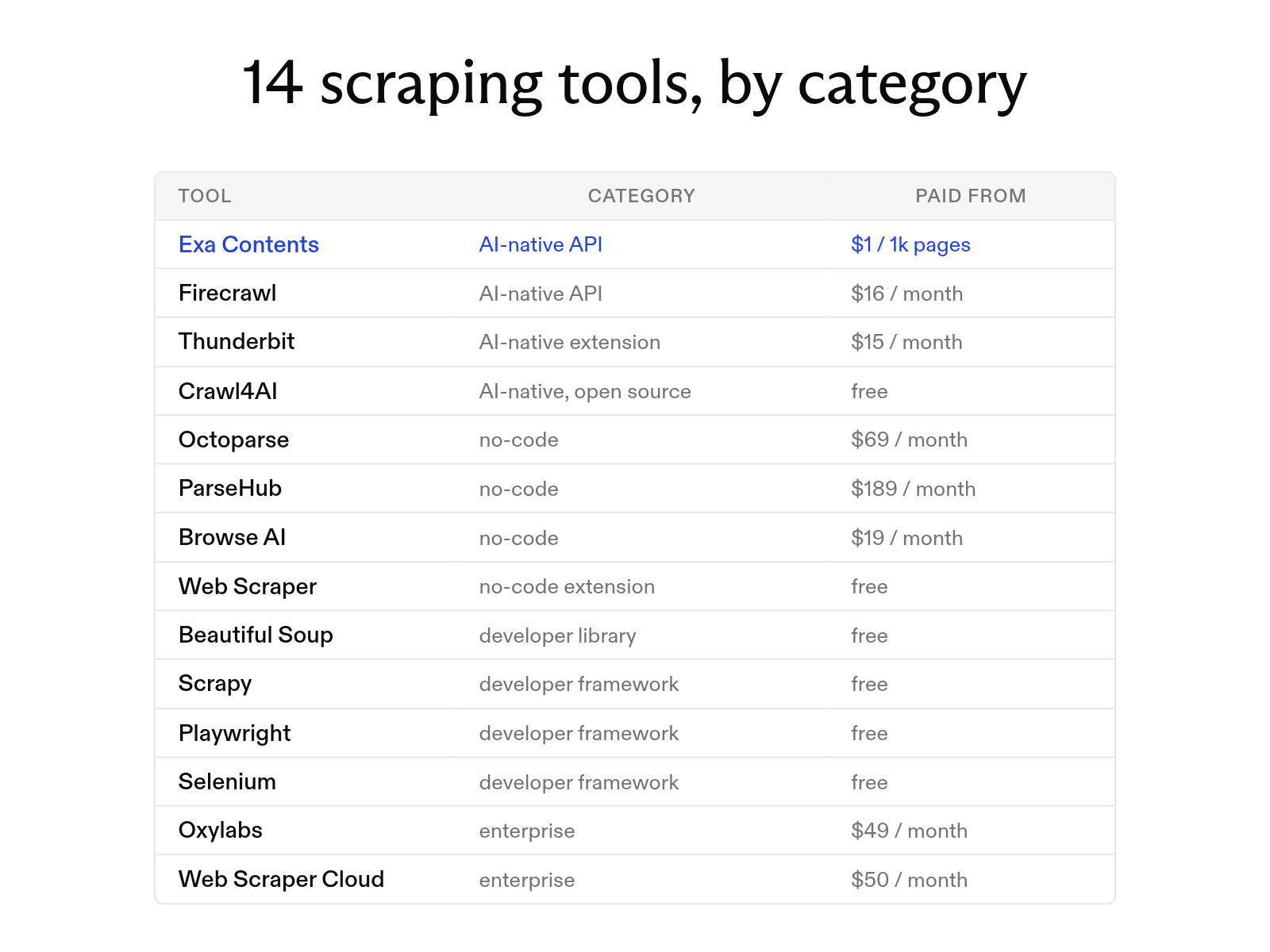
The 14 best web scraping tools in 2026
October 20, 2026
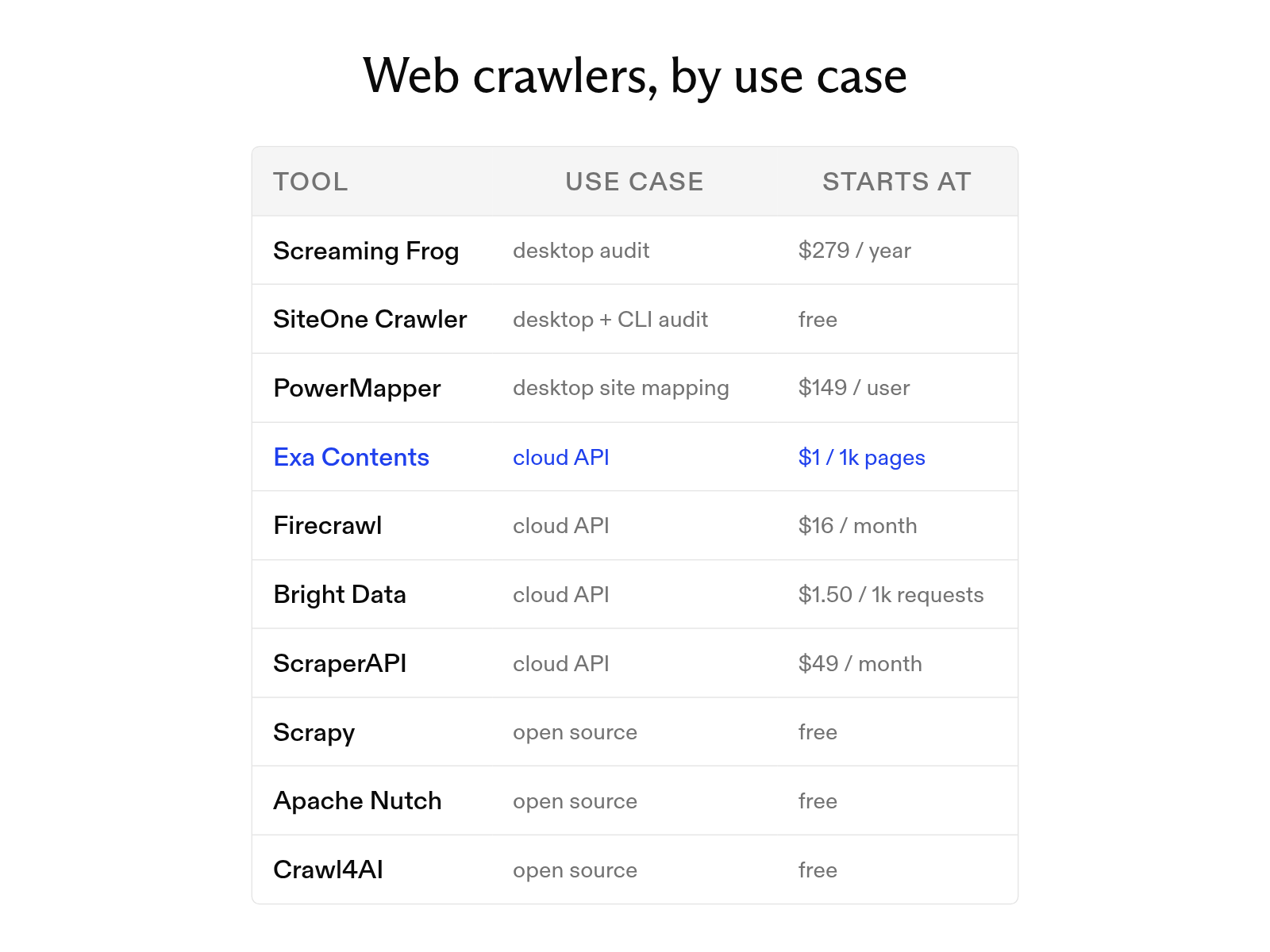
The 10 best web crawler tools in 2026 organized by use case
October 19, 2026
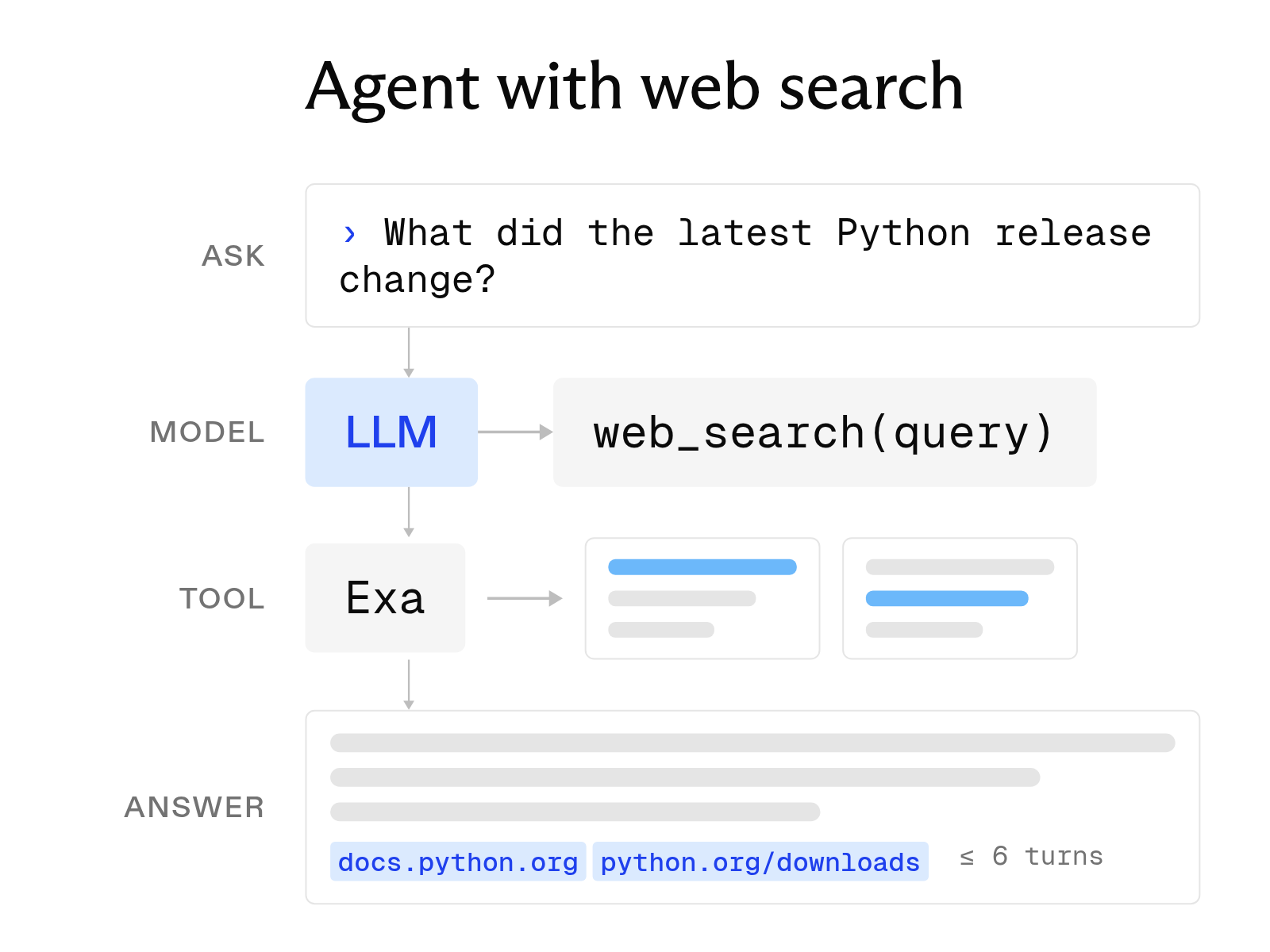
How to build an AI agent with web search
October 6, 2026