How to monitor a website for changes: steps, tools, and APIs
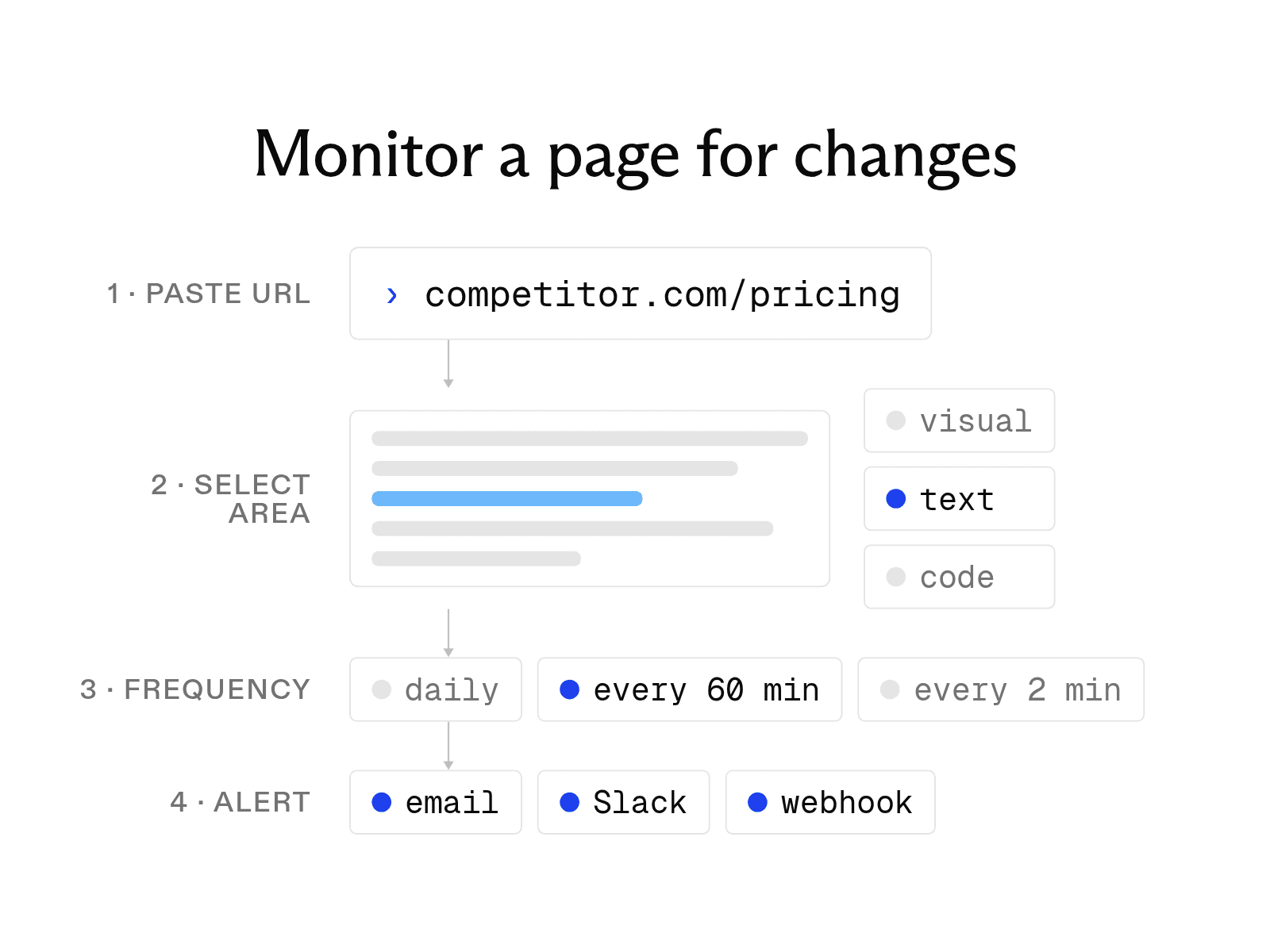

To monitor a website for changes, use a change-detection tool that checks the page on a schedule and alerts you when it changes. You paste the URL, pick the part to watch, set a check frequency, and choose an alert channel. It works for a competitor's prices, a regulatory update, or a job posting.
At Exa, we build Exa Monitors, an API that runs a search on a schedule and sends only new results to a webhook.
Below are five dashboard tools compared on free limits, check frequency, alert channels, and cost. We also include a short guide for monitoring topics and pages via API.
Monitor a website for changes in four steps
All of the browser-based change detection tools we looked at follow these steps.
-
Paste the URL. Use the exact address of the page. If it requires a login, pick a tool that can sign in, such as Visualping or Wachete.
-
Select the area. Pick the part that matters, such as a price, table, or paragraph of terms, so rotating ads, dates, and view counters don't trigger false alerts. changedetection.io also lets you ignore specific text, and Visualping flags whether a change looks important.
Then pick what counts as a change. Most tools offer three modes:
-
Visual tracking compares screenshots. Use it for layout, images, banners, and design on landing pages. Rotating ads and carousels cause more false alerts.
-
Text tracking compares the page's words. Use it for prices, stock status, policy language, terms of service, and job listings. It ignores styling-only changes.
-
Code tracking compares the HTML source. Use it for changes visitors can't see: meta tags, canonical tags, structured data, and tracking scripts. Distill.io shows a source view of each change.
If you're unsure, start with text tracking on a selected element.
-
-
Set the frequency. Match it to how fast you need to know. Free plans check hourly to daily; paid plans, every few minutes. Most plans count checks against a monthly quota, so faster schedules use it up sooner.
-
Set the alert channel. Email works for one person, Slack or Microsoft Teams for a team. A webhook sends the change to your code or to an automation tool such as Zapier or n8n.
Five change-detection tools compared
Unlike Exa Monitors, all five of these tools are designed to be used from a web dashboard. They mostly differ in free-plan limits, paid check speed, and alert channels.
| Tool | Free plan | Paid plans from | Fastest check | Alert channels | Change view |
|---|---|---|---|---|---|
| Visualping | 5 pages, 150 checks a month, every 60 min | $14/month (Personal 1K) | Every 2 min | Email, webhooks, Telegram; SMS from Personal 5K; Slack and Teams on Business | Visual diff |
| ChangeTower | 3 pages, every 24 hours | $12/month (Lite) | Every 20 min on Business | Email; Slack and webhooks on Business | Pixel-level screenshot comparison |
| Distill.io | 25 monitors (5 in cloud), every 6 hours in cloud | $15/month (Starter) | Every 2 min in cloud on Flexi | Email, webhooks, push; SMS on paid plans | Visual view with changes highlighted |
| changedetection.io | Free when self-hosted | $8.99/month (hosted) | About every 5 min on hosted | Email, Slack, Discord, Telegram, and more | Screenshot sent with the alert |
| Wachete | 5 static pages and 1 dynamic page, every 24 hours | $5.40/month (Starter) | Every 5 min on Premium | Email, phone app, Slack, Teams, Discord, Telegram | Highlighted text changes |
Beyond the direct comparisons, these tools were designed with different workflows in mind. Here is some additional color on each tool and how people use them:
- Visualping detects visual, text, and element changes on every plan, including free, and adds an AI summary to each alert. It can log in, click, and type before a check. Best for the broadest detection without paying first.
- ChangeTower compares full-page screenshots and keeps a snapshot history: 30 days on Lite, six months on Business. Best when you need to prove what a page said on a given date, such as a competitor's pricing or a supplier's terms.
- Distill.io runs monitors in your browser and in the cloud. Browser monitors can check every five seconds, faster than any cloud tool, but only while the browser is open. Best for near-real-time checks.
- changedetection.io is open source and free to self-host, though you run the server and handle updates. It sends alerts to dozens of services through the Apprise notification library, the widest channel support here. Best if you want alerts in the most places.
- Wachete keeps 12 months of change history on every plan, including free, the longest retention here. It also monitors password-protected pages on every plan. Best for pages behind a login or a year of history on a free plan.
Monitoring topics and pages through an API
Dashboard tools assume a person reads each alert. When changes need to go straight into a CRM, database, Slack bot, or AI agent, you need API-based monitoring.
Page monitors also only watch URLs you already know. Many teams track topics instead, such as funding rounds in a market, competitor announcements, or regulatory filings. Those pages may not exist when the monitor is created, so the system has to search for them on a schedule.
We built Exa Monitors for both cases. Each monitor combines:
- Continuous scheduled searches. A monitor runs an Exa search daily, weekly, or on a custom schedule, as often as hourly.
- New results only. We deduplicate across runs, so each delivery contains only new pages.
- Webhook delivery. Each completed run sends structured results to your webhook endpoint, where your code can store, route, or pass them to the next workflow step. You get new pages with a text or JSON summary, not a visual diff.
Exa Monitors costs $15 per 1,000 requests. You can try it for free: Exa users get $10 in free monthly credits, plus an additional $10 at signup.
FAQ
Can I monitor a website for changes without a tool?
Yes, if you can write a short script: download the page on a schedule, extract the relevant text, hash it, and compare against the stored hash. When it changes, send an email or webhook. A tool saves you maintaining the script, scheduler, and alert code.
Cheers,
Keep learning
Browse all Learn articles →
The 8 best free news APIs in 2026
October 1, 2026
How to scrape a website: 9 tools and methods compared
October 20, 2026
URL to text: 3 ways to turn a webpage into clean text or Markdown
October 20, 2026
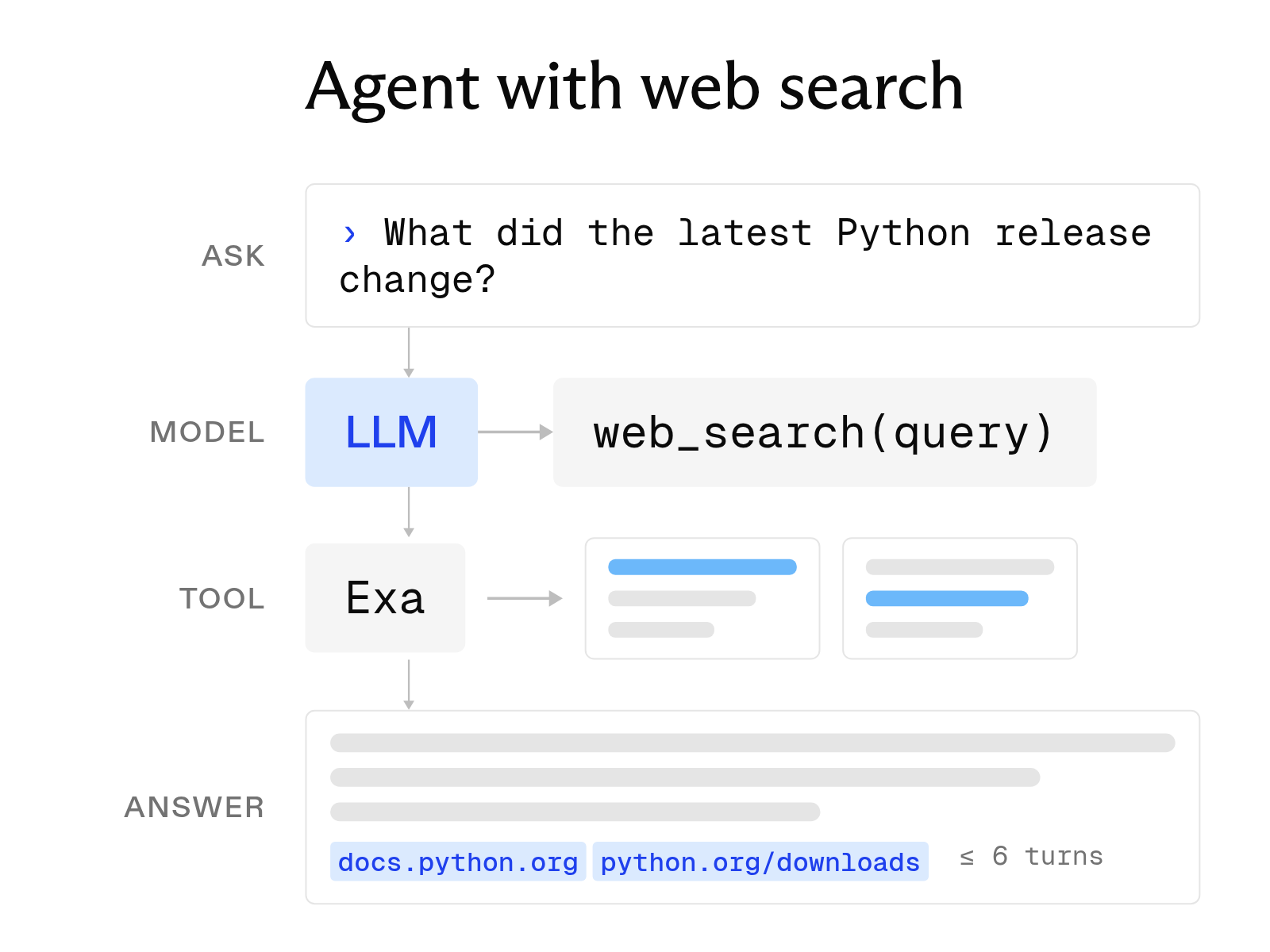
How to build an AI agent with web search
October 6, 2026
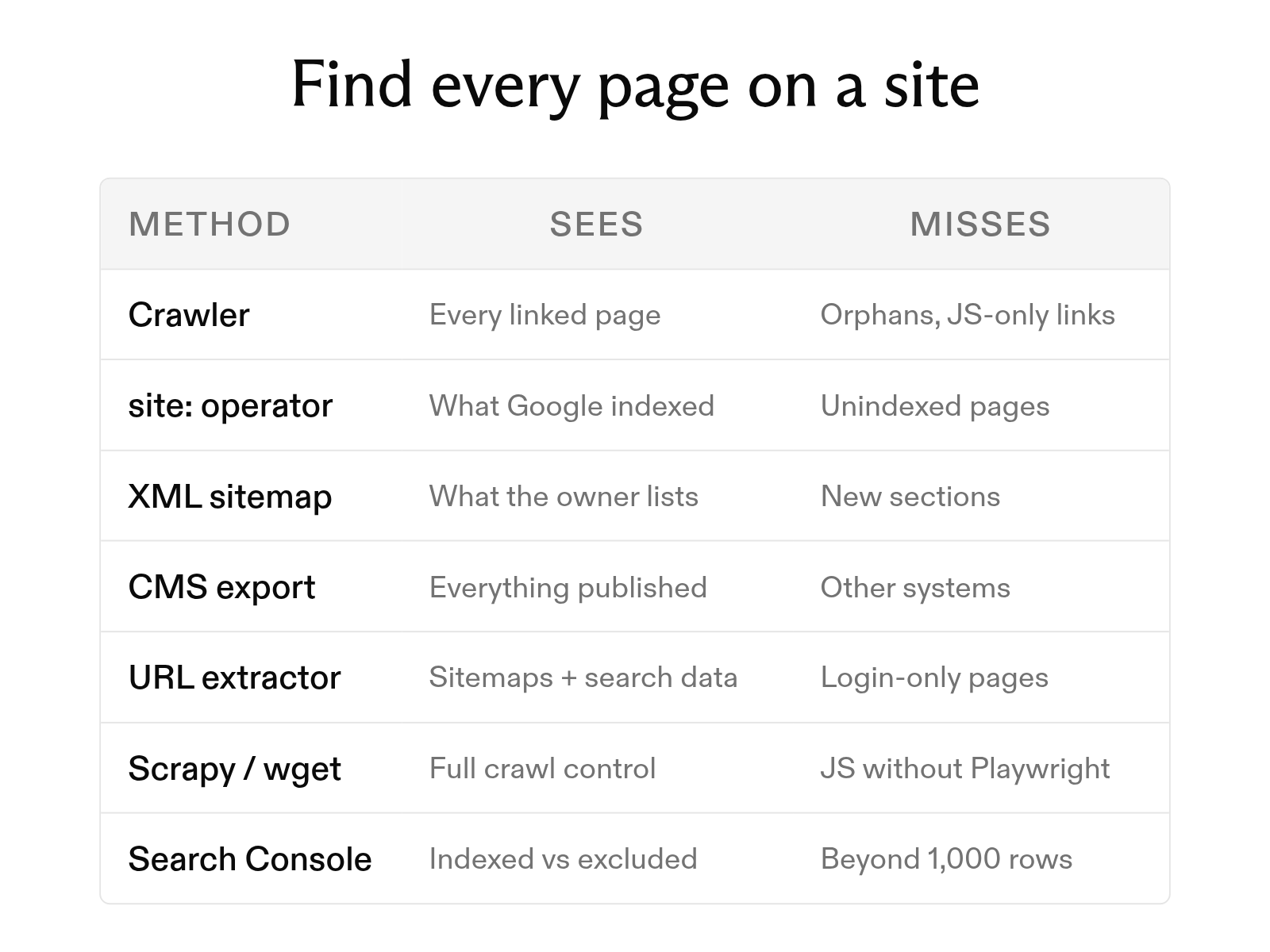
How to find all pages on a website: 7 methods
October 6, 2026
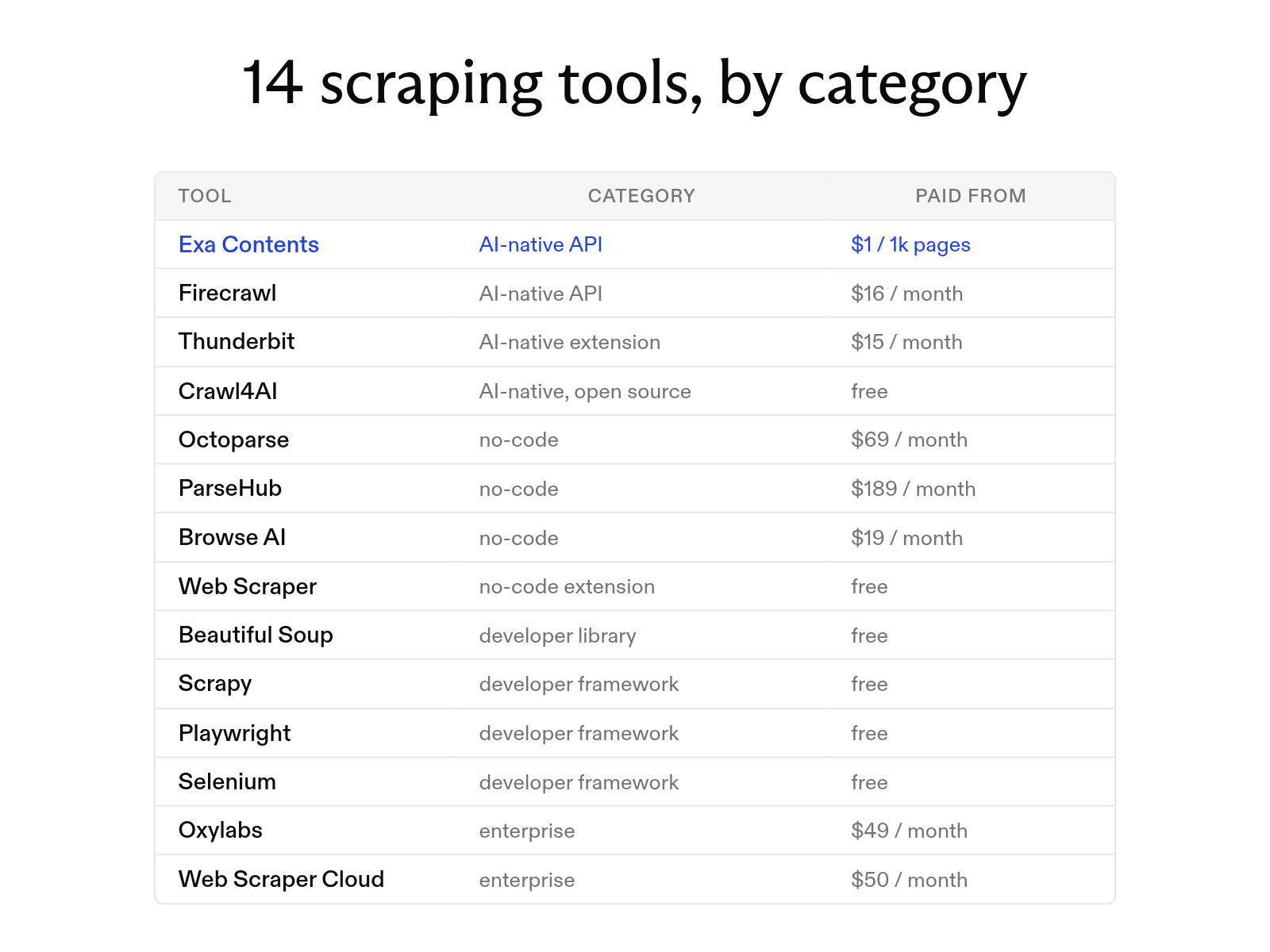
The 14 best web scraping tools in 2026
October 20, 2026