Best AI source finders for academic use, compared
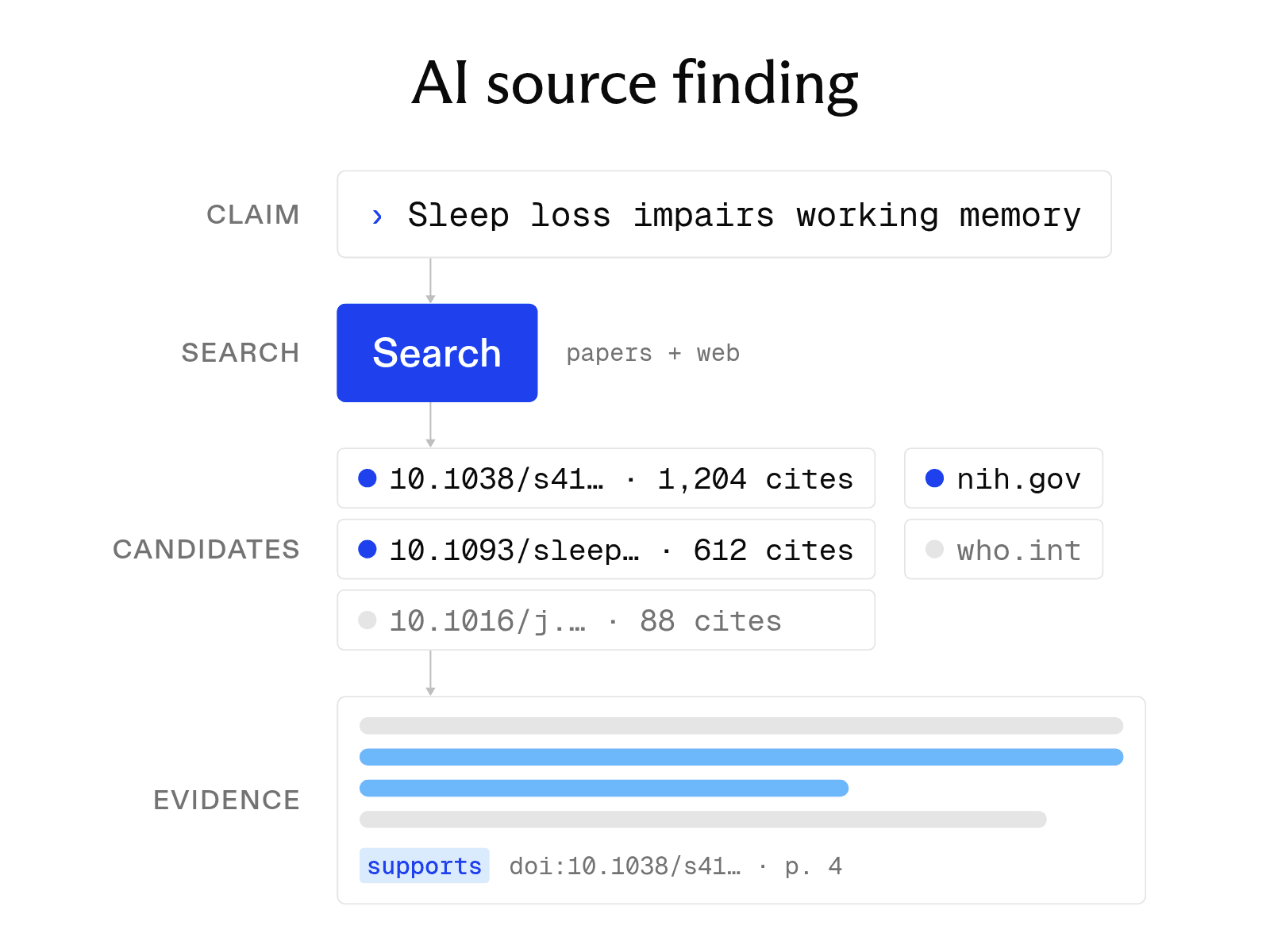

Finding credible evidence can take a long time – especially at scale. When done manually, researchers must search databases and websites. They must also determine whether each result supports the claim and format every citation correctly. AI source finders simplify this process, and there are some great options on the market.
An AI source finder takes a topic or a draft and returns academic papers and web sources that support it, with citations ready to use. You paste a paragraph or type a research question. The tool searches paper databases and the web, picks the sources that match your claims, and formats the references.
This guide explains how these tools work, compares seven options, and outlines how to verify their results. This also happens to be a very common use case for the Exa Search API, and we have specific instructions below for how you can use it.
How AI source finders work
Most tools use three basic steps to find and process sources.
-
Find sources. The tool reads your topic or draft and searches for papers and pages that match it. Some tools search paper databases such as Semantic Scholar, while others search the open web.
-
Match sources to your use case. The tool summarizes each source so you can decide whether it fits, and some tools let you chat with a source before quoting it.
-
Generate citations. The tool formats each source in your chosen style, such as APA or MLA, for both in-text citations and reference lists.
The first step matters most because a tool can format a weak source as neatly as a strong one.
AI source finders compared
-
Exa searches a dedicated index of about 350 million publications as well as the open web. Its Search API takes a claim or question and returns matching papers, the passages that support the claim, and metadata such as authors and citation counts. Developers can use the API to build a source finder into their products. Every account gets $10 in free credits a month.
-
Sourcely searches more than 200 million research papers. After users paste an essay, it returns matching academic sources with summaries and exportable citations. The free tier covers up to 300 characters of pasted text. The Ultra plan adds 100 source credibility checks a month.
-
JotBot is an AI writing tool with a built-in source finder that searches academic journals and other websites. You can chat with a source to understand it. The tool also generates citations in APA, MLA, and other styles. The free plan gives 10 credits a day and up to 3 sources.
-
Consensus searches peer-reviewed literature and answers a research question with cited papers. Its Consensus Meter shows how strongly studies agree on a yes-or-no question. The free plan includes basic paper search and 10 Pro messages a month. Users can export results to EndNote, Zotero, and Paperpile.
-
Elicit searches more than 138 million academic papers and 545,000 clinical trials. Its answers include sentence-level citations. The tool can also extract data from many papers into a table. The free Basic plan includes unlimited search.
-
Perplexity searches the web and returns a written answer with inline citations to the pages it used. It is fast for general topics, but you should confirm that each cited page is a primary source. The free plan covers basic searches, and Education Pro costs $10 a month with student verification.
-
Scite answers questions from the scholarly literature and shows how each paper has been cited, with Smart Citations labeled as supporting, contrasting, or mentioning. Scite also runs inside Claude and ChatGPT and has a Zotero plugin. Its free plan offers only MCP credits, and a 7-day free trial includes the Assistant and Search.
Features and pricing
| Tool | Source types | Citation styles | Free tier | Price |
|---|---|---|---|---|
| Exa | Papers, patents, clinical trials, web pages | Returns metadata for your own formatting | $10 in credits a month | From $4 per 1,000 searches |
| Sourcely | Research papers | 700+ styles | Up to 300 characters | From $19/mo, billed annually |
| JotBot | Academic journals, websites | APA, MLA, and others | 10 credits a day, 3 sources | $20/mo, or $14/mo billed yearly |
| Consensus | Peer-reviewed papers | Export to EndNote, Zotero, Paperpile | 10 Pro messages a month | $20/mo, or $12/mo billed annually |
| Elicit | Papers, clinical trials | Not stated | Unlimited search | $49/mo for Pro, billed annually |
| Perplexity | Web pages | Not stated | Basic searches | $17/mo billed annually |
| Scite | Papers, citation statements | Not stated | 25 MCP credits a month | $20/mo for Basic, billed yearly |
Citation style support matters most if your course or journal uses a less common style. Of these seven, Sourcely lists the most styles.
How to verify source finder results
Every AI source finder can return an irrelevant source or misrepresent what a paper says. Check each citation before it goes into your work.
-
Confirm the source exists. Open the link or search the DOI. Make sure the title, authors, year, and journal match the citation.
-
Read the passage. Find the sentence or table that supports your claim. An abstract that sounds related is not enough.
-
Check its standing. Determine whether later papers support or challenge its findings. Scite shows this directly. If the publisher's page shows a retraction notice, do not cite the paper.
-
Check the format. Compare the generated reference with your style guide, especially author names, capitalization, and DOIs.
Building your own source finder
A source finder built into your app needs a search API. It should cover both research papers and the web while returning passages you can cite.
Exa's Search API has a publication category built on a dedicated index of roughly 350 million publications. Results include authors, publication venues, citations, and query-matching passages that provide supporting text. The category also covers patents, grants, and clinical trials, which can support claims in medicine and engineering. Your tool can use each paper's citation count to rank well-cited sources first.
from exa_py import Exa

exa = Exa()  # reads EXA_API_KEY

claim = "Sleep deprivation reduces working memory performance in adults."

results = exa.search(
    claim,
    category="publication",
    num_results=5,
    contents={"highlights": True},
)

for paper in results.results:
    print(paper.title, paper.url, paper.highlights)
Pass a claim from the draft as the query. The API returns candidate papers with supporting passages. To search the whole web for news and reports, remove the category filter. For longer tasks, such as checking every claim in a draft, the Exa Agent API returns schema-validated JSON with citations for each field.
FAQ
Are AI source finders accurate?
These tools search paper databases and the web for references. You can then open and check each source. However, a tool can still match a claim with a source that does not support it. Read the cited passage before using it.
Is there a free AI source finder?
Yes. Elicit's Basic plan includes unlimited search, and Consensus includes basic paper search. Sourcely and Scite offer small free allowances.
Can I use an AI source finder for academic papers?
Yes, for finding candidate sources. Check your institution's policy on AI tools, read every source you cite, and use a reference manager to keep the citations consistent.
Cheers,
Keep learning
Browse all Learn articles →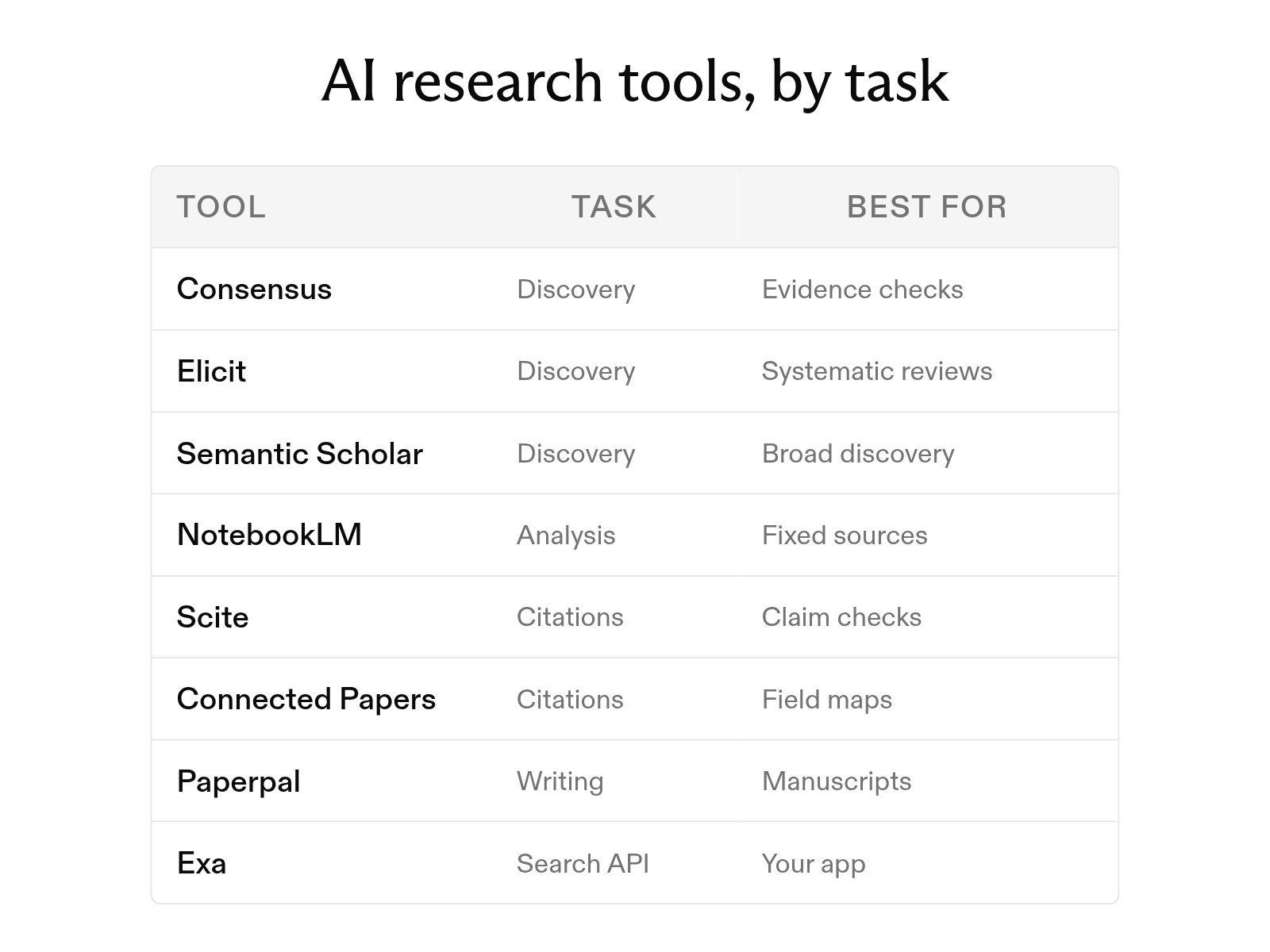
The 12 best AI tools for academic research in 2026
October 6, 2026
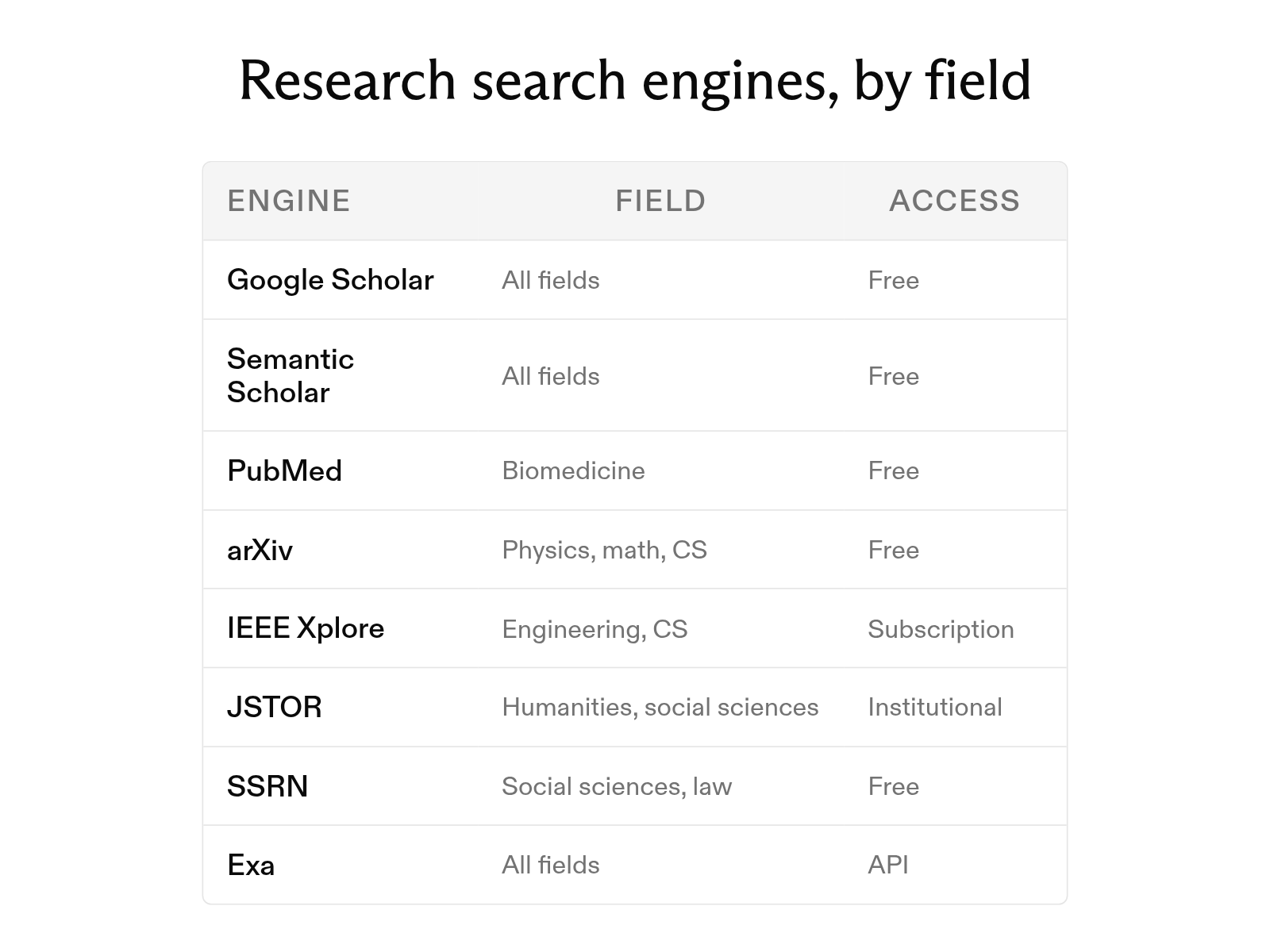
The 12 best search engines for research papers in 2026, by field
September 30, 2026
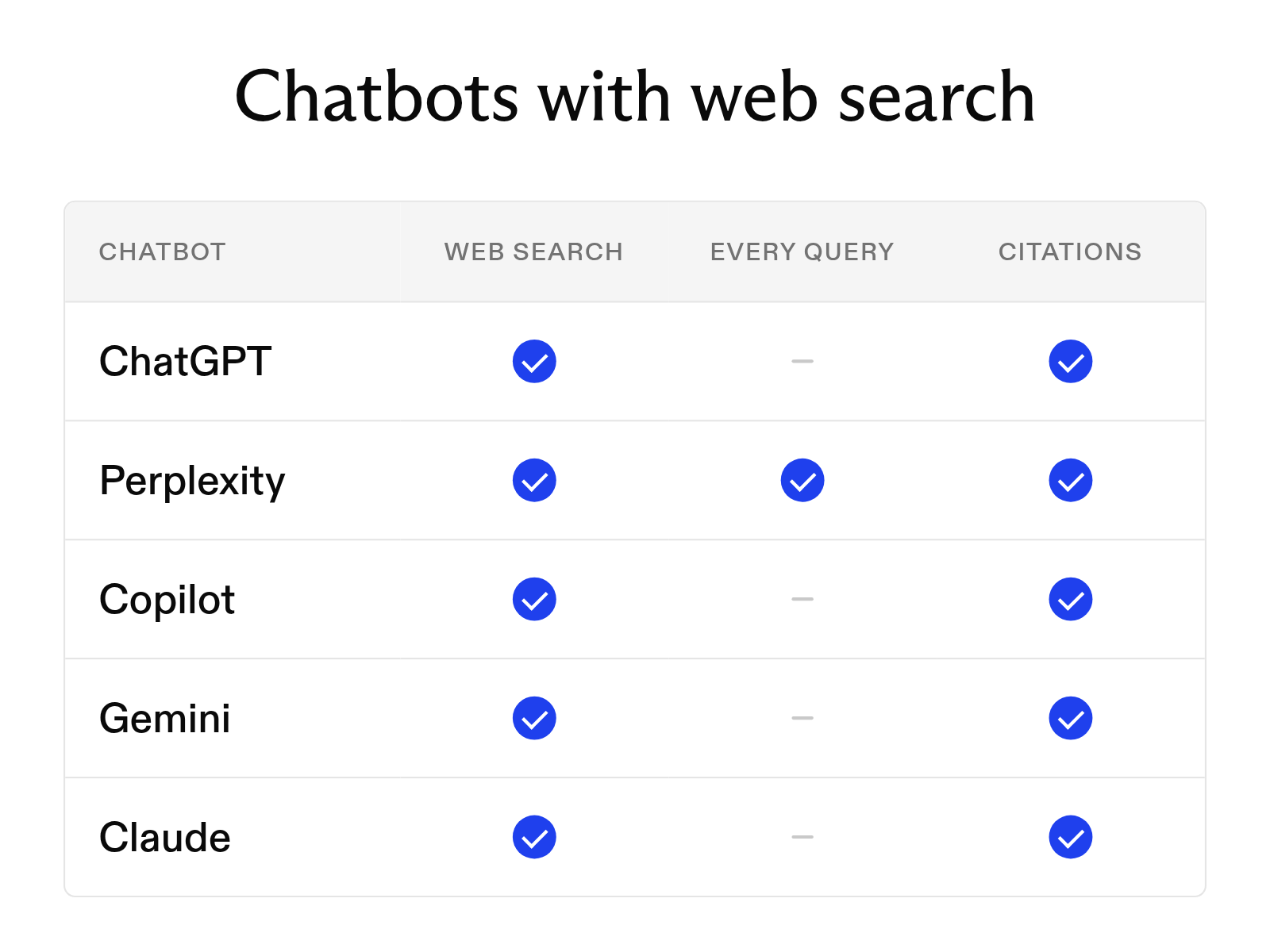
Which AI chatbots can search the web in 2026
September 30, 2026
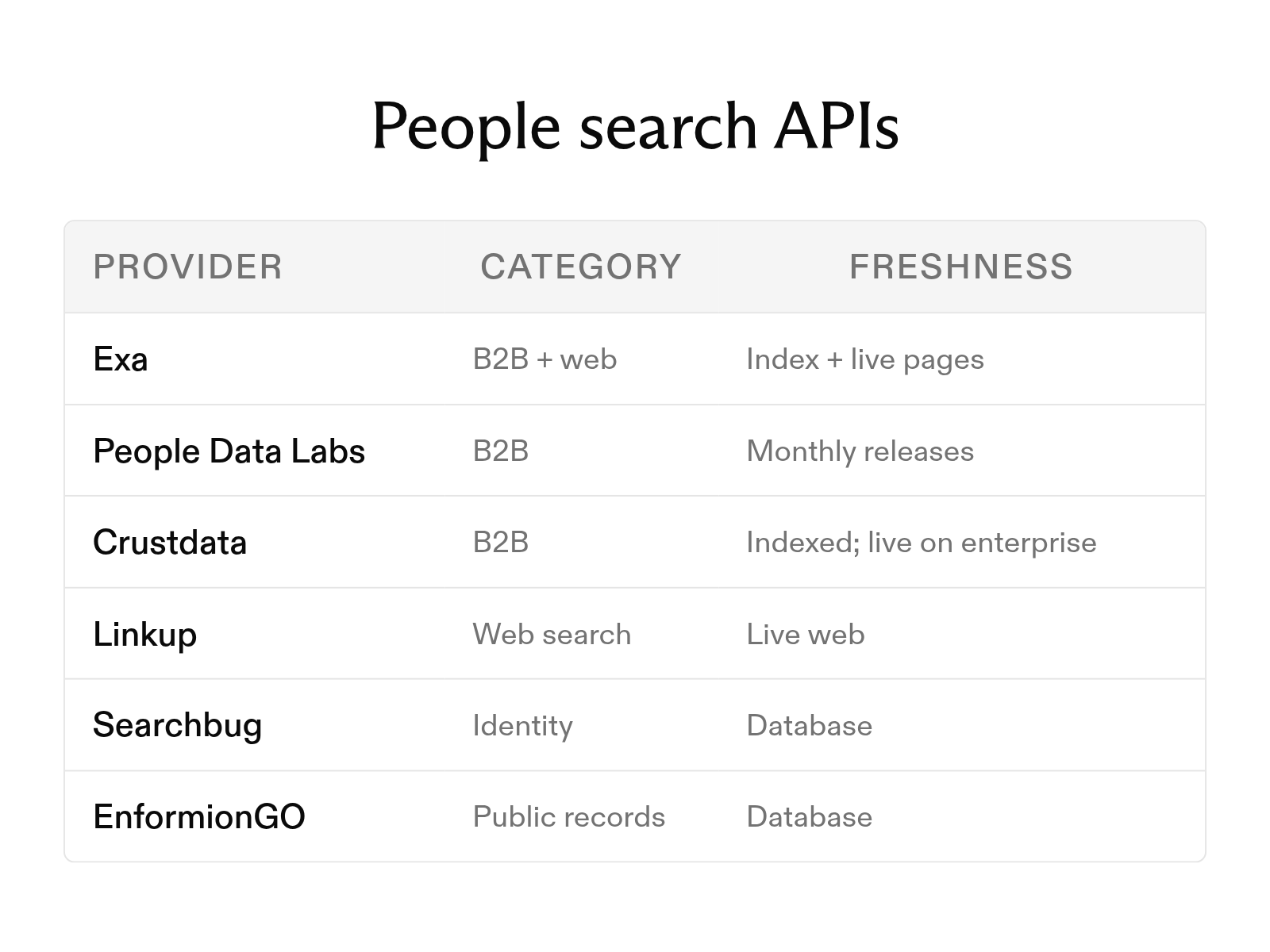
The 6 best people search APIs in 2026
October 6, 2026
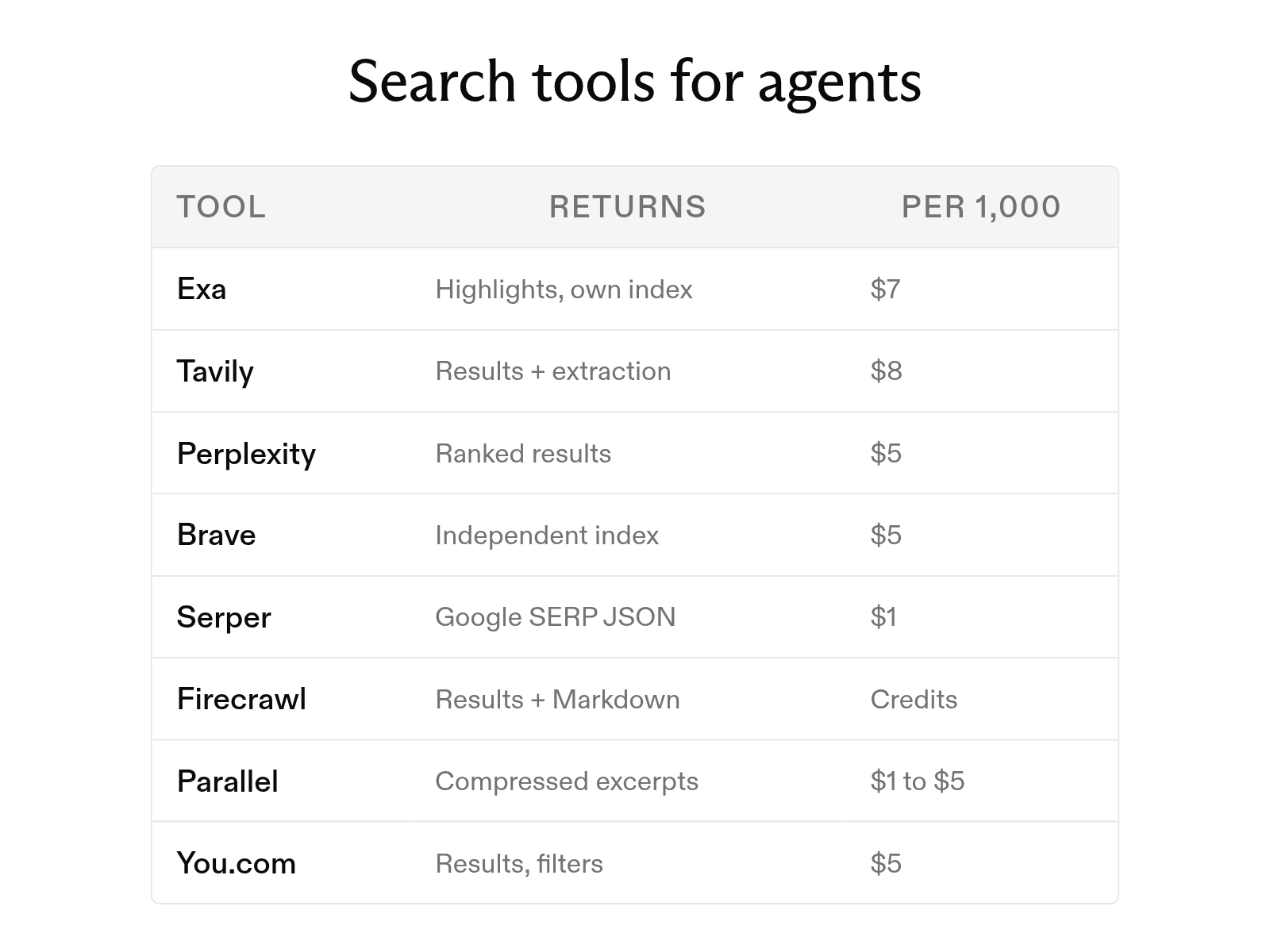
The 8 best web search tools for AI agents in 2026
October 6, 2026
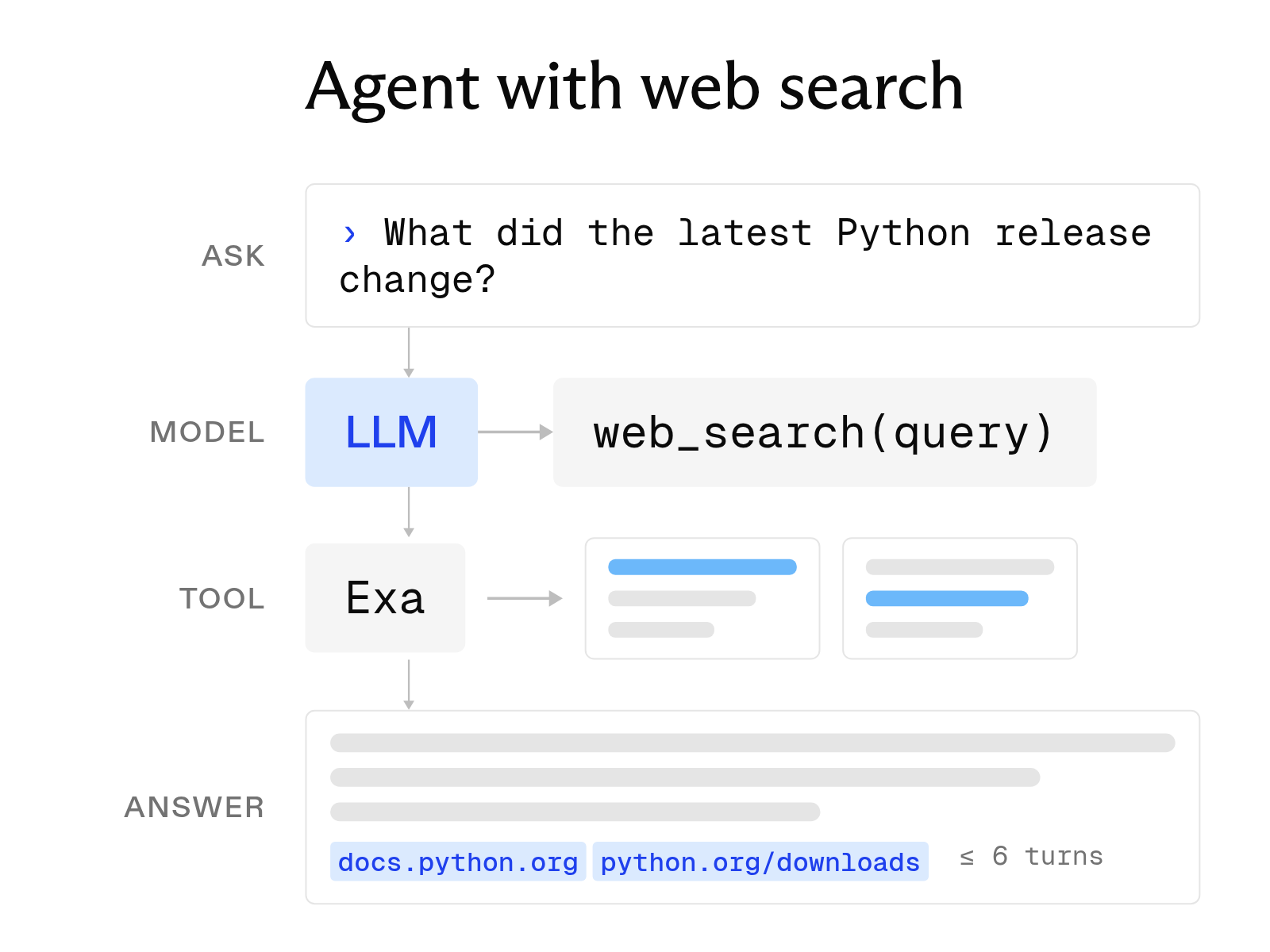
How to build an AI agent with web search
October 6, 2026