Does Claude have real-time web search? How it works
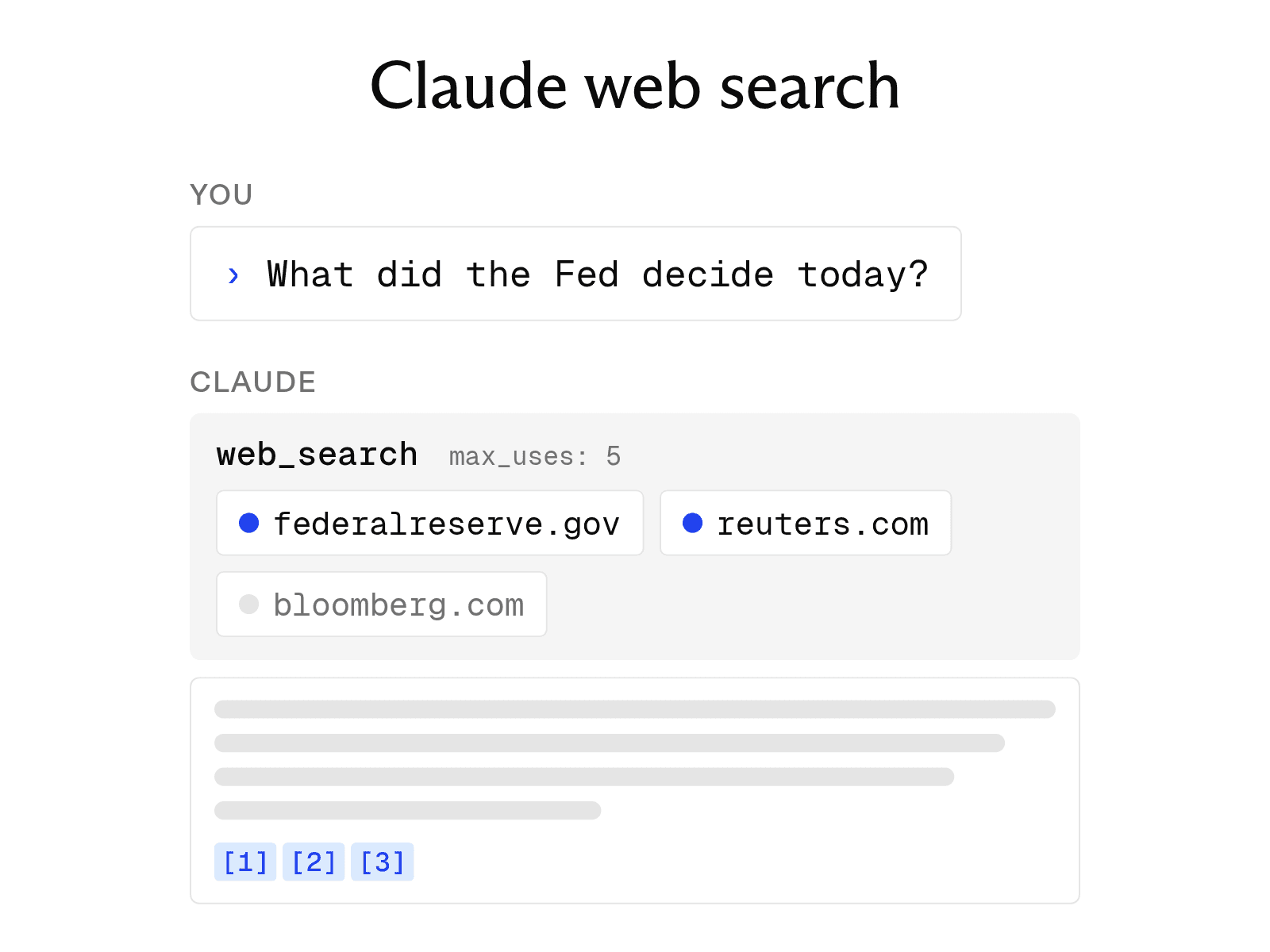

Yes, Claude has real-time web search – and how it works is quite interesting.
In 2025, Anthropic added a feature that lets Claude retrieve current information from the live web. Each search-based response includes citations. The feature is available in Claude apps, the Claude API, and Claude Code.
If you’re building with Claude via the API, you aren’t limited to Anthropic’s built-in search. You can also connect Claude to a search API like Exa, giving the model access to web search and retrieved page content as part of your own application.
How Claude's web search works
-
Autonomous triggering. Claude decides when it needs to search. Anthropic's documentation says it searches for recent events, current prices, and facts that may have changed. For stable information, such as math or coding concepts, it answers directly.
-
Explicit prompting. You can guide Claude's decision. Include "Search the web" or "Use web search" in your prompt to make Claude search. You can also instruct it not to search.
-
Citations in every grounded reply. When Claude uses search results, its response includes citations, source links, and relevant quotes so you can verify each claim.
-
Web fetch for a given URL. When web search is enabled, Claude can retrieve the full contents of a page from a URL you provide. Anthropic notes that a long article uses more of the context window than a standard search does.
How to use Claude’s web search manually
In a chat, select the + button in the lower-left corner, then select Web search. A checkmark indicates that the feature is enabled. Select it again to turn it off. The new Claude experience does not include a toggle; Claude searches the web when doing so would improve its answer.
Free accounts can use web search, but searches count toward usage limits that reset every five hours. On Team and Enterprise plans, an Owner or Primary Owner must first enable web search under Organization settings > Capabilities. The feature works with current models ranging from Haiku 4.5 to Opus 5.5, as well as Fable 5.1.
Web search in the Claude API and Claude Code
In the API, add the web_search server tool to a request. Web search costs $10 per 1,000 searches, plus standard token costs for results added to the conversation. Configuration options include max_uses and lists of allowed or blocked domains. The separate web fetch tool has no fee beyond token costs. Exa's Search API starts at $4 per 1,000 requests and returns up to 10 results with each request.
In Claude Code, the WebSearch tool uses Anthropic's web search backend and returns titles and URLs. WebFetch retrieves the contents of a page. Amazon Bedrock does not provide access to the server-side search tool, so developers who prefer another search provider can use an MCP server.
Using a different search provider with Claude
Our own Exa MCP is a popular drop-in search option for Claude and Claude Code with more than 100,000 package downloads per week. In Claude Desktop or on the web, select the plus button, choose Add connector, and connect Exa. In Claude Code, run claude plugin install exa@claude-plugins-official.
The Exa search tool returns relevant highlights with source URLs. Its highlights use up to 17 times fewer tokens than full-page text, leaving more of Claude's context window available for the conversation. If a highlight lacks enough detail, Claude can call web_fetch_exa to retrieve the full page. The server works without an API key at free rate limits, while signing in applies requests to your Exa plan.
FAQ
Is Claude's web search free?
No. In the Claude apps, web search is included with the free plan and counts toward usage limits. In the Claude API, web search costs $10 per 1,000 searches, plus token costs.
Can Claude search the web in Claude Code?
Yes. Claude Code has a built-in WebSearch tool. By default, each session can make up to 200 WebSearch calls. You can increase that limit with the CLAUDE_CODE_MAX_WEB_SEARCHES_PER_SESSION environment variable.
Cheers,
Keep learning
Browse all Learn articles →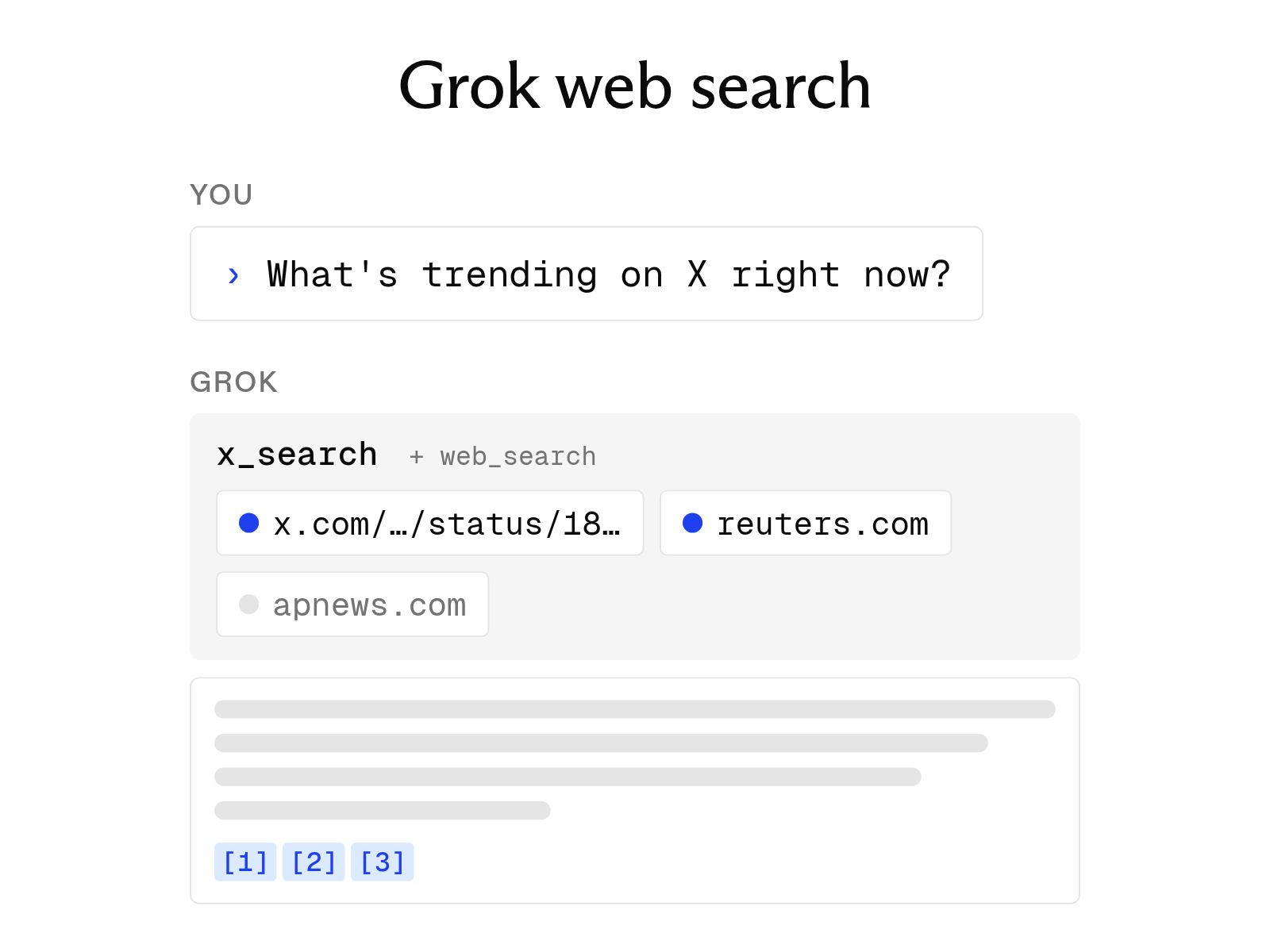
Does Grok have real-time web search? How it works
September 30, 2026
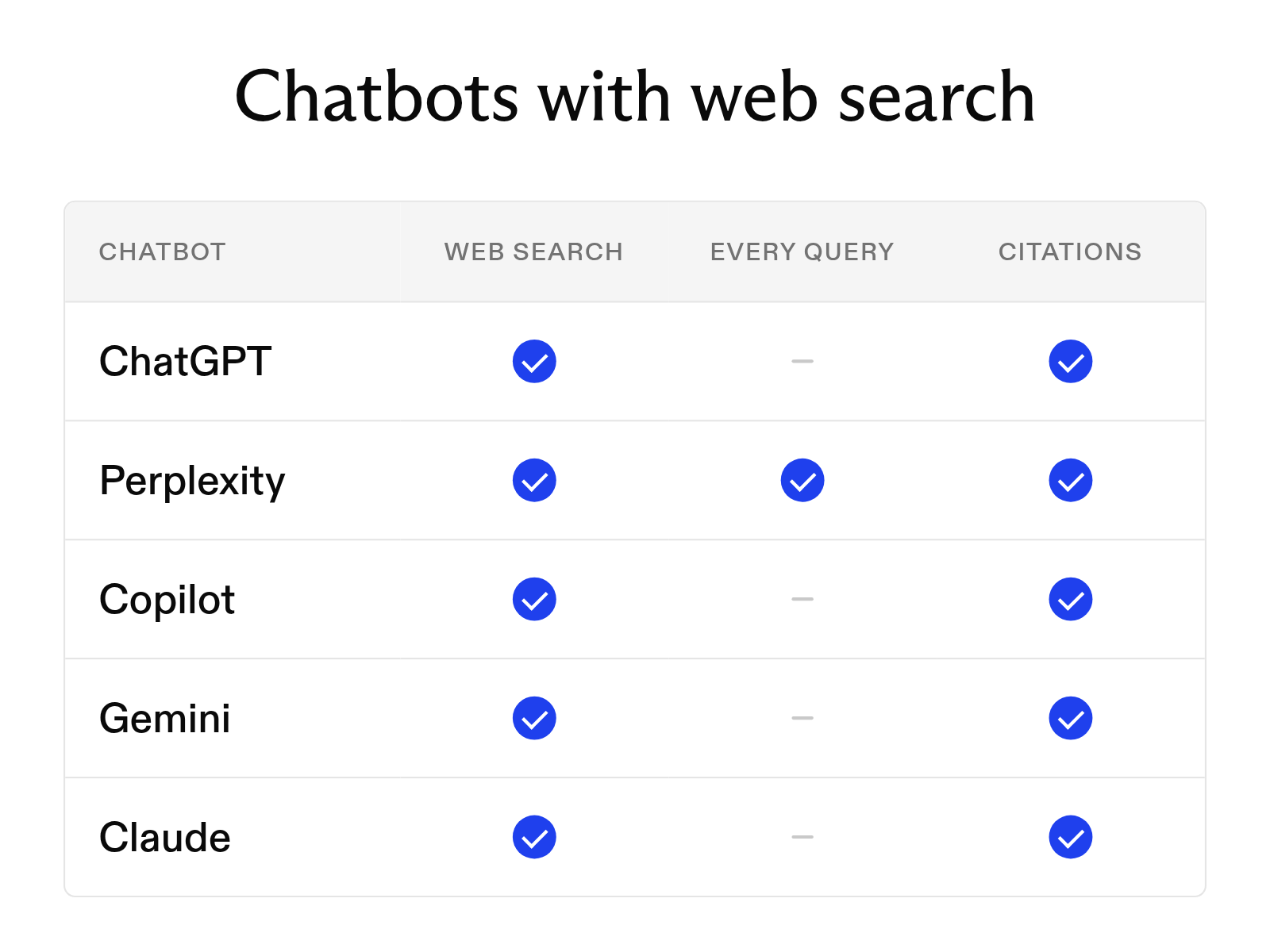
Which AI chatbots can search the web in 2026
September 30, 2026
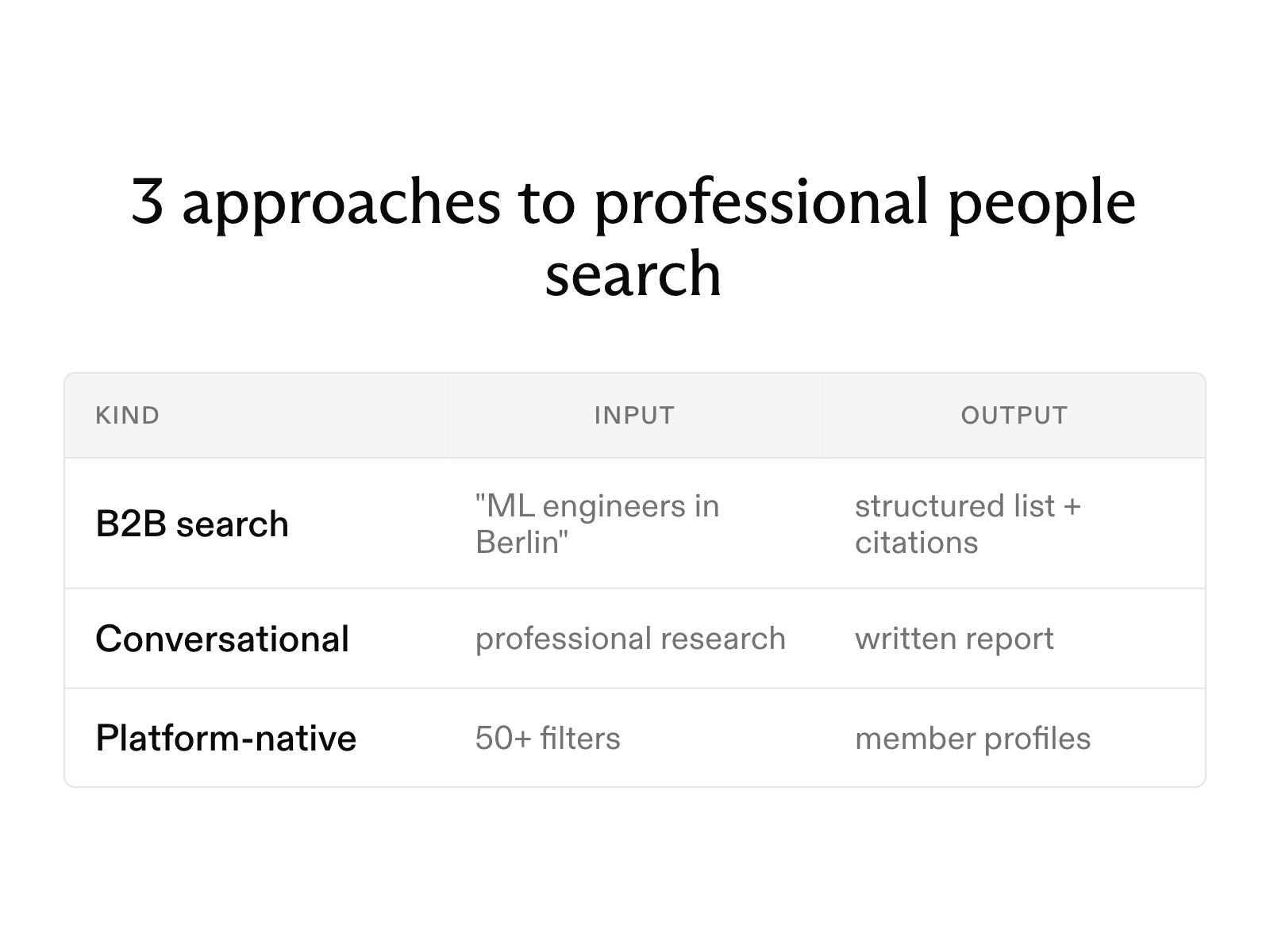
AI people search: how it works, and the best tools available in 2026
September 30, 2026
The 8 best web search tools for AI agents in 2026
October 6, 2026
What is LLM grounding, and how does it work with a search API?
October 6, 2026
Open-source deep research agents: how they work and how to use them
October 1, 2026