The best Serper alternatives & competitors, compared
Updated
Serper returns Google search results as JSON, fast and cheap, which is all a basic Google-only rank tracker needs. Teams look for alternatives when they need more than Google results: broader search coverage, full page content, or a search API designed for retrieval rather than reproducing a results page.
The distinction matters more for agents and other applications that need to read and use what they find. A list of ranked URLs is often just the first step; the pages still need to be fetched, parsed, and turned into usable content.
This guide compares six search and scraping APIs on features, benchmark results, pricing, and where each one fits.
Exa: Web search, research, and retrieval APIs for AI agents
- Founded
- 2021
- Similar to
- Tavily, Brave Search API
- Typical users
- Developers creating software agents and data retrieval systems
- Typical customers
- Early-stage AI companies and software development platforms
What is Exa?
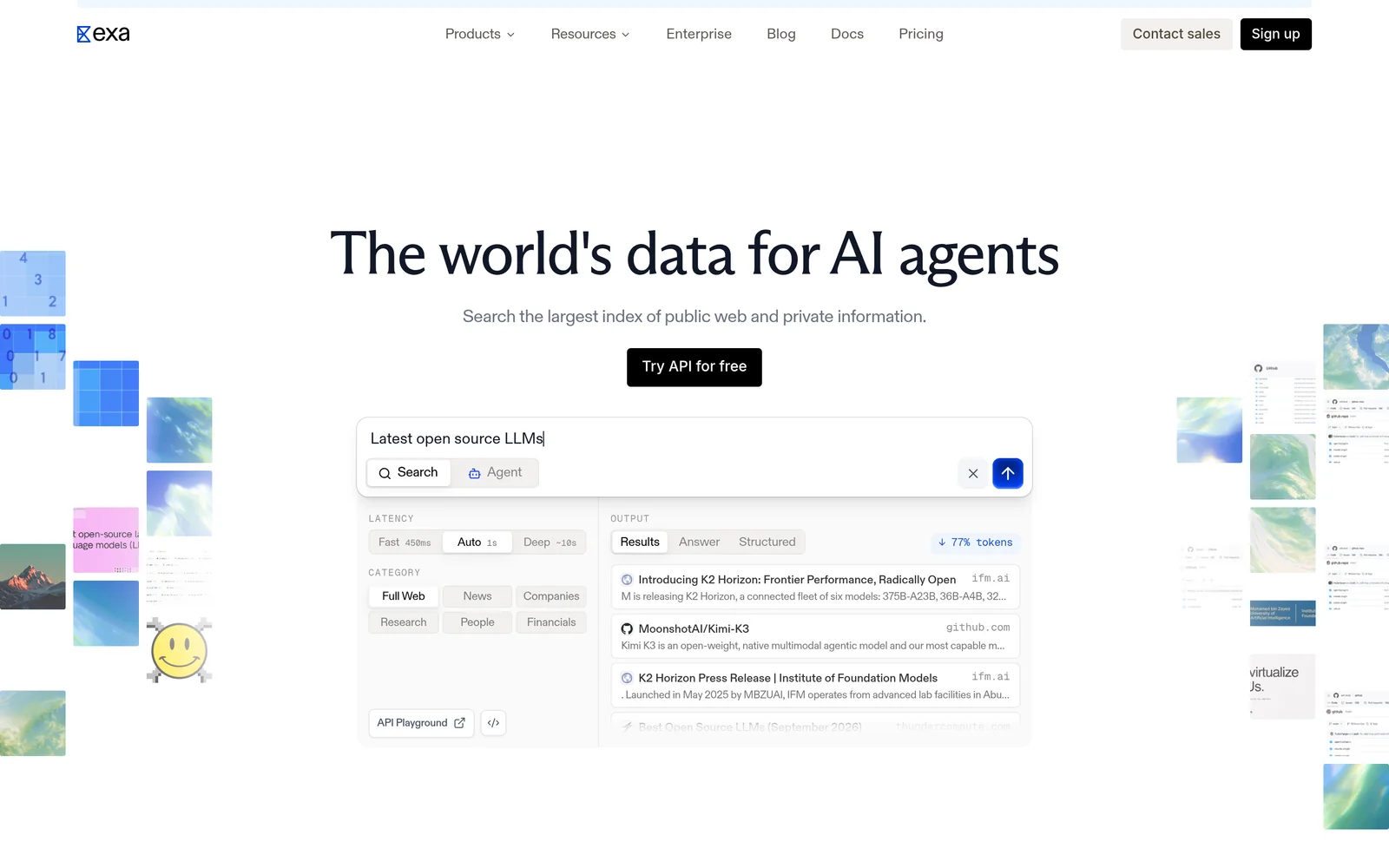
Exa is a search engine built for software rather than people. Given a query, it searches its own index and returns ranked results with extracted text and highlights. Because the search is semantic, a request like "European startups developing humanoid robots" works as written.
Beyond search, Exa offers Contents for extracting page text, Answer for a cited summary in one call, Deep Search for multi-pass research, and Monitors for tracking new content over time.
Key features
- Search by meaning. Neural search over its own index. Auto, the default search type, picks the best method for each query.
- Page content included in responses. Search starts at $4 per 1,000 requests (Lite); Auto is $7. Both include extracted text and highlights for up to ten results. Most alternatives return links and bill separately for content.
- Category-specific search. Filters for companies, people, and publications, with structured metadata.
- Answer and Deep Search. Cited answers cost $5 per 1,000 requests. Multi-step research runs cost $12 per 1,000.
- Contents and Monitors. Extracting text from URLs you already have costs $1 per 1,000 pages. Scheduled searches that watch a topic cost $15 per 1,000.
- Published rate limits. 10 queries per second on Search, 100 on Contents, and 10 on Answer.
Comparison with Serper
Serper shows you what Google displays for a query. Exa searches its own index by meaning and returns full page text. A rank tracker needs Google's exact layout; an agent needs the content. For an agent, a results page is overhead, because every link still has to be fetched.
| Feature | Exa | Serper |
|---|---|---|
Self-service access Direct setup without contacting sales | Yes | Yes |
Free usage tier Included usage before paid plans | Yes | Not applicable |
Search cost Price per 1,000 requests | From $4, content included | Not applicable |
Full text in results Extracted content returned in response | Yes | No |
Proprietary web index Independent crawl rather than a third-party wrapper | Yes | Not applicable |
Semantic search Meaning-based retrieval instead of strict keywords | Yes | No |
Single-call cited answer Combined data retrieval and answer synthesis | Yes | No |
Schema-defined output JSON output formatted to custom specifications | Yes | No |
URL content extraction Parses text directly from user-provided URLs | Yes | No |
Published rate limits Publicly documented query throughput limits | 10 QPS on Search, custom Enterprise limits | Not applicable |
- Free usage tier: Exa offers $10 a month plus a $10 onboarding bonus, plus free access through Exa MCP with no API key required.
- Full text in results: Exa includes extracted text and highlights.
- Single-call cited answer: Exa offers Answer at $5 per 1,000 requests.
- Schema-defined output: Exa via outputSchema on Answer and JSON-schema summaries on Contents.
- URL content extraction: Exa offers Contents at $1 per 1,000 pages.
- Published rate limits: Exa supports 10 QPS on Search, with custom Enterprise limits.
Key technical differences between Exa and Serper
- Exa searches its own index and returns page text and highlights with results. Serper returns Google's results page as JSON.
- Exa starts at $4 per 1,000 requests. Serper's pricing page renders client-side and no rate could be verified.
- Exa searches by meaning, so a question finds pages whose wording never matches it. Serper returns what Google matched on keywords.
- Exa cannot report what ranks on Google. Serper is built for exactly that.
Key similarities between Exa and Serper
- Both are self-service with no sales call.
- Both return ranked results with links and metadata.
- Both bill by the search rather than per seat.
- Both sell on speed.
Exa primary use cases
Serper does not appear in Exa's benchmarks, because SERP scrapers and search APIs do different jobs. In Exa's own tests, it placed the target first in 75.5% of people queries, 81.5% of company queries, and 63.3% of research paper searches, with a median latency of 472 milliseconds.
Teams move to Exa when nothing downstream needs a rank position. Because page text comes back with the results, the fetch-and-parse step after the SERP goes away.
Bottom line
Exa fits agents that read web text, because it skips the results page and the extra retrieval calls. Rank tracking belongs with Serper or a multi-engine SERP API.
SerpAPI: Search engine results API
- Founded
- 2017
- Similar to
- Serper, SearchApi
- Typical users
- Engineers and SEO teams parsing search result pages
- Typical customers
- Rank trackers and analytics products across several engines
What is SerpAPI?
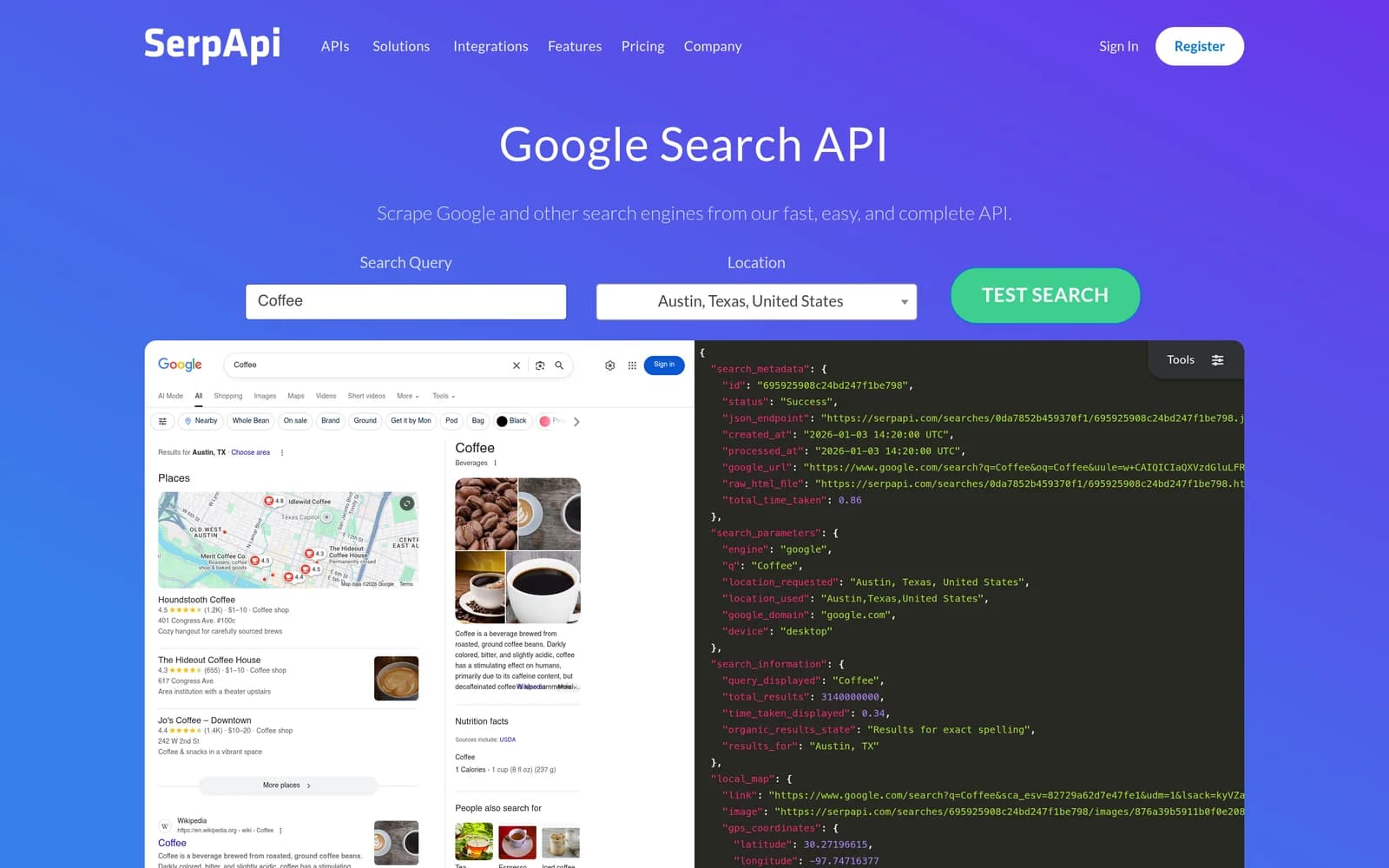
SerpAPI returns parsed JSON search results from Google, Bing, Yahoo, YouTube, Baidu, and others. It extracts knowledge panels, local packs, shopping results, and People Also Ask boxes into structured fields. Plans run from $25 a month for 1,000 searches to $275 a month for 30,000, with a 250-query free tier and up to $2 million in legal indemnification.
Key features
- Many engines. Google, Bing, Yahoo, YouTube, Baidu, and others through one API.
- Deep SERP feature parsing. Knowledge panels, local packs, shopping results, and People Also Ask as typed fields.
- Plans from $25 a month. From 1,000 searches to $275 for 30,000, with 250 free searches a month.
- Legal shield. Marketed for scraping and parsing search engine data, with up to $2 million in coverage.
Comparison with Serper
SerpAPI is Serper with more of everything: more engines, deeper feature parsing, published pricing tiers, and legal protection. For plain Google organic results the two return the same thing; SerpAPI's higher price buys the extra coverage and the structured fields.
| Feature | SerpAPI | Serper |
|---|---|---|
Self-service access Direct setup without contacting sales | Yes | Yes |
Free usage tier Included usage before paid plans | Yes | Not applicable |
Search cost Price per 1,000 requests | $25 a month for 1,000 searches | Not applicable |
Full text in results Extracted content returned in response | No | No |
Semantic search Meaning-based retrieval instead of strict keywords | No | No |
Single-call cited answer Combined data retrieval and answer synthesis | No | No |
Schema-defined output JSON output formatted to custom specifications | No | No |
URL content extraction Parses text directly from user-provided URLs | No | No |
- Free usage tier: SerpAPI includes 250 searches per month.
Key technical differences between SerpAPI and Serper
- SerpAPI covers Google, Bing, Yahoo, YouTube, Baidu, and more. Serper covers Google only.
- SerpAPI publishes $25 to $275 a month. Serper's pricing could not be verified.
- SerpAPI parses every block on the page. Serper returns organic results and SERP features with less depth.
- SerpAPI gives 250 free searches a month and markets a legal shield. Serper publishes neither in a readable form.
Key similarities between SerpAPI and Serper
- Both return the search engine's results page as JSON, not page content.
- Both target rank tracking and SERP monitoring rather than model context.
- Both are self-service with no sales call.
- Neither does semantic search; both return what the engine matched on keywords.
SerpAPI primary use cases
Teams choose SerpAPI when they need several engines or detailed SERP features, such as local packs across many locations, and will pay more for the data.
Bottom line
SerpAPI fits workflows that need several engines or deep SERP parsing. If Google alone is enough, Serper returns the same results for less.
DataForSEO: SERP and SEO data APIs
- Founded
- 2016
- Similar to
- SerpAPI, SearchApi
- Typical users
- Engineers running scheduled SEO collection at volume
- Typical customers
- SEO platforms and agencies with nightly batch jobs
What is DataForSEO?
DataForSEO sells SEO analytics across more than seventeen Google endpoints and other major engines, priced pay-as-you-go with queued batch processing. Exact rates sit behind an online calculator that could not be read; the one confirmed number is a $50 minimum deposit. The architecture is asynchronous, so it suits scheduled collection rather than requests someone is waiting on.
Key features
- Queued, pay-as-you-go pricing. Results arrive later, for work that can wait.
- Seventeen or more Google endpoints. Plus other engines, aimed at SEO analytics at volume.
- $50 minimum payment. Rates sit behind a calculator that could not be read.
- Built for batch. The asynchronous design does not suit a request a person is waiting on.
Comparison with Serper
DataForSEO keeps cost down at volume with pay-as-you-go pricing and queued processing across many Google endpoints, which suits overnight batch collection rather than live requests. Neither service's rates could be verified here. The practical difference is DataForSEO's queue against Serper's live response.
| Feature | DataForSEO | Serper |
|---|---|---|
Self-service access Direct setup without contacting sales | Yes | Yes |
Search cost Price per 1,000 requests | $50 minimum deposit | Not applicable |
Full text in results Extracted content returned in response | No | No |
Semantic search Meaning-based retrieval instead of strict keywords | No | No |
Single-call cited answer Combined data retrieval and answer synthesis | No | No |
Schema-defined output JSON output formatted to custom specifications | No | No |
URL content extraction Parses text directly from user-provided URLs | No | No |
Key technical differences between DataForSEO and Serper
- DataForSEO queues requests and returns results later. Serper returns live.
- DataForSEO covers Google and other engines. Serper covers Google only.
- DataForSEO's asynchronous design does not suit a request a person is waiting on. Serper is built for that request.
- Neither DataForSEO's rates nor Serper's could be verified here; the $50 minimum is the one confirmed DataForSEO number.
Key similarities between DataForSEO and Serper
- Both return SERP data as structured fields, not page content.
- Both target SEO measurement rather than model context.
- Both sell on cost per search.
- Neither publishes a rate that could be verified from its pricing page.
DataForSEO primary use cases
DataForSEO is used for nightly rank tracking across large keyword sets, where delayed batch delivery cuts cost and latency does not matter.
Bottom line
DataForSEO fits large scheduled batches. Serper is the better tool for a query that needs an answer now.
SearchApi: Multi-engine SERP API
- Founded
- 2024
- Similar to
- SerpAPI, Serper
- Typical users
- Engineers who need results as they appear in a location
- Typical customers
- Local rank trackers and multi-engine monitors
What is SearchApi?
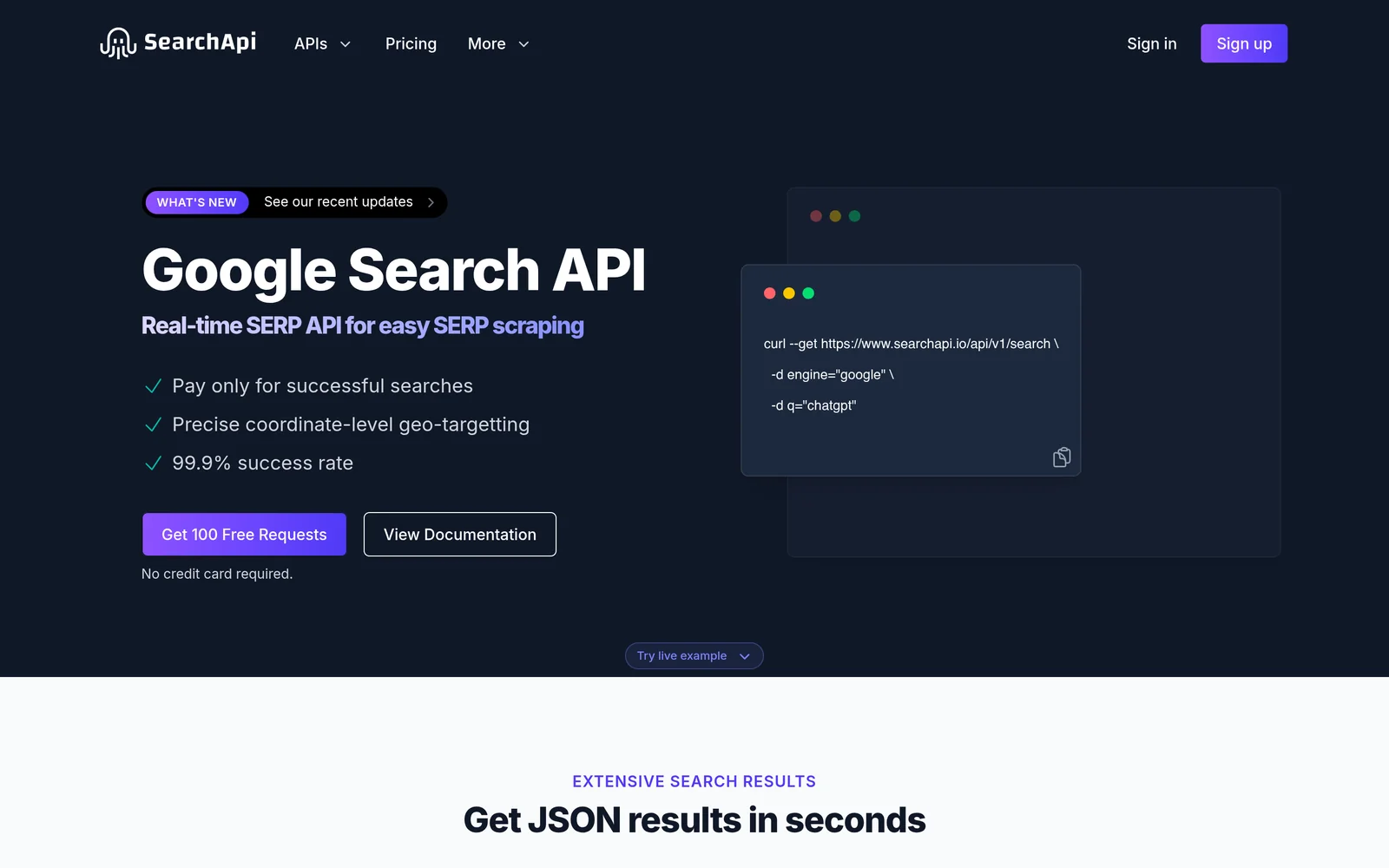
SearchApi returns clean multi-engine SERP JSON with built-in location targeting. The Developer plan costs $40 a month for 10,000 queries ($4 per 1,000), Production $100 a month ($3 per 1,000), and BigData $250 a month ($2.50 per 1,000). Developer carries a 99.9% SLA; higher tiers add legal protection.
Key features
- Geo-targeting. Results as they appear in a given city or country.
- Multi-engine JSON. A simpler surface than the deep-parsing platforms.
- $4 to $2.50 per 1,000. Across Developer, Production, and BigData plans from $40 a month.
- 99.9% SLA. On the Developer plan, with a legal protection guarantee on higher tiers.
Comparison with Serper
SearchApi covers several engines with cleaner output than SerpAPI and treats location targeting as a core feature. Its published tiers run from $4.00 down to $2.50 per 1,000 requests with a 99.9% uptime SLA, which gives you a budget line Serper's unverified rate cannot.
| Feature | SearchApi | Serper |
|---|---|---|
Self-service access Direct setup without contacting sales | Yes | Yes |
Search cost Price per 1,000 requests | $4 to $2.50 by plan | Not applicable |
Full text in results Extracted content returned in response | No | No |
Semantic search Meaning-based retrieval instead of strict keywords | No | No |
Single-call cited answer Combined data retrieval and answer synthesis | No | No |
Schema-defined output JSON output formatted to custom specifications | No | No |
URL content extraction Parses text directly from user-provided URLs | No | No |
Key technical differences between SearchApi and Serper
- SearchApi covers more than one engine. Serper covers Google only.
- SearchApi publishes $4 to $2.50 per 1,000 searches by plan. Serper's rate could not be verified.
- SearchApi makes geo-targeting a first-class option. Serper sells on speed.
- SearchApi publishes a 99.9% SLA on Developer. Serper publishes no SLA that could be read.
Key similarities between SearchApi and Serper
- Both return the results page as typed JSON fields.
- Both sell on speed and a simple surface.
- Both are self-service with no sales call.
- Neither returns page content, so a RAG pipeline still needs an extraction layer.
SearchApi primary use cases
SearchApi is used for regional rank tracking across cities and engines, where a published per-search rate and an SLA make budgeting simple.
Bottom line
SearchApi fits local rank tracking across several engines with fixed pricing and an SLA. If you only need Google, Serper is simpler.
Tavily: Web search API for AI agents

- Founded
- 2023
- Similar to
- Exa, Linkup
- Typical users
- Engineers building LLM apps and RAG pipelines
- Typical customers
- Prototypes and early-stage agent products
What is Tavily?
Tavily is a web search API for language models and retrieval-augmented generation (RAG) systems. It returns cleaned, deduplicated content trimmed to a token limit so it can go straight into a prompt. An extract endpoint pulls text from URLs you supply. The free tier includes 1,000 credits a month; paid plans run from $30 to $500 a month.
Key features
- Agent-ready context. Results as model-sized snippets with boilerplate removed.
- Extract endpoint. Text from URLs you already hold, alongside search.
- Credit pricing. $0.008 per credit pay-as-you-go, falling to $0.0075 and $0.005 on committed plans from $30 to $500 a month.
- Free tier. 1,000 credits a month, no card required.
Comparison with Serper
Tavily is built for AI and RAG workflows. Where Serper returns Google's raw results page, Tavily returns short, cleaned text snippets for a model, with a 1,000-credit free tier and a quick setup. It suits teams that want content for a model rather than rank data.
| Feature | Tavily | Serper |
|---|---|---|
Self-service access Direct setup without contacting sales | Yes | Yes |
Free usage tier Included usage before paid plans | Yes | Not applicable |
Search cost Price per 1,000 requests | $8 pay-as-you-go, $5 to $7.50 on plans | Not applicable |
Full text in results Extracted content returned in response | Yes | No |
Semantic search Meaning-based retrieval instead of strict keywords | Not applicable | No |
Single-call cited answer Combined data retrieval and answer synthesis | Not applicable | No |
Schema-defined output JSON output formatted to custom specifications | No | No |
URL content extraction Parses text directly from user-provided URLs | Yes | No |
- Free usage tier: Tavily includes 1,000 credits per month.
- Full text in results: Tavily includes extracted snippets.
- URL content extraction: Tavily provides an extract endpoint.
Key technical differences between Tavily and Serper
- Tavily returns cleaned snippets for a model. Serper returns Google's results page as JSON.
- Tavily charges $8 per 1,000 credits pay-as-you-go. Serper's rate could not be verified.
- Tavily gives 1,000 free credits a month. Serper publishes no free tier that could be read.
- Tavily measured a 3.6-second median in profile-lookup testing with a 40.5% top-result rate. Serper has not been measured.
Key similarities between Tavily and Serper
- Both are self-service with no sales call.
- Both bill by the search or credit rather than per seat.
- Both sit inside agent pipelines.
- Neither publishes an index of its own.
Tavily primary use cases
Teams pick Tavily for early AI prototypes and agent work, where a free tier and quick integration matter more than search tuning.
Bottom line
Tavily fits agent builders who want clean context at low starting cost, which Serper does not offer. It cannot return Google's SERP layout.
Brave Search API: Independent web search API
- Founded
- 2021
- Similar to
- Exa, Bing Search API
- Typical users
- Engineers who want an index that is not Google's
- Typical customers
- Privacy-focused products with their own extraction layer
What is Brave Search API?
The Brave Search API gives access to Brave's own web index, with no dependence on Google or Bing. It returns ranked results at $5 per 1,000 queries and includes an AI Grounding endpoint for cited answers. Alongside Exa, it is the one alternative here that runs a fully independent index.
Key features
- Independent index. Brave crawls the web itself rather than wrapping another engine.
- $5 per 1,000 requests, with a $5 monthly credit.
- AI Grounding. Cited answers at $4 per 1,000 requests, plus $5 per million input and output tokens.
- Speed. A median of about 650 ms in testing.
Comparison with Serper
Brave is a fast, cheap, link-oriented search API on its own index rather than Google's. At $5 per 1,000 requests with $5 in monthly credit, it gives you retrieval with no Google dependency, and you can try it for free.
| Feature | Brave Search API | Serper |
|---|---|---|
Self-service access Direct setup without contacting sales | Yes | Yes |
Free usage tier Included usage before paid plans | Yes | Not applicable |
Search cost Price per 1,000 requests | $5 | Not applicable |
Full text in results Extracted content returned in response | No | No |
Proprietary web index Independent crawl rather than a third-party wrapper | Yes | Not applicable |
Semantic search Meaning-based retrieval instead of strict keywords | No | No |
Single-call cited answer Combined data retrieval and answer synthesis | Yes | No |
Schema-defined output JSON output formatted to custom specifications | No | No |
URL content extraction Parses text directly from user-provided URLs | No | No |
- Free usage tier: Brave Search API includes $5 in credits per month.
- Full text in results: Brave Search API offers page content extraction billed separately.
- Single-call cited answer: Brave Search API provides AI Grounding.
Key technical differences between Brave Search API and Serper
- Brave returns results from its own index. Serper returns Google's results page.
- Brave publishes $5 per 1,000 requests with $5 in credit a month. Serper's rate could not be verified.
- Brave cannot report what ranks on Google. Serper is built for that.
- Brave measured a median of about 650 milliseconds and a 65.2% top-result rate on company lookups. Serper has not been measured.
Key similarities between Brave Search API and Serper
- Both return links and metadata, not page content.
- Both sell on speed and low cost per request.
- Both are self-service with no sales call.
- Neither does semantic search.
Brave Search API primary use cases
Brave suits teams that already have an extraction pipeline and want a fast, non-Google index with plain per-request pricing.
Bottom line
Brave fits fast, cheap link retrieval when you do not need Google's results. Because it runs its own index, it cannot report Google rankings.
ScraperAPI and ScrapingBee: Web scraping APIs
- Founded
- 2018 and 2019
- Similar to
- ZenRows, Bright Data
- Typical users
- Engineers fetching pages through rotating proxies
- Typical customers
- Teams that need raw pages at volume
What is ScraperAPI and ScrapingBee?
ScraperAPI and ScrapingBee are proxy-based scrapers: give them a URL and they return the raw page, handling proxy rotation and retries.
ScraperAPI starts at $49 a month for 100,000 credits with 20 concurrent threads and goes up to $299 for three million. ScrapingBee starts at $49 a month for 250,000 credits and goes up to $599 for eight million with 400 concurrent threads. Neither parses search result pages into structured data.
Key features
- Rotating proxies and retries. A blocked request is retried through another address.
- ScraperAPI from $49 a month. 100,000 credits and 20 concurrent requests, up to $299 for three million.
- ScrapingBee from $49 a month. 250,000 credits and 50 concurrent requests, up to $599 for eight million.
- Raw pages, not parsed SERPs. You get the HTML; the parser is yours to write.
Comparison with Serper
ScraperAPI and ScrapingBee fetch raw pages; they do not parse search results. Both are built on rotating proxies, anti-bot handling, and retries, with credit plans from $49 a month. They suit teams that need full page text rather than links, and leave any structured extraction to your own parsing code.
| Feature | ScraperAPI and ScrapingBee | Serper |
|---|---|---|
Self-service access Direct setup without contacting sales | Yes | Yes |
Search cost Price per 1,000 requests | $49 a month plans, credit based | Not applicable |
Full text in results Extracted content returned in response | Yes | No |
Semantic search Meaning-based retrieval instead of strict keywords | Not applicable | No |
Single-call cited answer Combined data retrieval and answer synthesis | No | No |
Schema-defined output JSON output formatted to custom specifications | No | No |
URL content extraction Parses text directly from user-provided URLs | Yes | No |
Published rate limits Publicly documented query throughput limits | 20 to 400 concurrent by plan | Not applicable |
- Full text in results: Returns raw HTML content.
Key technical differences between the proxy scrapers and Serper
- The proxy scrapers return raw pages. Serper returns Google's parsed results page.
- The scrapers bill $49-a-month plans in credits with 20 to 400 concurrent requests. Serper's rate is unverified.
- To get rank data from a scraper, you write the parser Serper would have provided.
- The scrapers reach sites that block automation. Serper reads Google only.
Key similarities between the proxy scrapers and Serper
- Both are self-service with published plans.
- Both bill by request or credit rather than per seat.
- Both collect web data at volume.
- Neither does semantic search or returns cleaned model context.
ScraperAPI and ScrapingBee primary use cases
Proxy scrapers fit teams that need raw HTML at scale from sites with anti-bot protection and already maintain their own parsers.
Bottom line
Proxy scrapers are the tool for fetching pages from sites that block automation. Rank tracking through them means building and maintaining your own HTML parser.
Which Serper alternative should you choose?
- If you are feeding a model rather than a rank report and want the pages with their text in one call, choose Exa.
- If you need several engines or deep parsing of every SERP feature with a published price, choose SerpAPI.
- If you are running a scheduled batch at real volume where results can arrive later, choose DataForSEO.
- If you are tracking local rankings across cities with a published per-search rate and an SLA, choose SearchApi.
- If you are building an agent and want cleaned context at prototype cost, choose Tavily.
- If you want fast, inexpensive links from an index that is not Google's, choose Brave Search API.
- If you need the pages themselves through rotating proxies and already have a parser, choose ScraperAPI or ScrapingBee.
Is Exa right for you?
Exa is built for AI agent pipelines that read web content rather than Google rankings. Choose it if:
- You want the pages a model needs without a results page in between, because nothing downstream reads a rank position.
- You want full page text and highlights in the search response, so the fetch step after the SERP goes away.
- You want to test before you pay. The free tier gives $10 in credit a month plus a $10 onboarding bonus, with no credit card. You can also start through Exa MCP without an API key.
If your job is tracking Google positions, use a SERP API. Otherwise, get an API key at dashboard.exa.ai and run:
curl -X POST https://api.exa.ai/search \-H "x-api-key: YOUR_KEY" \-H "Content-Type: application/json" \-d '{"query": "search APIs for AI agents"}'