The best Parallel AI alternatives & competitors, compared
Updated
Parallel Web Systems sells agent search from $0.001 per request and a Task API for deep research that can run for minutes.
The list price is inexpensive and the signup credit is large, but teams still look for alternatives when they need full page content with search results, more predictable latency across multi-step workflows, or something between basic search and deep research.
That distinction matters when search is part of an agent workflow. A single lookup may be cheap and fast, but chaining several searches, retrieving content, or escalating to deep research changes both the latency and the cost of the overall task.
This guide compares six search and answer APIs on features, benchmark results, pricing, and where each one fits.
Exa: Web search, research, and retrieval APIs for AI agents
- Founded
- 2021
- Similar to
- Tavily, Brave Search API
- Typical users
- Developers creating software agents and data retrieval systems
- Typical customers
- Early-stage AI companies and software development platforms
What is Exa?
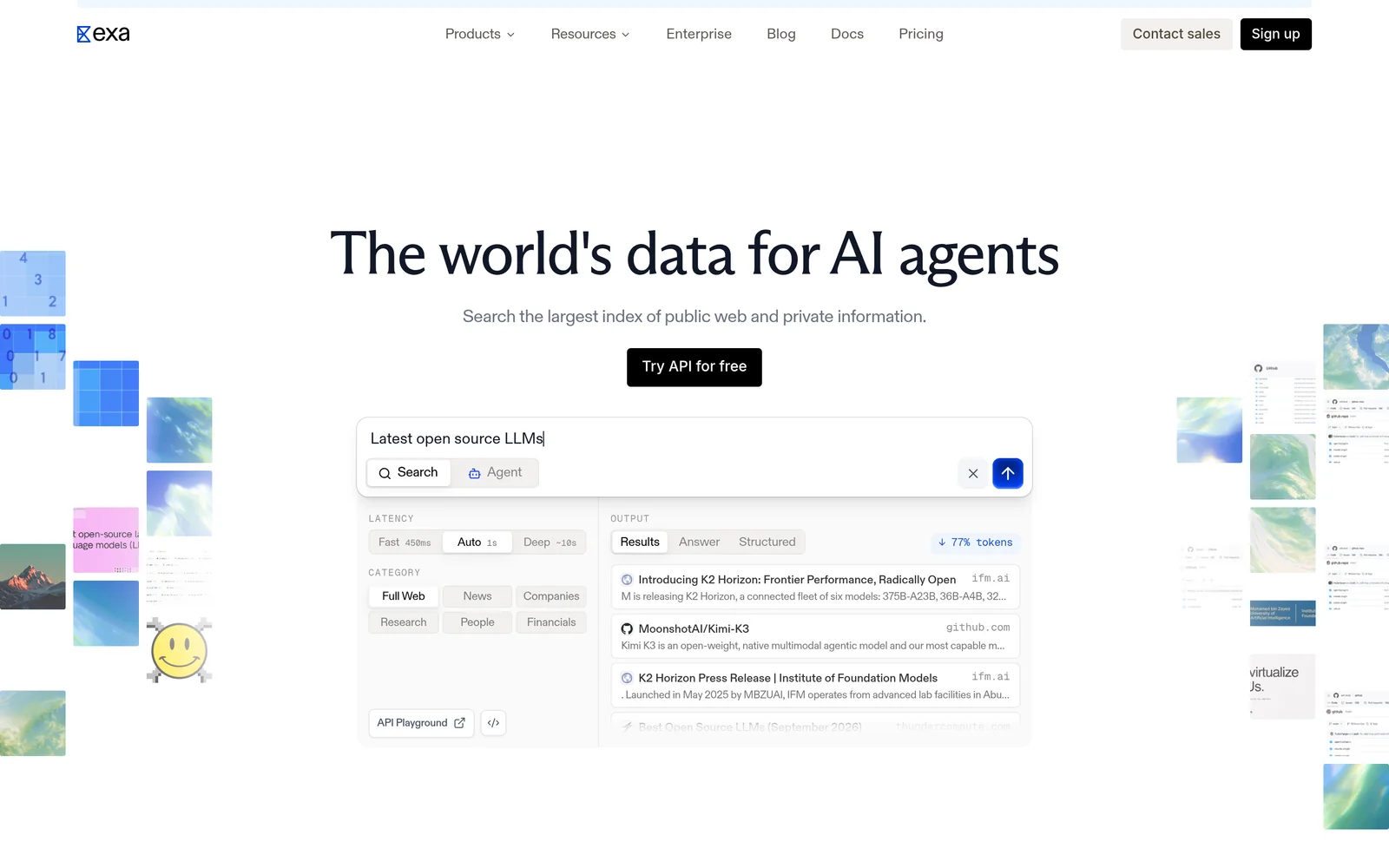
Exa is a search engine built for applications rather than people. Given a query, it searches its own index and returns ranked results with page text and highlights. Because the search is semantic, a prompt like "startups building humanoid robots in Europe" works as written.
Beyond search, Exa offers Contents for extracting text from URLs you already have, Answer for a cited response in one call, Deep Search for multi-step research, and Monitors for tracking new content over time.
Key features
- Search by meaning. Neural search over its own index. Auto, the default search type, picks the best method for each query.
- Page content included in responses. Search starts at $4 per 1,000 requests (Lite); Auto is $7. Both include extracted text and highlights for up to ten results. Most alternatives return links and bill separately for content.
- Category-specific search. Filters for companies, people, and publications, with structured metadata.
- Answer and Deep Search. Cited answers cost $5 per 1,000 requests. Multi-step research runs cost $12 per 1,000.
- Contents and Monitors. Extracting text from URLs you already have costs $1 per 1,000 pages. Scheduled searches that watch a topic cost $15 per 1,000.
- Published rate limits. 10 queries per second on Search, 100 on Contents, and 10 on Answer.
Comparison with Parallel
Exa and Parallel meet most directly on deep research: Exa's Deep Search against Parallel's Task API. On plain search, Parallel is cheaper per request and returns links without page text. Parallel has not been benchmarked against Exa, so the comparison table uses each vendor's published specifications only.
| Feature | Exa | Parallel Search |
|---|---|---|
Self-service access Direct setup without contacting sales | Yes | Yes |
Free usage tier Included usage before paid plans | Yes | Yes |
Search cost Price per 1,000 requests | From $4, content included | $1 to $5 |
Full text in results Extracted content returned in response | Yes | No |
Proprietary web index Independent crawl rather than a third-party wrapper | Yes | Not applicable |
Semantic search Meaning-based retrieval instead of strict keywords | Yes | Not applicable |
Single-call cited answer Combined data retrieval and answer synthesis | Yes | Yes |
Schema-defined output JSON output formatted to custom specifications | Yes | Yes |
URL content extraction Parses text directly from user-provided URLs | Yes | Yes |
Published rate limits Publicly documented query throughput limits | 10 QPS on Search, custom Enterprise limits | 600 a minute on Search |
- Free usage tier: Exa provides $10 a month plus a $10 onboarding bonus, plus free access through Exa MCP with no API key required; Parallel provides $80 at signup and $5 a month.
- Full text in results: Exa returns text and highlights.
- Single-call cited answer: Exa via Answer ($5 per 1,000); Parallel via Task API.
- Schema-defined output: Exa via outputSchema on Answer and JSON-schema summaries on Contents. Parallel via Extract API.
- URL content extraction: Exa via Contents ($1 per 1,000 pages); Parallel via Extract ($1 per 1,000).
Key technical differences between Exa and Parallel
- Exa returns links with extracted page text and highlights. Parallel's Search returns links only.
- Exa starts at $4 per 1,000 requests, with content included. Parallel charges $1 to $5 per 1,000 requests for ten URLs.
- Exa runs Deep Search through its standard endpoint at $12 per 1,000 requests. Parallel's Task API runs asynchronously, from five seconds to thirty minutes.
- Exa publishes a search rate limit of 10 queries per second, in the same range as Parallel's 600 requests per minute.
Key similarities between Exa and Parallel
- Both sell a fast search tool alongside a deeper research option.
- Both give free credit: $10 a month plus a $10 onboarding bonus for Exa, $80 at signup for Parallel.
- Both have tools for extracting content from known URLs and for monitoring new pages.
- Both bill by API usage rather than per seat.
Exa primary use cases
Parallel has not been benchmarked against Exa, but the tests that exist show where the gaps sit. In a 200-query people-lookup test, Exa found the right profile first in 75.5% of searches with a median latency of 472 milliseconds; Perplexity scored 53.5%, Firecrawl 41.6%, and Tavily 40.5%. Teams that choose Exa over Parallel point to response shape: because full text and highlights come back in the first payload, an agent can act without a second retrieval step.
Bottom line
Exa fits tasks that need content attached to results, semantic search, or one endpoint for both search and research. Parallel's Task API handles asynchronous deep research well, and its plain search is cheap.
Firecrawl: Web crawling and extraction APIs for AI
- Founded
- 2022
- Similar to
- Crawl4AI, Apify
- Typical users
- Engineers who start from URLs rather than from a question
- Typical customers
- Teams crawling known sites into a knowledge base
What is Firecrawl?
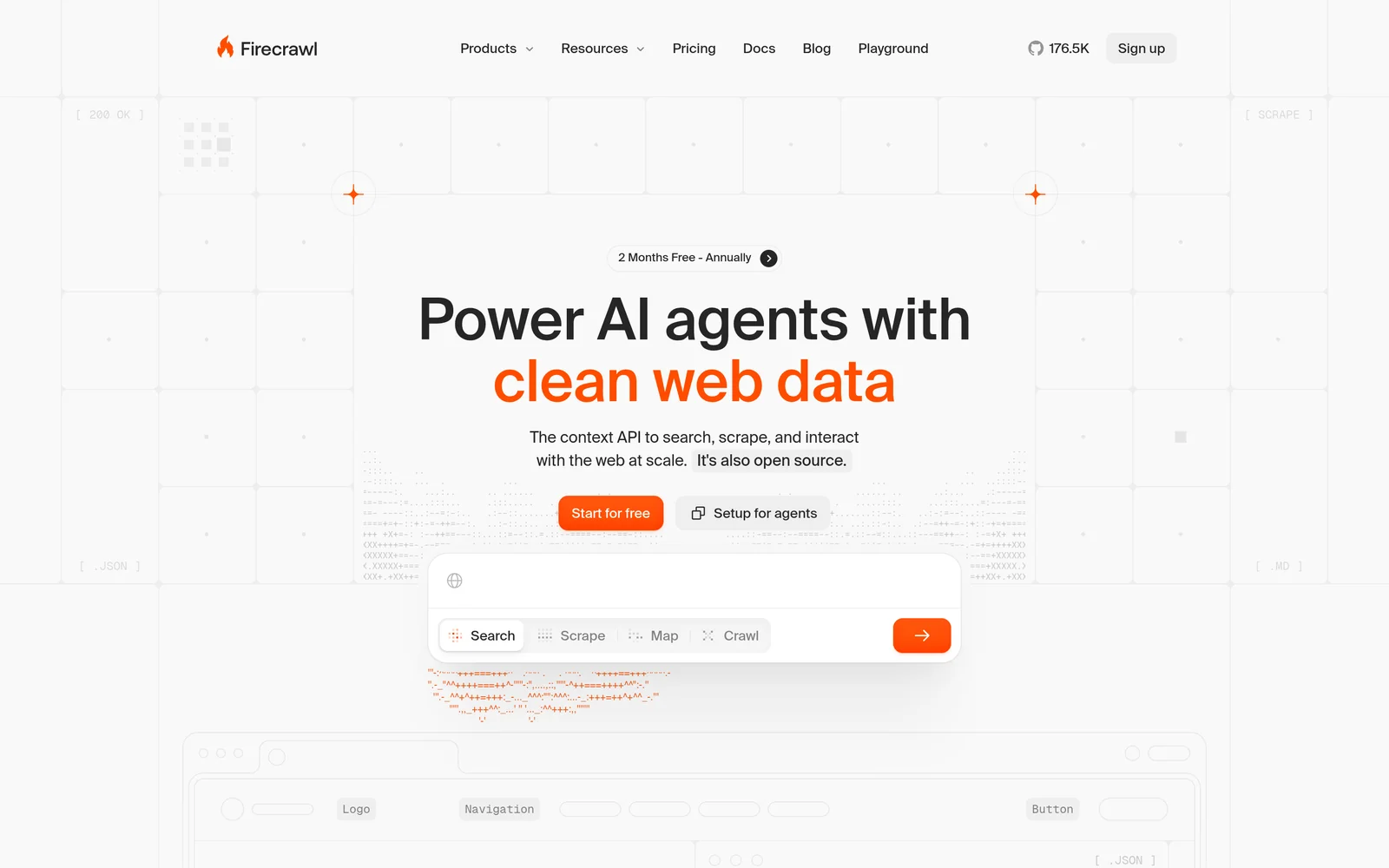
Firecrawl turns websites into clean Markdown or structured JSON. Give it a URL and it renders the page, JavaScript included, strips the layout, and returns text ready for a prompt. Give it a domain and it crawls every reachable page. It also has a search endpoint priced at two credits per ten results. Firecrawl appears on most competitor lists, but its job is page extraction, not web discovery.
Key features
- Scrape and crawl. Clean text from one URL or a whole domain, one credit per page.
- Structured extraction. JSON output in a schema you define.
- JavaScript rendering. Handles dynamic pages that index-based search tools miss.
- Subscription pricing. 1,000 free credits a month with two concurrent requests, then $16 for 5,000, $83 for 100,000, and $333 for 500,000 credits. Only successful extractions are billed.
Comparison with Parallel
Firecrawl publishes its own comparison for this query, since the two tools sit next to each other. Parallel starts from a query; Firecrawl starts from a URL and renders it with JavaScript. A team that needs discovery still needs a search API alongside it.
| Feature | Firecrawl | Parallel Search |
|---|---|---|
Self-service access Direct setup without contacting sales | Yes | Yes |
Free usage tier Included usage before paid plans | Yes | Yes |
Search cost Price per 1,000 requests | Subscription, from $16 a month for 5,000 credits | $1 to $5 |
Full text in results Extracted content returned in response | Yes | No |
Single-call cited answer Combined data retrieval and answer synthesis | No | Yes |
Schema-defined output JSON output formatted to custom specifications | Yes | Yes |
URL content extraction Parses text directly from user-provided URLs | Yes | Yes |
Published rate limits Publicly documented query throughput limits | 10 a minute on free plan | 600 a minute on Search |
- Free usage tier: Firecrawl provides 1,000 monthly credits; Parallel provides $80 at signup and $5 a month.
- Single-call cited answer: Parallel via Task API.
- Schema-defined output: Parallel via Extract API.
- URL content extraction: Firecrawl features JavaScript rendering; Parallel via Extract ($1 per 1,000).
Key technical differences between Firecrawl and Parallel
- Firecrawl reads URLs you give it. Parallel finds pages for a query.
- Firecrawl is a subscription from $16 a month for 5,000 pages. Parallel bills per request from $1 per 1,000.
- Firecrawl returns Markdown or JSON in your schema. Parallel's Search returns links, and its Extract returns structured output.
- Firecrawl gives 1,000 free credits a month. Parallel gives $80 at signup plus $5 a month.
Key similarities between Firecrawl and Parallel
- Both extract structured data to a schema you define.
- Both sit inside agent workflows rather than serving people directly.
- Both offer a free tier or credit that covers a prototype.
- Neither has been benchmarked against Exa by a third party.
Firecrawl primary use cases
Firecrawl converts dynamic pages into Markdown or JSON, which suits indexing specific domains and reading client-side rendered pages.
Bottom line
Firecrawl is strong when the workflow starts with URLs. If it starts with a question, you still need something to find the pages.
Tavily: Web search API for AI agents
- Founded
- 2023
- Similar to
- Exa, Linkup
- Typical users
- Engineers building LLM apps and RAG pipelines
- Typical customers
- Prototypes and early-stage agent products
What is Tavily?
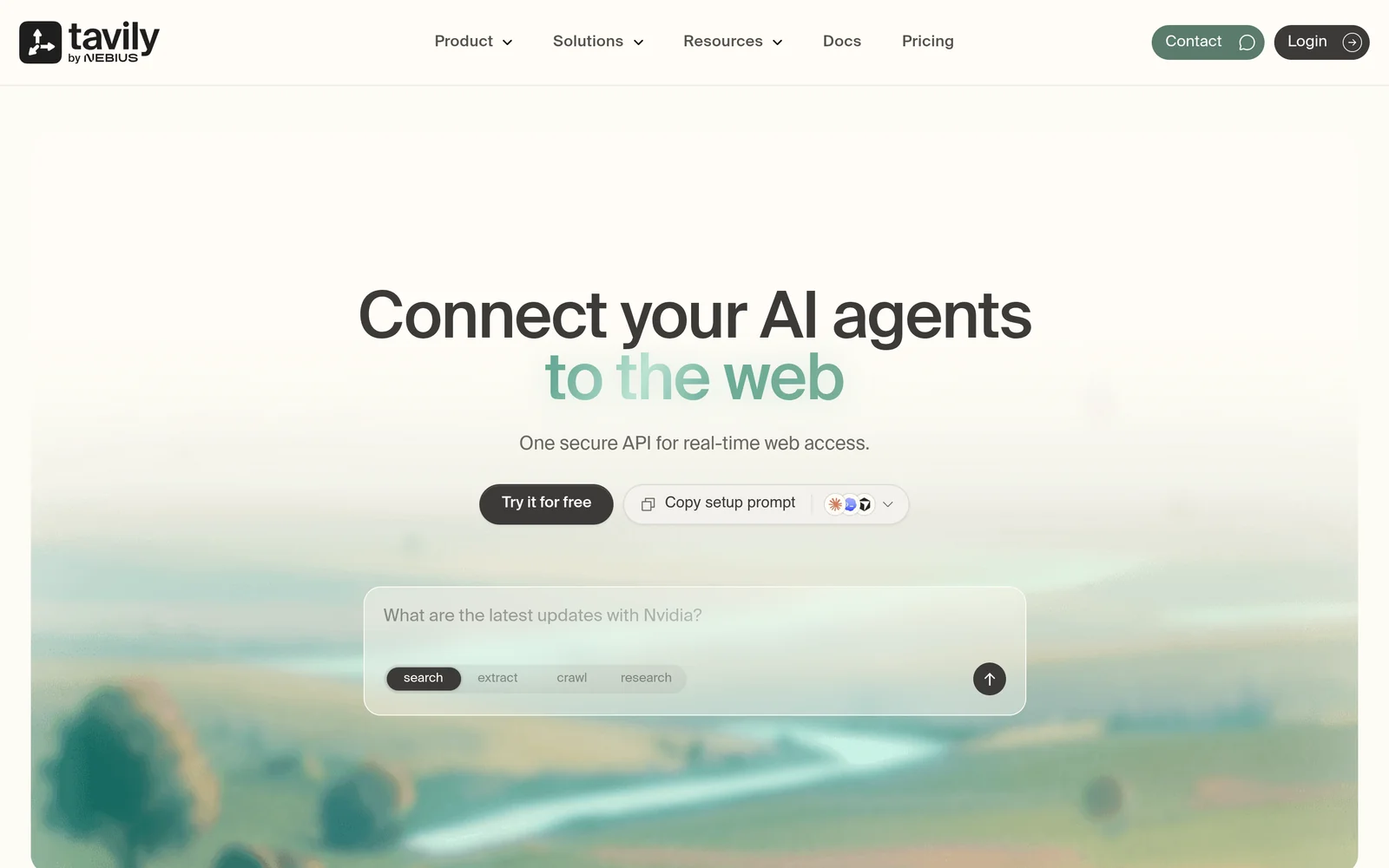
Tavily is a web search API for language models and retrieval-augmented generation pipelines. It filters out boilerplate, removes duplicates, and trims the result to fit a prompt's token budget. An extract endpoint pulls text from URLs you supply. Free accounts get 1,000 credits a month; paid plans run from $30 to $500 a month.
Key features
- Agent-ready context. Results as short snippets with boilerplate removed, ready for a prompt.
- Extract endpoint. Text from specific URLs, alongside search.
- Credit pricing. $0.008 per credit pay-as-you-go, falling to $0.0075 and $0.005 on monthly plans from $30 to $500.
- Free tier. 1,000 credits a month, no card required.
Comparison with Parallel
Tavily is the easy option: cleaned, deduplicated snippets, 1,000 free credits a month, and a short setup. Against Parallel, it trades price for ready-to-use content. Tavily returns snippets you can put in a prompt; Parallel returns cheaper links.
| Feature | Tavily | Parallel Search |
|---|---|---|
Self-service access Direct setup without contacting sales | Yes | Yes |
Free usage tier Included usage before paid plans | Yes | Yes |
Search cost Price per 1,000 requests | $8 pay-as-you-go, $5 to $7.50 on plans | $1 to $5 |
Full text in results Extracted content returned in response | Yes | No |
Single-call cited answer Combined data retrieval and answer synthesis | Not applicable | Yes |
Schema-defined output JSON output formatted to custom specifications | No | Yes |
URL content extraction Parses text directly from user-provided URLs | Yes | Yes |
Published rate limits Publicly documented query throughput limits | Not applicable | 600 a minute on Search |
- Free usage tier: Tavily provides 1,000 credits a month; Parallel provides $80 at signup and $5 a month.
- Full text in results: Tavily returns extracted text as snippets.
- Single-call cited answer: Parallel via Task API.
- Schema-defined output: Parallel via Extract API.
- URL content extraction: Tavily via extract endpoint; Parallel via Extract ($1 per 1,000).
Key technical differences between Tavily and Parallel
- Tavily returns cleaned snippets. Parallel's Search returns links.
- Tavily charges $8 per 1,000 credits pay-as-you-go. Parallel charges $1 to $5 per 1,000 requests.
- Tavily measured a 3.6-second median on profile lookups. Parallel states 200 milliseconds to 3 seconds, with no independent benchmark.
- Tavily gives 1,000 free credits a month. Parallel gives $80 at signup plus $5 a month.
Key similarities between Tavily and Parallel
- Both are built for software agents and RAG pipelines rather than people.
- Both have an extraction endpoint for specific URLs.
- Both bill by usage rather than per seat.
- Neither says whether it runs its own search index.
Tavily primary use cases
Teams pick Tavily for prototypes and early agent work, where a free tier and short setup matter more than retrieval precision.
Bottom line
Tavily suits prototypes that want content in the response and a monthly free tier. If cost per request is the deciding factor, Parallel is much cheaper.
Linkup: Web search API for AI applications
- Founded
- 2024
- Similar to
- Perplexity Sonar, Exa Answer
- Typical users
- Engineers who want retrieval output already shaped for their code
- Typical customers
- Teams with compliance requirements in the buying process
What is Linkup?
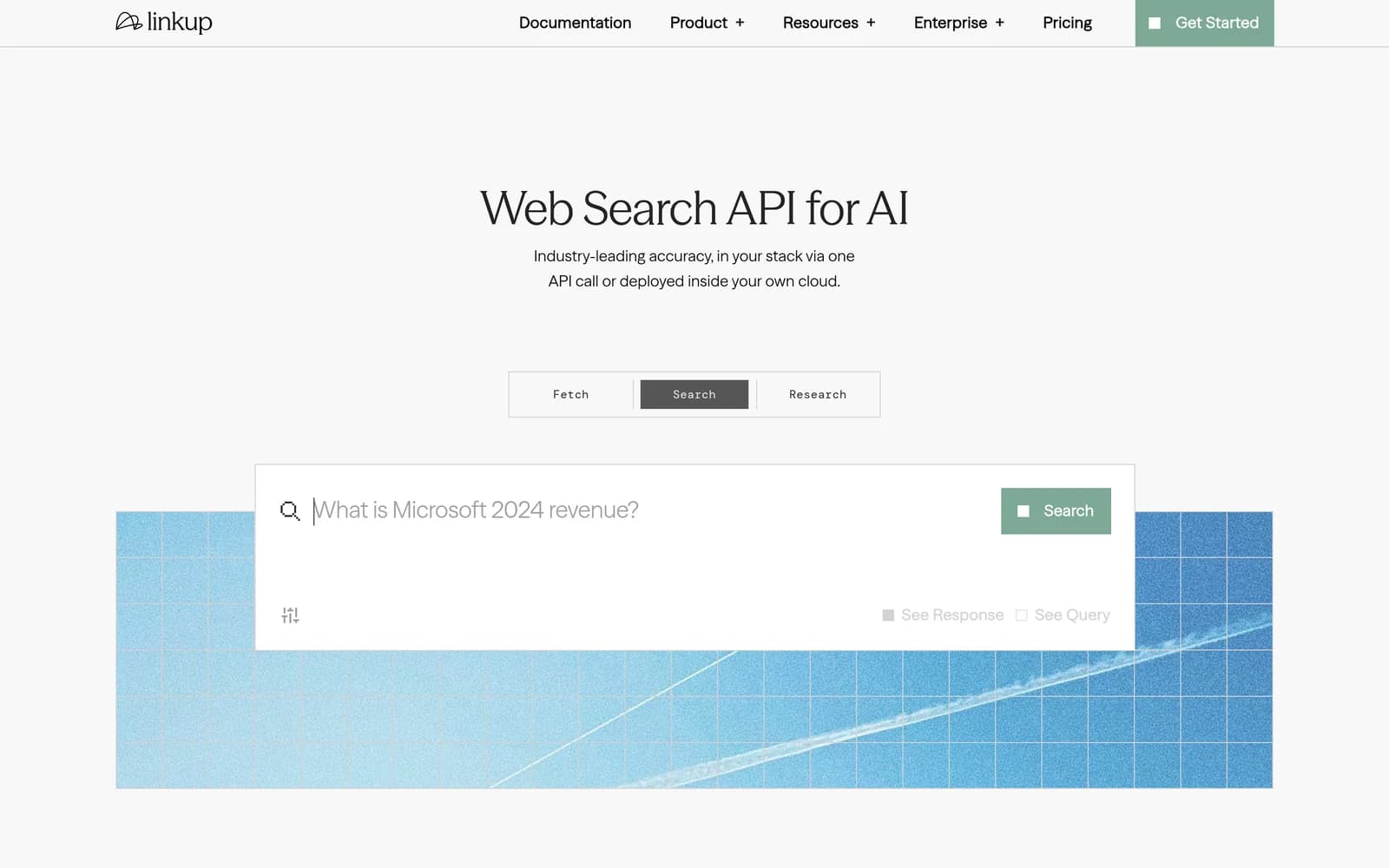
Linkup is an LLM search API that returns a cited answer or JSON in a schema you define, at $5 to $6 per 1,000 requests, with one to three seconds of latency. It also has a content-extraction endpoint, an asynchronous research engine for long queries, and SOC 2 Type II compliance on every plan.
Key features
- Schema-defined output. Declare the shape you want in the call and skip the parsing code.
- Cited answers. Sources returned with the answer in one synchronous call.
- Extraction and research. Page content at $1 to $5 per 1,000 requests; asynchronous deep research at $0.25 to $2.50 per query.
- Compliance on every plan. SOC 2 Type II across all tiers, with zero data retention for enterprise customers.
Comparison with Parallel
Google names Linkup often for this query, though rarely for Exa alternatives. Linkup returns a cited answer or JSON in your schema at $5 to $6 per 1,000 requests, carries SOC 2 Type II on every tier, and has an asynchronous research tool for long questions. That lineup matches Parallel's closely.
| Feature | Linkup | Parallel Search |
|---|---|---|
Self-service access Direct setup without contacting sales | Yes | Yes |
Free usage tier Included usage before paid plans | Not applicable | Yes |
Search cost Price per 1,000 requests | $5 to $6 | $1 to $5 |
Full text in results Extracted content returned in response | Yes | No |
Single-call cited answer Combined data retrieval and answer synthesis | Yes | Yes |
Schema-defined output JSON output formatted to custom specifications | Yes | Yes |
URL content extraction Parses text directly from user-provided URLs | Yes | Yes |
Published rate limits Publicly documented query throughput limits | Not applicable | 600 a minute on Search |
- Free usage tier: Parallel provides $80 at signup and $5 a month.
- Single-call cited answer: Parallel via Task API.
- Schema-defined output: Parallel via Extract API.
- URL content extraction: Parallel via Extract ($1 per 1,000).
Key technical differences between Linkup and Parallel
- Linkup returns cited answers or structured JSON. Parallel returns search links, with research through its separate Task API.
- Linkup costs $5 to $6 per 1,000 queries. Parallel's Search costs $1 to $5.
- Linkup's research queries cost $0.25 to $2.50 each and take 1 to 10 minutes. Parallel's Task API runs 5 seconds to 30 minutes at $0.005 to $2.40 per request.
- Linkup has no free tier. Parallel gives $80 at signup plus $5 a month.
Key similarities between Linkup and Parallel
- Both sell a fast search tool alongside a slower research option.
- Both publish SOC 2 compliance.
- Both can return output in a schema you define.
- Neither has been benchmarked by Exa, so the measured rows are omitted for both.
Linkup primary use cases
Teams pick Linkup when they need cited answers, compliance certifications, or JSON in a fixed shape.
Bottom line
Linkup fits teams that want a cited answer or schema-defined JSON straight from the API. Teams that care most about price and signup credit should stay with Parallel.
Perplexity Sonar: Search and answer API
- Founded
- 2022
- Similar to
- Exa Answer, Linkup
- Typical users
- Product teams shipping a chat or answer feature
- Typical customers
- Consumer and prosumer apps that show a person a cited answer
What is Perplexity Sonar?
Sonar is Perplexity's API. Instead of returning search results, it retrieves sources and writes a complete answer with citations.
Applications get a cited answer in one call and never handle the source documents. Web search costs $0.0025 per call; model tokens are billed separately.
Key features
- Cited answers. Search, synthesis, and citations in one call, with nothing to assemble client-side.
- Agent tool pricing. $0.0025 per web search ($2.50 per 1,000 queries), plus model tokens.
- Fetch, people, and finance tools. $0.0005 per fetch and $0.005 per targeted search across finance or people directories.
- No retrieval layer to build. Chunking, ranking, and re-ranking happen on Perplexity's side.
Comparison with Parallel
Sonar returns a written answer with citations rather than links. It is the one-call option: no retrieval pipeline to run and no asynchronous research API to poll. Teams that want a finished answer pick Sonar; teams that need the source documents pick something else.
| Feature | Perplexity Sonar | Parallel Search |
|---|---|---|
Self-service access Direct setup without contacting sales | Yes | Yes |
Free usage tier Included usage before paid plans | Not applicable | Yes |
Search cost Price per 1,000 requests | Not applicable | $1 to $5 |
Full text in results Extracted content returned in response | No | No |
Single-call cited answer Combined data retrieval and answer synthesis | Yes | Yes |
Schema-defined output JSON output formatted to custom specifications | No | Yes |
URL content extraction Parses text directly from user-provided URLs | Yes | Yes |
Published rate limits Publicly documented query throughput limits | Not applicable | 600 a minute on Search |
- Free usage tier: Parallel provides $80 at signup and $5 a month.
- Full text in results: Perplexity Sonar synthesizes an answer directly rather than returning extracted page text.
- Single-call cited answer: Parallel via Task API.
- Schema-defined output: Parallel via Extract API.
- URL content extraction: Perplexity Sonar via fetch tool; Parallel via Extract ($1 per 1,000).
Key technical differences between Sonar and Parallel
- Sonar writes the answer and keeps the source documents. Parallel's Search returns links for you to fetch.
- Sonar publishes no base per-request rate. Parallel publishes $1 to $5 per 1,000 queries.
- Sonar measured a 1.3-second median with a 53.5% top-result rate on profile lookups. Parallel has not been measured.
- Sonar has no free tier. Parallel gives $80 in credit at signup.
Key similarities between Sonar and Parallel
- Both return a cited answer in one request: Sonar directly, Parallel through its Task API.
- Both bill per request.
- Both run retrieval on the vendor's side.
- Both have an extraction tool for URLs you supply.
Perplexity Sonar primary use cases
Sonar fits applications that need a cited answer in one call and do not want to run a retrieval pipeline.
Bottom line
Sonar is the right choice when the goal is a complete, cited answer and nothing downstream needs the sources. An agent that needs the links gets them from Parallel, not Sonar.
Brave Search API: Independent web search API
- Founded
- 2021
- Similar to
- Exa, Bing Search API
- Typical users
- Engineers who want an index that is not Google's
- Typical customers
- Privacy-focused products with their own extraction layer
What is Brave Search API?
The Brave Search API gives developers access to Brave's own web index, built without Google or Bing results. It returns ranked results at $5 per 1,000 requests and includes an AI Grounding endpoint for cited answers. It is the only alternative here that shares Exa's defining trait: a search index it built itself.
Key features
- Independent index. Brave crawls the web itself rather than wrapping another engine.
- $5 per 1,000 requests, with a $5 monthly credit.
- AI Grounding. Cited answers at $4 per 1,000 requests, plus $5 per million tokens.
- Speed. A median of about 650 milliseconds in testing.
Comparison with Parallel
Brave is another fast, cheap search API that runs its own index and returns links without page content. Against Parallel's Search API the two look alike: both cost around $5 per 1,000 requests, both return links, and both leave extraction to you. They differ in the index behind them and in measured speed.
| Feature | Brave Search API | Parallel Search |
|---|---|---|
Self-service access Direct setup without contacting sales | Yes | Yes |
Free usage tier Included usage before paid plans | Yes | Yes |
Search cost Price per 1,000 requests | $5 | $1 to $5 |
Full text in results Extracted content returned in response | No | No |
Proprietary web index Independent crawl rather than a third-party wrapper | Yes | Not applicable |
Semantic search Meaning-based retrieval instead of strict keywords | No | Not applicable |
Single-call cited answer Combined data retrieval and answer synthesis | Yes | Yes |
Schema-defined output JSON output formatted to custom specifications | No | Yes |
URL content extraction Parses text directly from user-provided URLs | No | Yes |
Published rate limits Publicly documented query throughput limits | Not applicable | 600 a minute on Search |
- Free usage tier: Brave provides $5 a month in credits; Parallel provides $80 at signup and $5 a month.
- Full text in results: Brave full text extraction is billed separately.
- Semantic search: Brave uses keyword search.
- Single-call cited answer: Brave via AI Grounding; Parallel via Task API.
- Schema-defined output: Parallel via Extract API.
- URL content extraction: Parallel via Extract ($1 per 1,000).
Key technical differences between Brave and Parallel
- Brave runs its own web index. Parallel does not say whether it has one.
- Brave charges a flat $5 per 1,000 requests. Parallel's Search costs $1 to $5 per 1,000.
- Brave measured a median of about 650 milliseconds. Parallel states 200 milliseconds to 3 seconds, with no public test data.
- Brave has no deep research tool. Parallel's asynchronous Task API is the main reason teams evaluate it.
Key similarities between Brave and Parallel
- Both return links without page text.
- Both bill per request rather than per seat.
- Both have a cited-answer product: AI Grounding on Brave, the Task API on Parallel.
- Both have a free tier: $5 in credit a month on Brave, $80 at signup on Parallel.
Brave Search API primary use cases
Brave suits teams that already have an extraction pipeline and want a fast, non-Google index with plain per-request pricing.
Bottom line
Brave fits workflows that want cheap links from an independent index and already have extraction in place. It has no deep research tool, which is usually why teams look at Parallel in the first place.
You.com API: Web search and research APIs
- Founded
- 2020
- Similar to
- Brave Search API, Exa
- Typical users
- Engineers who want many results per call
- Typical customers
- Teams with SOC 2 and zero-data-retention requirements
What is You.com API?
You.com sells a Web Search API at $5 per 1,000 requests that returns 1 to 100 results per call, a Contents endpoint at $1 per 1,000 pages, and an Answer endpoint at $5 per 1,000 requests. New accounts get $100 in credit, and the pricing page lists SOC 2 compliance and zero-data-retention options.
Key features
- Up to 100 results per call. One $5 request returns up to a hundred results, where competitors would charge for several queries.
- Contents and Answer endpoints. $1 per 1,000 pages for extracted text and $5 per 1,000 requests for cited answers.
- $100 sign-up credit. The largest starting credit of any search API listed here.
- SOC 2 and zero data retention. Security and privacy terms stated on the pricing page.
Comparison with Parallel
You.com's Web Search API returns up to 100 results per $5 request, with Contents and Answer endpoints and SOC 2 on the pricing page. Against Parallel, it is the high-volume option: more links per call, priced per call rather than per request, and extraction still on your side.
| Feature | You.com API | Parallel Search |
|---|---|---|
Self-service access Direct setup without contacting sales | Yes | Yes |
Free usage tier Included usage before paid plans | Yes | Yes |
Search cost Price per 1,000 requests | $5 per 1,000 calls | $1 to $5 |
Full text in results Extracted content returned in response | No | No |
Single-call cited answer Combined data retrieval and answer synthesis | Yes | Yes |
Schema-defined output JSON output formatted to custom specifications | No | Yes |
URL content extraction Parses text directly from user-provided URLs | Yes | Yes |
Published rate limits Publicly documented query throughput limits | Not applicable | 600 a minute on Search |
- Free usage tier: You.com provides $100 in credit; Parallel provides $80 at signup and $5 a month.
- Full text in results: You.com Contents endpoint billed separately.
- Single-call cited answer: You.com via Answer; Parallel via Task API.
- Schema-defined output: Parallel via Extract API.
- URL content extraction: You.com via Contents ($1 per 1,000 pages); Parallel via Extract ($1 per 1,000).
Key technical differences between You.com and Parallel
- You.com charges $5 per 1,000 requests for up to 100 links per call. Parallel returns 10 links for $1 to $5 per 1,000 requests.
- You.com gives $100 at signup. Parallel gives $80 at signup plus $5 a month.
- You.com has no deep research tool. Parallel's Task API runs multi-step research for up to 30 minutes.
- You.com charges $1 per 1,000 pages for extraction, the same as Parallel's Extract at $0.001 per call.
Key similarities between You.com and Parallel
- Both return links rather than page text on the first call.
- Both list SOC 2 on their pricing pages: Parallel across all products, You.com for its API.
- Both have an extraction tool for URLs you already hold.
- Neither has been benchmarked by Exa, so the measured rows are omitted for both.
You.com API primary use cases
Teams pick You.com for broad collection jobs that want many links per request, especially where security review has already cleared its SOC 2 and zero-data-retention terms.
Bottom line
You.com fits wide searches that need many links per request. It has no deep research tool.
Which Parallel AI alternative should you choose?
- If you need semantic search, full page text in the results, and one endpoint for search and research, choose Exa.
- If your pipeline starts from URLs or needs JavaScript rendering, choose Firecrawl.
- If you are building a prototype and want a quick setup with a free tier, choose Tavily.
- If you need cited answers or schema-defined JSON with SOC 2 on every plan, choose Linkup.
- If you are handing users a cited answer and never touch the source documents, choose Perplexity Sonar.
- If you want the cheapest links from an independent index and have your own extraction layer, choose Brave Search API.
- If you are running broad collection that benefits from up to a hundred links per query, choose You.com.
Is Exa right for you?
Exa is built for AI agent workflows. Choose it if:
- You search for people, companies, or research papers. These are the categories where Exa's measured lead is largest.
- You want full page text and highlights in the first response, so an agent can act on the first call.
- You want to test before you pay. The free tier gives $10 in credit a month plus a $10 onboarding bonus, with no credit card. You can also start through Exa MCP without an API key.
Getting started costs nothing. Get an API key at dashboard.exa.ai and run:
curl -X POST https://api.exa.ai/search \-H "x-api-key: YOUR_KEY" \-H "Content-Type: application/json" \-d '{"query": "search APIs for AI agents"}'
Frequently asked questions
What is Parallel AI used for?
Parallel Web Systems sells a Search API for agents at $0.001 to $0.005 per request for ten results, a Task API for multi-step research that runs asynchronously from five seconds to thirty minutes, an Extract API, a Monitor product, and FindAll. Teams use it for cheap agent search and for deep research that runs on its own schedule. It gives $80 at signup and $5 a month, and publishes SOC 2 across all products.
Why do teams consider Parallel AI alternatives?
The usual reasons are latency across chained searches, the split between the Search and Task products at different prices and speeds, and the cost of retry loops when a call returns the wrong page.
What is the best free Parallel AI alternative?
Every API on this page has a free tier or signup credit except Linkup and Sonar. Tavily and Firecrawl give 1,000 credits a month, Brave gives $5 in credit a month, You.com gives $100 at signup, and Exa gives $10 a month plus a $10 onboarding bonus, plus free access through Exa MCP with no API key required. Parallel's own $80 at signup is the largest one-time credit in the set.
Is there an open-source Parallel AI alternative?
None of the search APIs on this page is open source. For crawling, Crawl4AI is free and open source and reads pages you point it at. For research, open-source deep research agents exist that can run on any search API, including Exa. Neither is a drop-in for Parallel's Task API.
Does Parallel AI return page content with search results?
Its Search API returns links for ten results. Page text comes from the separate Extract API at $0.001 per request. Exa's Search call starts at $4 per 1,000 and includes text and highlights for up to ten results, Tavily returns cleaned snippets, and Linkup returns a cited answer or JSON in your schema.
How much does Parallel AI cost?
Search is $0.001 to $0.005 per request for ten results, or $1 to $5 per 1,000. Task is $0.005 to $2.40 per request depending on depth. Extract is $0.001. Responses run $0.01 to $0.25, Monitor $0.003 to $0.01, and FindAll $0.03 to $1 per match. New accounts get $80 in credit and $5 a month after. Search's published rate limit is 600 requests a minute.
How is Exa different from Parallel AI?
Exa starts at $4 per 1,000 and returns links with page text and highlights, searches its own index by meaning, and runs Deep Search through the same Search endpoint at $12 per 1,000. Parallel's Search returns links at $1 to $5 per 1,000, and its Task API runs deep research asynchronously for up to thirty minutes. The two have not been measured head to head. Exa's product comparison is at exa.ai/versus/parallel.
What are the best search APIs for AI agents in 2026?
The pages Google cites for this query keep naming Parallel, Exa, Firecrawl, Tavily, and Linkup, and the chooser above sorts them by job. For content in the response, Exa and Tavily. For deep research that can wait, Parallel. For a cited answer with compliance paperwork, Linkup. For reading pages you already hold, Firecrawl. For cheap links from an independent index, Brave.
Where do the measured numbers on this page come from?
From Exa's internal evaluation system, on three tracks: a 200-query people-lookup set, a 200-query company-lookup set, and the 597-query LitSearch research-paper set, each graded on whether the right result comes first. Exa, Tavily, Firecrawl, and Perplexity ran together on 4 August 2026, and Brave was audited separately on 6 August. Parallel, Linkup, and You.com have not been run, and the page says so wherever a number would otherwise appear. Prices come from each vendor's own pricing page, read 14 August 2026. Exa's open tests are at github.com/exa-labs/benchmarks; this page cites no competitor results from that repository and no third-party benchmark scores.