The best Firecrawl alternatives & competitors, compared
Updated
Firecrawl turns websites into clean Markdown for language models. It renders JavaScript, strips page clutter, and can crawl entire sites with little setup.
Teams still look for alternatives as page volume grows, when they want to self-host, or when their workflow starts with a question rather than a URL.
That distinction matters for agents and retrieval pipelines. Crawling and scraping tools are built to read pages you already know about, while search APIs can find relevant pages across the web before retrieving their content. Depending on the application, you may need one or both.
This guide compares six crawling, scraping, and search APIs on features, benchmark results, pricing, and where each one fits.
Exa: Web search, research, and retrieval APIs for AI agents
- Founded
- 2021
- Similar to
- Tavily, Brave Search API
- Typical users
- Developers creating software agents and data retrieval systems
- Typical customers
- Early-stage AI companies and software development platforms
What is Exa?
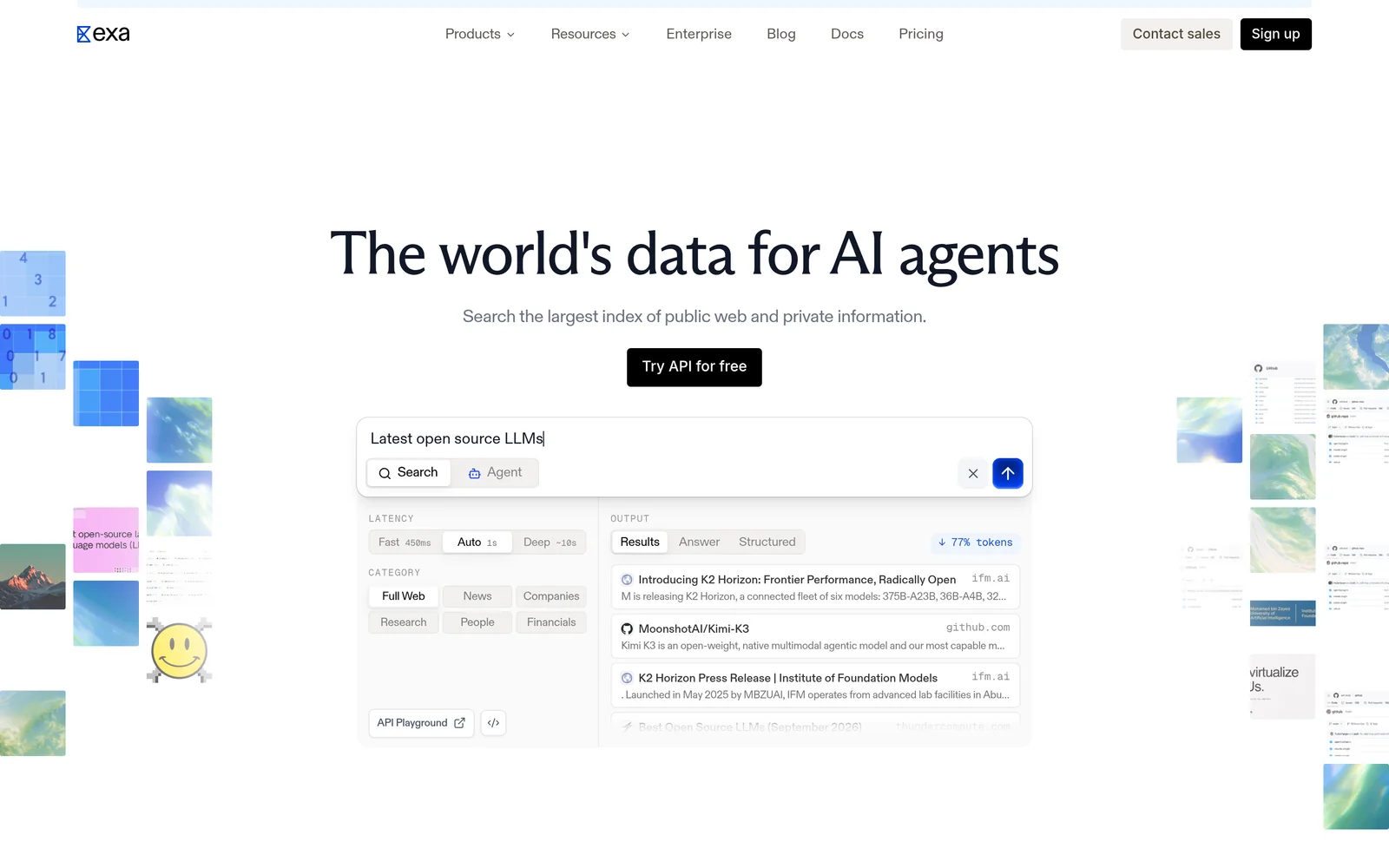
Exa is a search engine built for software rather than people. Given a query, it searches its own index and returns ranked results with page text and highlights. Because the search is semantic, a prompt like "startups building humanoid robots in Europe" works as written.
Beyond search, Exa offers Contents for extracting text from URLs you already have, Answer for a cited response in one call, Deep Search for multi-step research, and Monitors for tracking new content over time.
Key features
- Search by meaning. Neural search over its own index. Auto, the default search type, picks the best method for each query.
- Page content included in responses. Search starts at $4 per 1,000 queries (Lite); Auto is $7. Both include extracted text and highlights for up to ten results. Most alternatives return links and bill separately for content.
- Category-specific search. Filters for companies, people, and publications, with structured metadata.
- Answer and Deep Search. Cited answers cost $5 per 1,000 requests. Multi-step research runs cost $12 per 1,000.
- Contents and Monitors. Extracting text from URLs you already have costs $1 per 1,000 pages. Scheduled searches that watch a topic cost $15 per 1,000.
- Published rate limits. 10 queries per second on Search, 100 on Contents, and 10 on Answer.
Comparison with Firecrawl
Exa and Firecrawl are more complementary than competing. Firecrawl reads the URLs you give it. Exa finds the pages that match a description and returns their content in the same call. The search benchmarks show a wide gap, but search is not what Firecrawl is built for.
| Feature | Exa | Firecrawl |
|---|---|---|
Self-service access Direct setup without contacting sales | Yes | Yes |
Free usage tier Included usage before paid plans | Yes | Yes |
Search cost Price per 1,000 requests | From $4, content included | Subscription, from $16 a month for 5,000 credits |
Full text in results Extracted content returned in response | Yes | Yes |
Proprietary web index Independent crawl rather than a third-party wrapper | Yes | Not applicable |
Semantic search Meaning-based retrieval instead of strict keywords | Yes | Not applicable |
Single-call cited answer Combined data retrieval and answer synthesis | Yes | No |
Schema-defined output JSON output formatted to custom specifications | Yes | Yes |
URL content extraction Parses text directly from user-provided URLs | Yes | Yes |
Published rate limits Publicly documented query throughput limits | 10 QPS on Search, custom Enterprise limits | 10 a minute on free plan |
Median latency Measured response speed in benchmark testing | 472 ms | 1.4 s |
Entity lookup accuracy Top-result retrieval precision in benchmark testing | 75.5% | 41.6% |
- Free usage tier: Exa offers $10/month plus a $10 onboarding bonus, plus free access through Exa MCP with no API key required. Firecrawl offers 1,000 monthly credits.
- Full text in results: Exa includes text and highlights.
- Single-call cited answer: Exa offers Answer at $5 per 1,000 queries.
- Schema-defined output: Exa via outputSchema on Answer and JSON-schema summaries on Contents.
- URL content extraction: Exa offers Contents at $1 per 1,000 pages. Firecrawl includes JavaScript rendering.
Key technical differences between Exa and Firecrawl
- Exa finds pages by meaning from its own index. Firecrawl reads the URLs you supply, with JavaScript rendered.
- Exa starts at $4 per 1,000 queries, with page content included. Firecrawl sells subscription tiers from $16 a month for 5,000 credits.
- Exa's Contents endpoint returns cached text from its own crawl. Firecrawl fetches the live page and runs its JavaScript.
- In benchmarks, Exa placed the right result first in 75.5% of people lookups and 81.5% of company lookups at 472 milliseconds. Firecrawl's search endpoint scored 41.6% and 61.7% at 1.4 seconds.
Key similarities between Exa and Firecrawl
- Both return clean text a model can read without further processing.
- Both have a free option for testing and small projects.
- Both can extract text from URLs you supply.
- Both are built for automated AI pipelines rather than browsing.
Exa primary use cases
Across 200 people lookups, Exa placed the right profile first 75.5% of the time and Firecrawl's search endpoint 41.6%. On company queries, Exa scored 81.5% and Firecrawl 61.7%. On 597 research papers, Exa scored 63.3% and Firecrawl 26.3%. These numbers measure finding, not extraction, which is why teams often put Exa ahead of Firecrawl to decide which URLs are worth crawling. Exa's Contents endpoint then returns the text of those pages at $1 per 1,000 requests.
Bottom line
Exa fits workflows that start with a question, with Firecrawl handling the next step. Exa is not built to read every page on a domain or to reach sites that block crawlers.
Crawl4AI: Open-source web crawler for AI
- Founded
- 2024
- Similar to
- Firecrawl, Scrapy
- Typical users
- Engineers who want to run the crawler themselves
- Typical customers
- Teams with data-residency rules or no per-page budget
What is Crawl4AI?
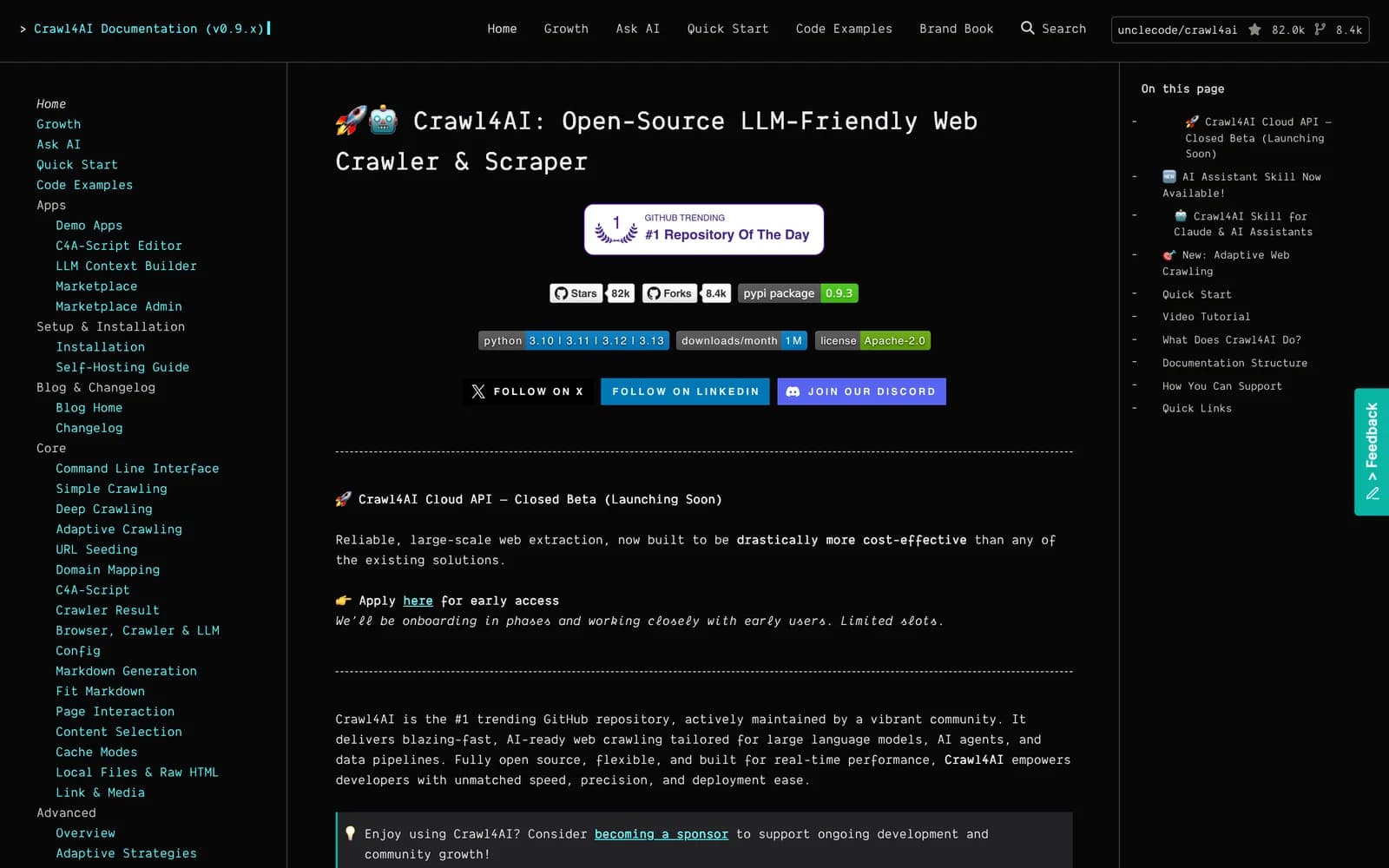
Crawl4AI is a free, open-source crawler for language model pipelines, and the tool most often at the top of Google's results for Firecrawl alternatives. It runs on your own infrastructure, so there is no per-page bill and no vendor. Its output is shaped for models rather than browsers. There is no API pricing, only optional sponsorship tiers from $5 to $2,000 a month.
Key features
- Free and open source. No subscription and no vendor lock-in, with optional sponsorship tiers.
- Self-hosted. Runs inside your network, which satisfies data-residency rules a hosted service cannot.
- LLM-optimized output. Clean Markdown and structured data shaped for prompts.
- Full control. Your team runs the proxies, rate limits, retries, and layout fixes.
Comparison with Firecrawl
Crawl4AI leads Google's results for this query because it does most of what Firecrawl does, for free, on your own machines. The trade is that everything Firecrawl runs for you is now yours: rendering, retries, scheduling, and the breakage after a site redesign.
| Feature | Crawl4AI | Firecrawl |
|---|---|---|
Self-service access Direct setup without contacting sales | Yes | Yes |
Free usage tier Included usage before paid plans | Yes | Yes |
Search cost Price per 1,000 requests | Free, self-hosted | Subscription, from $16 a month for 5,000 credits |
Full text in results Extracted content returned in response | Yes | Yes |
Single-call cited answer Combined data retrieval and answer synthesis | No | No |
Schema-defined output JSON output formatted to custom specifications | Yes | Yes |
URL content extraction Parses text directly from user-provided URLs | Yes | Yes |
Published rate limits Publicly documented query throughput limits | Your own infrastructure | 10 a minute on free plan |
- Self-service access: Crawl4AI is open source.
- Free usage tier: Crawl4AI is completely free. Firecrawl offers 1,000 monthly credits.
- URL content extraction: Firecrawl includes JavaScript rendering.
Key technical differences between Crawl4AI and Firecrawl
- Crawl4AI is free, open source, and self-hosted. Firecrawl is a managed service from $16 a month.
- Crawl4AI runs inside your network, which satisfies data-residency rules. Firecrawl processes every request on its own servers.
- Crawl4AI leaves rendering, retries, and scheduling to your team. Firecrawl runs them for you.
- Crawl4AI has no support contract or uptime SLA. Firecrawl offers both.
Key similarities between Crawl4AI and Firecrawl
- Both turn web pages into Markdown and structured data for models.
- Both render JavaScript to capture dynamic content.
- Both handle a single URL or a whole domain.
- Both let developers start for free.
Crawl4AI primary use cases
Crawl4AI fits teams with data-residency rules or no appetite for a per-page bill, as long as they have the engineering capacity to run and maintain a crawler.
Bottom line
Crawl4AI fits teams that want no usage bill and full control and can take on the operations. Teams that would rather pay someone else to run it pick Firecrawl.
Apify: Web scraping and browser automation platform
- Founded
- 2015
- Similar to
- Firecrawl, Bright Data
- Typical users
- Engineers who want a maintained extractor for a known site
- Typical customers
- Teams scraping common targets without writing scrapers
What is Apify?
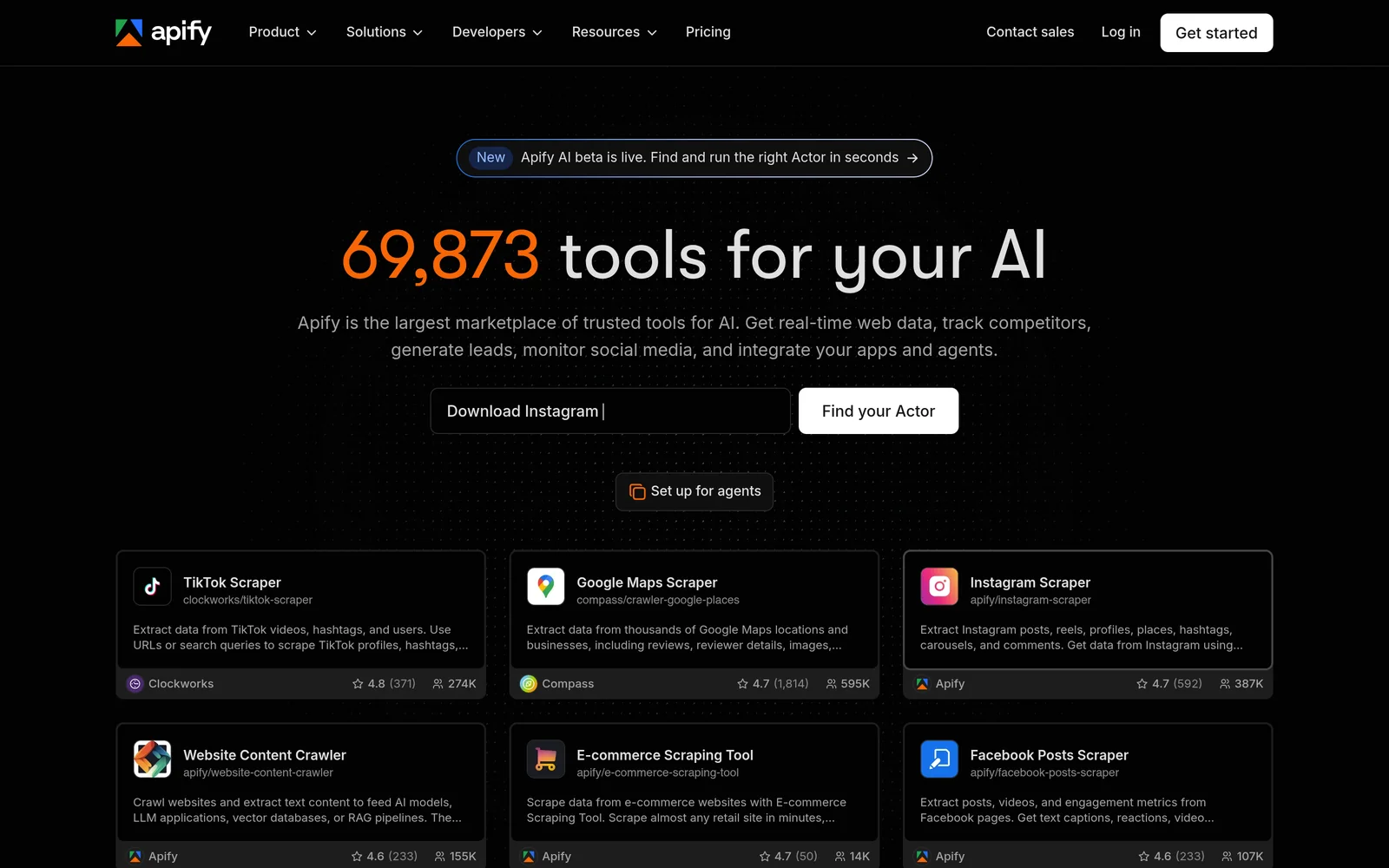
Apify is a marketplace of pre-built "actors": scrapers built and maintained for a specific site or task. The free tier includes $5 in platform credit, then usage costs $0.20 per compute unit, pay-as-you-go. For a popular site, buying an existing actor is often faster than building a scraper. Output quality depends on whoever wrote the actor, which reviewers name as the main drawback.
Key features
- Actor marketplace. Pre-built extractors, each written and maintained by its creator.
- Creator maintenance. When the target site changes, the actor's author fixes it, not your team.
- Pay-as-you-go pricing. $5 in free platform credit, then $0.20 per compute unit.
- Variable actor quality. Depends on the individual developer, which reviews flag as a limitation.
Comparison with Firecrawl
Apify is a marketplace, not a single product. For a common target, an actor probably exists that someone else built and still maintains, and buying it beats configuring a general crawler. For an unusual target with no actor, you are back to building your own.
| Feature | Apify | Firecrawl |
|---|---|---|
Self-service access Direct setup without contacting sales | Yes | Yes |
Free usage tier Included usage before paid plans | Yes | Yes |
Search cost Price per 1,000 requests | $0.20 per compute unit | Subscription, from $16 a month for 5,000 credits |
Full text in results Extracted content returned in response | Yes | Yes |
Single-call cited answer Combined data retrieval and answer synthesis | No | No |
Schema-defined output JSON output formatted to custom specifications | Yes | Yes |
URL content extraction Parses text directly from user-provided URLs | Yes | Yes |
Published rate limits Publicly documented query throughput limits | Not applicable | 10 a minute on free plan |
- Free usage tier: Apify provides $5 in platform credit. Firecrawl provides 1,000 monthly credits.
- Full text in results: Apify supports this via actors.
- Schema-defined output: Apify supports this via actors.
- URL content extraction: Firecrawl includes JavaScript rendering.
Key technical differences between Apify and Firecrawl
- Apify sells site-specific actors. Firecrawl is one general crawler and extractor.
- Apify charges $0.20 per compute unit, pay-as-you-go, with cost varying by actor. Firecrawl charges a flat subscription by page volume.
- On Apify, the actor's creator maintains it when the site changes. On Firecrawl, you configure one crawler yourself.
- Apify's output quality varies by actor author. Firecrawl returns Markdown in the same shape for every site.
Key similarities between Apify and Firecrawl
- Both are hosted, so you run no infrastructure.
- Both return structured data as well as plain text.
- Both have a free tier: $5 in credit on Apify, 1,000 credits a month on Firecrawl.
- Both handle pages that need JavaScript rendered.
Apify primary use cases
Apify fits when a maintained actor already exists for the target site, so a team can collect data faster than by writing a scraper.
Bottom line
Apify works when a maintained actor exists for your target. For an unusual site, or one you own, Firecrawl's uniform Markdown is easier to build on.
ZenRows: Web scraping and anti-bot API
- Founded
- 2021
- Similar to
- ScrapingBee, Bright Data
- Typical users
- Engineers scraping sites that block automation
- Typical customers
- Data teams collecting from protected sites at volume
What is ZenRows?
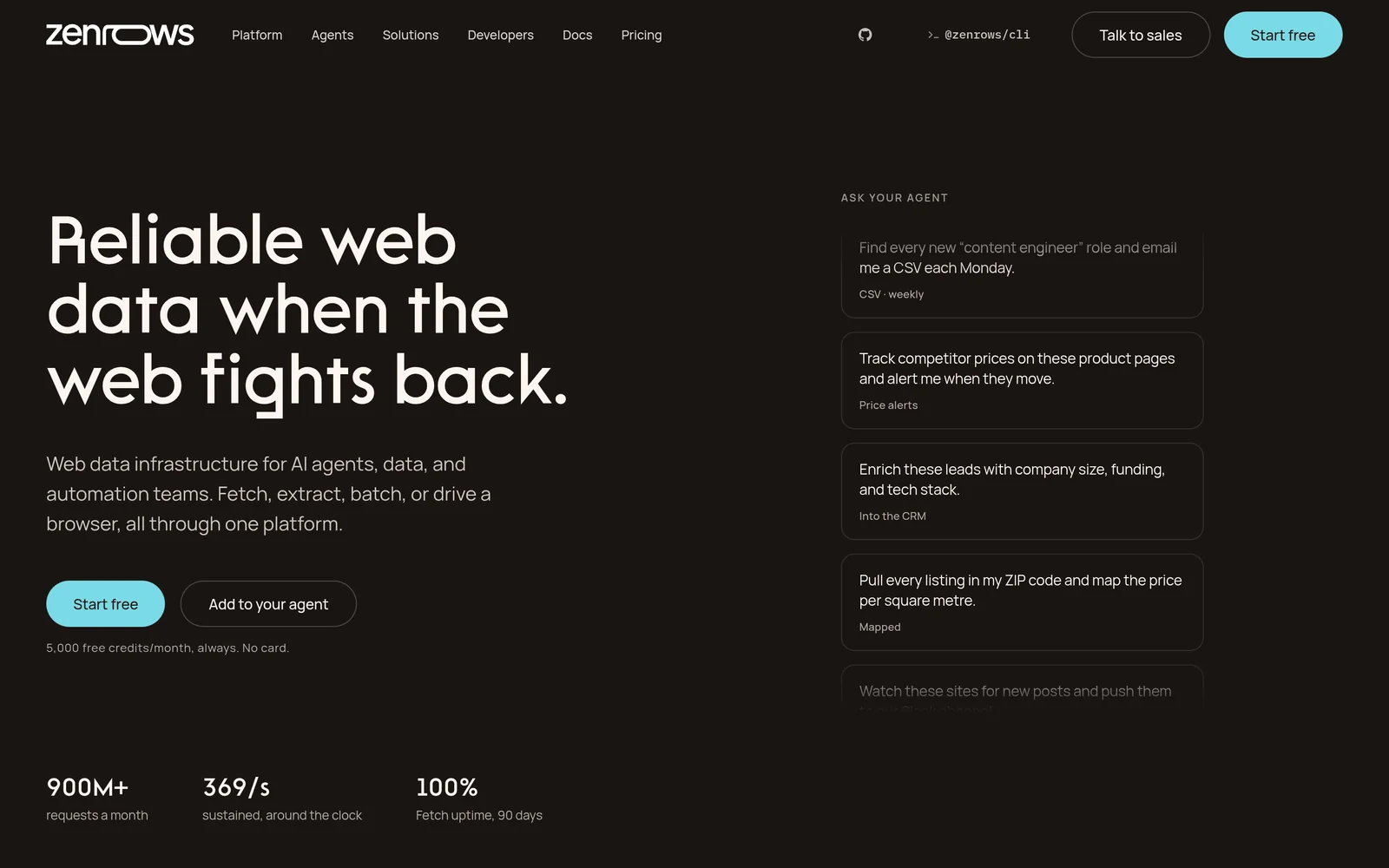
ZenRows is a managed scraping API built to reach protected pages, with proxy rotation and anti-bot handling included. The free tier gives 5,000 credits a month with five concurrent requests; paid plans run from $16 a month for 45,000 credits to $456 a month for five million, and unused credits roll over.
Key features
- Anti-bot handling. IP rotation to get past access barriers on protected sites.
- Tiered credits. 5,000 free a month, then plans from $16 a month for 45,000 credits to $456 for five million.
- Concurrency by plan. From five parallel requests on the entry tier to 200 on the top tier.
- Credits roll over. Unused credits carry into the next month.
Comparison with Firecrawl
ZenRows shows up in every list of scraping alternatives because of what it is good at: rotating proxies and getting past anti-bot protection on hostile sites. Firecrawl's strength is rendering JavaScript; ZenRows's is getting in the door. Teams with mixed targets often run both, ZenRows to fetch protected pages and Firecrawl to clean them.
| Feature | ZenRows | Firecrawl |
|---|---|---|
Self-service access Direct setup without contacting sales | Yes | Yes |
Free usage tier Included usage before paid plans | Yes | Yes |
Search cost Price per 1,000 requests | $16 a month for 45,000 credits | Subscription, from $16 a month for 5,000 credits |
Full text in results Extracted content returned in response | Yes | Yes |
Single-call cited answer Combined data retrieval and answer synthesis | No | No |
Schema-defined output JSON output formatted to custom specifications | No | Yes |
URL content extraction Parses text directly from user-provided URLs | Yes | Yes |
Published rate limits Publicly documented query throughput limits | 5 to 200 concurrent by plan | 10 a minute on free plan |
- Free usage tier: ZenRows provides 5,000 credits/month. Firecrawl provides 1,000 monthly credits.
- URL content extraction: Firecrawl includes JavaScript rendering.
Key technical differences between ZenRows and Firecrawl
- ZenRows specializes in reaching protected pages. Firecrawl specializes in clean Markdown from reachable ones.
- ZenRows gives 5,000 free credits a month, then $16 to $456 plans. Firecrawl gives 1,000 free credits, then $16 to $333.
- ZenRows scales concurrency by tier from five to 200. Firecrawl allows two concurrent requests on its free plan.
- ZenRows rolls unused credits over. Firecrawl bills subscriptions yearly at a fixed rate.
Key similarities between ZenRows and Firecrawl
- Both are managed, with no servers to run.
- Both handle pages that depend on JavaScript.
- Both bill by credits or pages rather than per seat.
- Both start at $16 a month.
ZenRows primary use cases
ZenRows fits when getting into the page is the hard part and running proxies and anti-bot evasion yourself costs more engineering than it is worth.
Bottom line
ZenRows is the pick for targets with anti-bot protection. For ordinary pages, Firecrawl gets to structured output with less configuration.
Nimble: Web scraping and data collection APIs
- Founded
- 2019
- Similar to
- Exa, You.com API
- Typical users
- Engineers who want search and extraction from one vendor
- Typical customers
- Enterprises collecting web data at scale
What is Nimble?
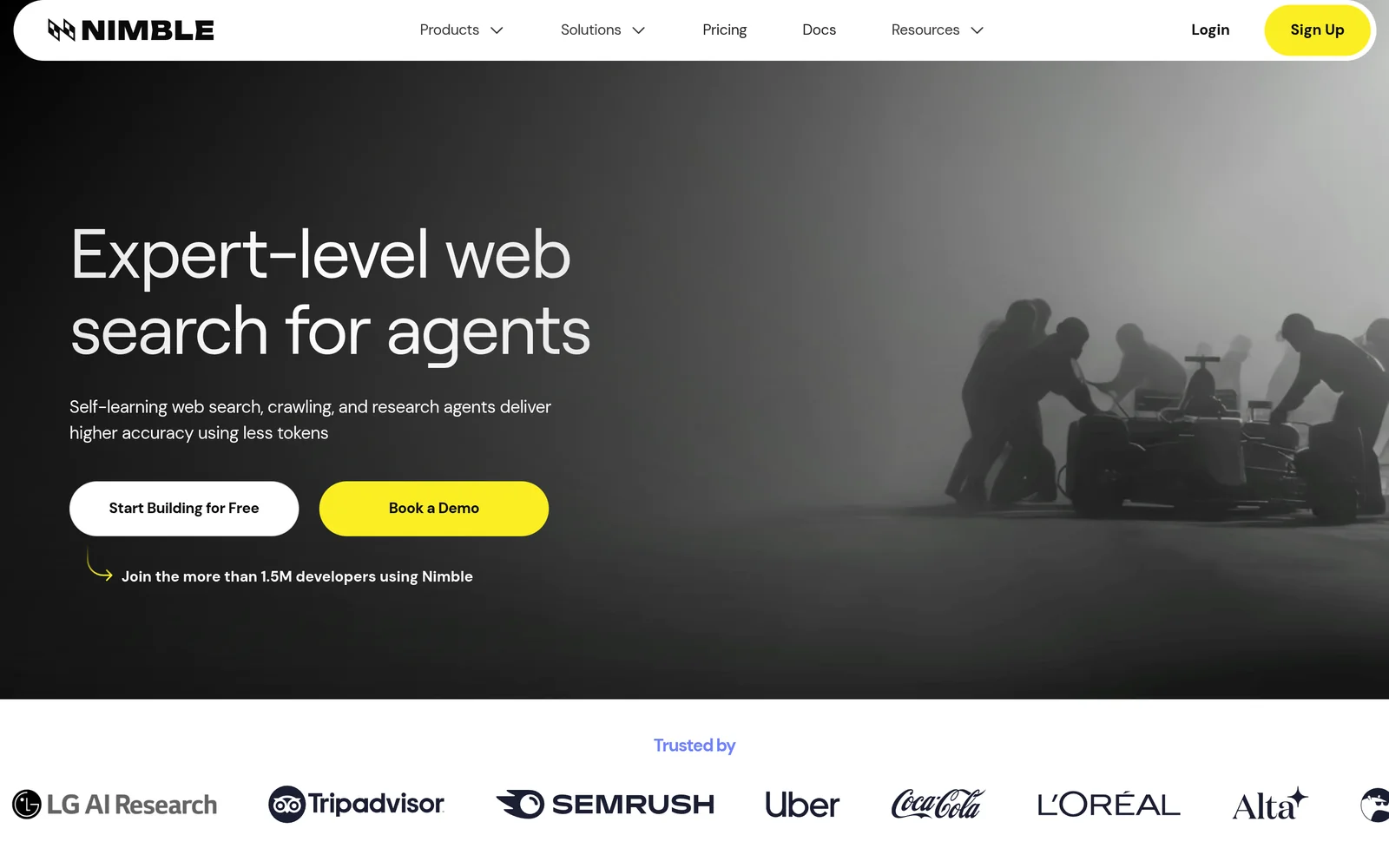
Nimble sells web search and data extraction for AI agents, with separate endpoints for Search, Agents, Extract, Extract Template, Crawl, Map, and Media. Search costs $5 per 1,000 queries; Extract, Crawl, and Map cost $1 per 1,000 requests.
Extract Template costs $3 per 1,000 requests, media downloads $2 per gigabyte, and every account gets 5,000 free requests a month. The model resembles Exa and You.com, with cheaper search, and Nimble ranks well on Google through its own comparison articles.
Key features
- Competitive search and crawl pricing. Search at $5 per 1,000 queries; Extract, Crawl, and Map at $1 per 1,000 requests.
- Large free tier. 5,000 free requests a month, the most of any provider here.
- Structured schema extraction. Extract Template at $3 per 1,000 requests returns data in your schema.
- Standalone media downloads. $2 per gigabyte for images and other files.
Comparison with Firecrawl
Nimble is the enterprise-leaning option here, selling search, extraction, crawling, and mapping as separate products priced per thousand requests. It ranks on Google through its own comparison articles, and it is the only crawler on this page that sells a search API as a core product.
| Feature | Nimble | Firecrawl |
|---|---|---|
Self-service access Direct setup without contacting sales | Yes | Yes |
Free usage tier Included usage before paid plans | Yes | Yes |
Search cost Price per 1,000 requests | $5 | Subscription, from $16 a month for 5,000 credits |
Full text in results Extracted content returned in response | No | Yes |
Single-call cited answer Combined data retrieval and answer synthesis | No | No |
Schema-defined output JSON output formatted to custom specifications | Yes | Yes |
URL content extraction Parses text directly from user-provided URLs | Yes | Yes |
Published rate limits Publicly documented query throughput limits | Not applicable | 10 a minute on free plan |
- Free usage tier: Nimble offers 5,000 monthly requests. Firecrawl offers 1,000 monthly credits.
- Full text in results: Nimble bills Extract separately.
- Schema-defined output: Nimble provides Extract Template.
- URL content extraction: Nimble charges $1 per 1,000 for Extract. Firecrawl includes JavaScript rendering.
Key technical differences between Nimble and Firecrawl
- Nimble prices each product separately: $5 per 1,000 search queries and $1 per 1,000 extract, crawl, or map requests. Firecrawl sells one subscription by page volume.
- Nimble sells a dedicated search API alongside extraction. Firecrawl's search is a secondary endpoint at two credits per ten results.
- Nimble gives 5,000 free requests a month. Firecrawl gives 1,000 credits.
- Nimble sells media downloads at $2 per gigabyte. Firecrawl meters everything in credits.
Key similarities between Nimble and Firecrawl
- Both are managed, with no infrastructure to run.
- Both turn URLs you supply into model-readable text.
- Both support custom output schemas.
- Neither has been benchmarked on crawling, so no crawl numbers appear for either.
Nimble primary use cases
Nimble fits large-scale collection that wants search and structured extraction from a single vendor.
Bottom line
Nimble fits teams that want enterprise-scale search and collection from one vendor. Teams that want a crawler with the least setup pick Firecrawl.
WebCrawlerAPI: Web crawling and extraction API
- Founded
- 2024
- Similar to
- Firecrawl, Crawl4AI
- Typical users
- Engineers with simple extraction jobs
- Typical customers
- Teams where price per page decides
What is WebCrawlerAPI?
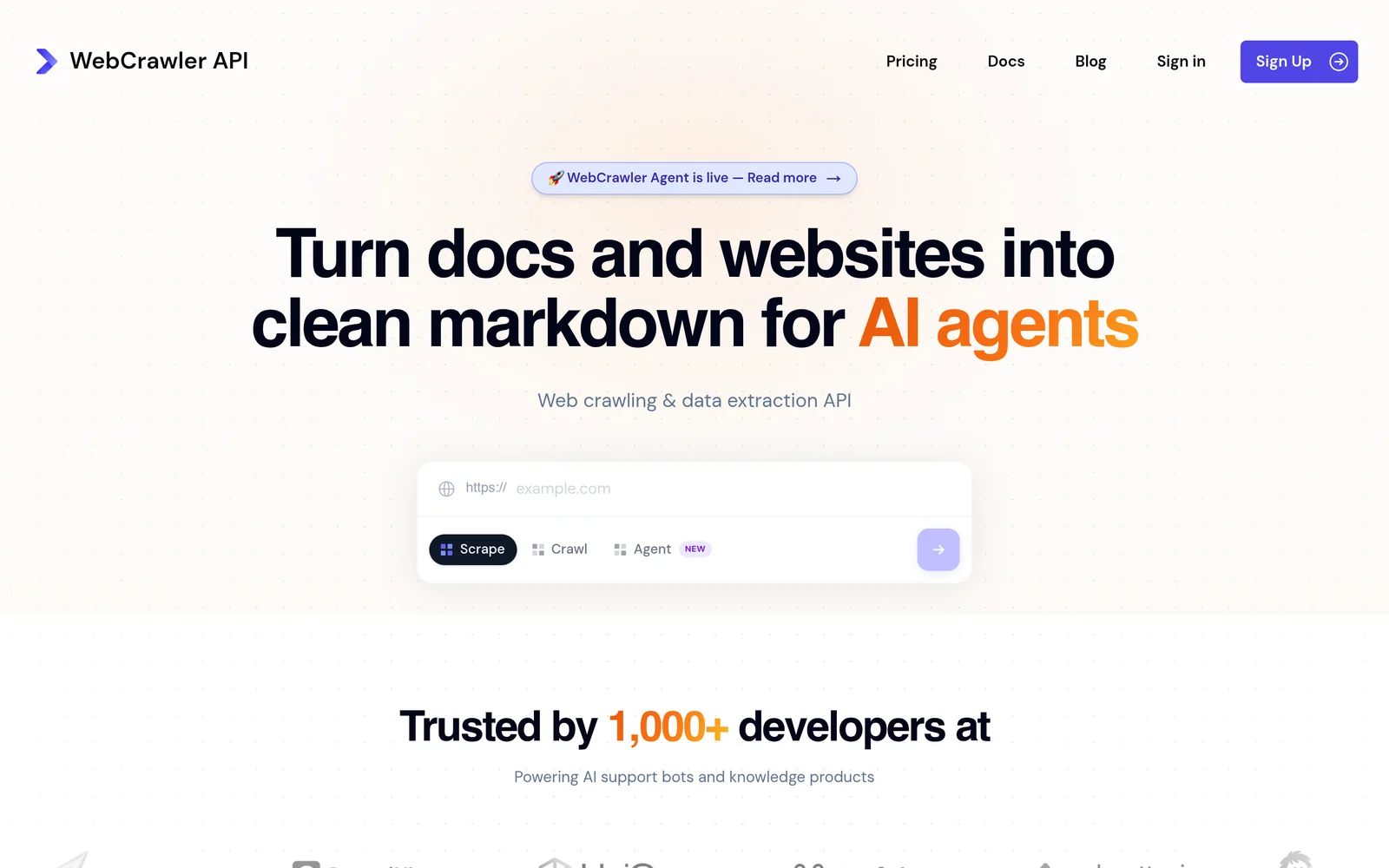
WebCrawlerAPI is a cheap managed service for clean Markdown extraction. Pay-as-you-go starts at $0.002 per page with five concurrent requests; the $29-a-month Starter plan raises that to ten. You pay only for pages it fetches, so blocked pages cost nothing, and there are no servers to set up.
Key features
- From $0.002 per page. Pay as you go, with no monthly fee on the first tier.
- Starter plan at $29 a month. Raises concurrency from five to ten.
- Billed for successful requests only. A blocked page costs nothing.
- Fully managed. No servers, and less setup than the broad platforms.
Comparison with Firecrawl
WebCrawlerAPI is the budget option for managed Markdown extraction: $0.002 per page pay-as-you-go, with a $29 Starter plan for more concurrency. It does less than Firecrawl but handles ordinary sites. Hostile sites may come back with missing data rather than an error, so run a sample before a large crawl.
| Feature | WebCrawlerAPI | Firecrawl |
|---|---|---|
Self-service access Direct setup without contacting sales | Yes | Yes |
Free usage tier Included usage before paid plans | Yes | Yes |
Search cost Price per 1,000 requests | From $2 per 1,000 pages | Subscription, from $16 a month for 5,000 credits |
Full text in results Extracted content returned in response | Yes | Yes |
Single-call cited answer Combined data retrieval and answer synthesis | No | No |
Schema-defined output JSON output formatted to custom specifications | No | Yes |
URL content extraction Parses text directly from user-provided URLs | Yes | Yes |
Published rate limits Publicly documented query throughput limits | 5 to 10 parallel by plan | 10 a minute on free plan |
- Free usage tier: WebCrawlerAPI is pay as you go ($0/month). Firecrawl offers 1,000 monthly credits.
- URL content extraction: Firecrawl includes JavaScript rendering.
Key technical differences between WebCrawlerAPI and Firecrawl
- WebCrawlerAPI is pay-as-you-go from $0.002 per page. Firecrawl is a subscription from $16 a month.
- WebCrawlerAPI allows five concurrent requests pay-as-you-go and ten on Starter. Firecrawl allows two on its free plan and five on its $16 plan.
- WebCrawlerAPI has no schema-defined extraction. Firecrawl does.
- Both bill for successful requests only, but WebCrawlerAPI charges in dollars while Firecrawl deducts from a monthly credit allowance.
Key similarities between WebCrawlerAPI and Firecrawl
- Both are managed, with no infrastructure to run.
- Both turn URLs you supply into Markdown.
- Both are self-service with published pricing.
- Neither is built for sites with aggressive anti-bot protection.
WebCrawlerAPI primary use cases
WebCrawlerAPI fits simple Markdown extraction where price per page decides and the target sites do not fight back.
Bottom line
WebCrawlerAPI is a sound choice for simple jobs where price per page decides. Schema output or hostile sites call for one of the other tools.
Bright Data: Web scraping and proxy infrastructure
- Founded
- 2014
- Similar to
- ZenRows, Nimble
- Typical users
- Enterprise data teams
- Typical customers
- Large collection programmes with a procurement process
What is Bright Data?
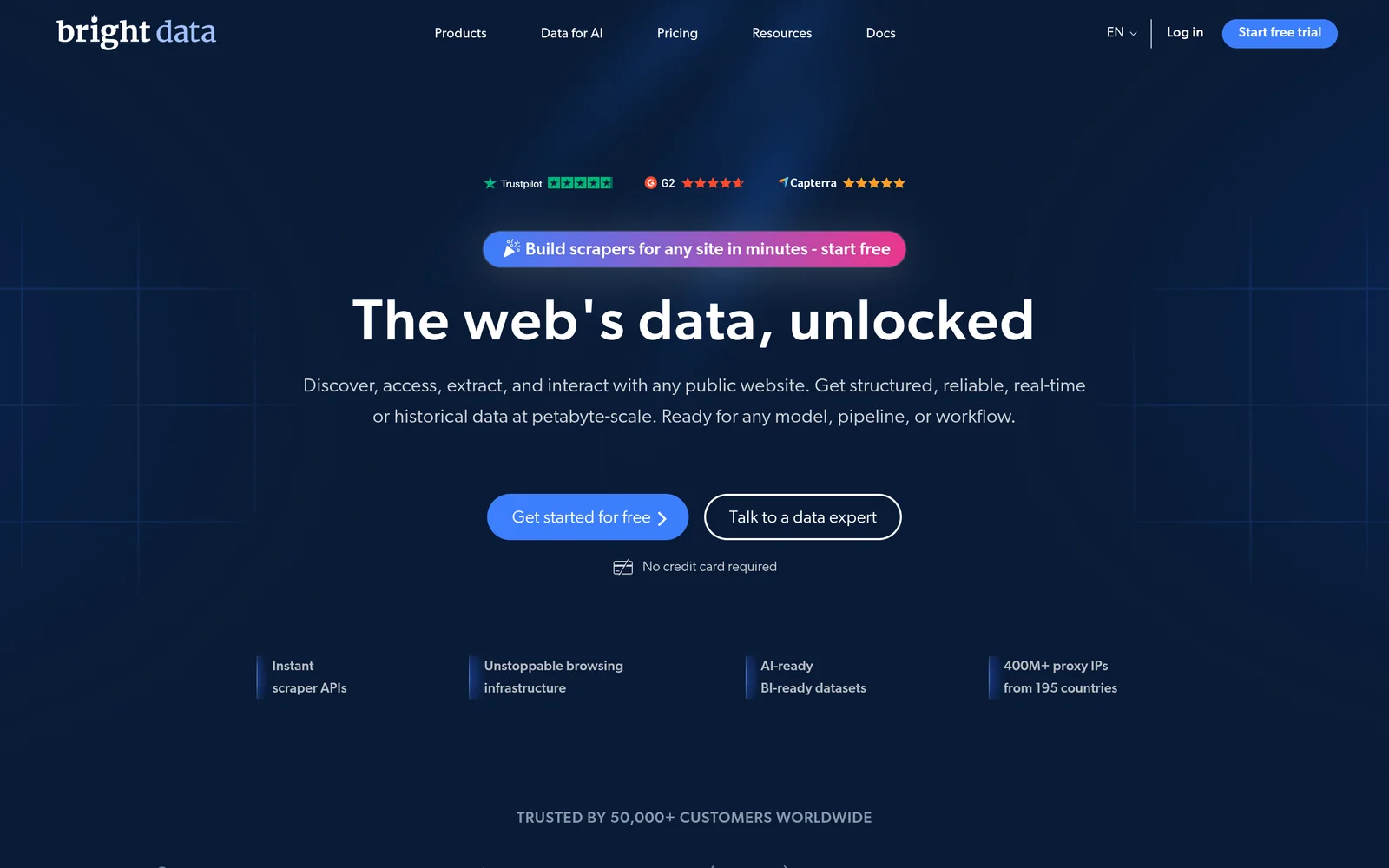
Bright Data sells enterprise web data: a SERP API from $1 per 1,000 requests, Unlocker and Crawl APIs also from $1 per 1,000, a Browser API from $5 per GB, scraper APIs from $0.75 per 1,000 records, and datasets from $25. Several products have free tiers. Reviewers note that the breadth comes with far more setup than developer-focused tools.
Key features
- SERP API from $1 per 1,000 requests. The same entry price as its Unlocker and Crawl APIs.
- Browser API from $5 per GB. Renders pages that need a full browser to load.
- Scraper APIs from $0.75 per 1,000 records. Plus ready-made datasets from $25.
- Enterprise breadth. With the procurement and setup that comes with it.
Comparison with Firecrawl
Bright Data is the enterprise buyer's choice. It sells Crawl and Unlocker APIs from $1 per 1,000 requests, plus a Browser API, scraper APIs, and datasets, all on top of a large proxy network. Reviews agree that reaching those features takes real configuration.
| Feature | Bright Data | Firecrawl |
|---|---|---|
Self-service access Direct setup without contacting sales | Yes | Yes |
Free usage tier Included usage before paid plans | Yes | Yes |
Search cost Price per 1,000 requests | From $1 per 1,000 on the SERP API | Subscription, from $16 a month for 5,000 credits |
Full text in results Extracted content returned in response | Yes | Yes |
Single-call cited answer Combined data retrieval and answer synthesis | No | No |
Schema-defined output JSON output formatted to custom specifications | Yes | Yes |
URL content extraction Parses text directly from user-provided URLs | Yes | Yes |
Published rate limits Publicly documented query throughput limits | Not applicable | 10 a minute on free plan |
- Free usage tier: Bright Data offers free tiers on several products. Firecrawl offers 1,000 monthly credits.
- Full text in results: Bright Data supports this via Unlocker and Crawl.
- Schema-defined output: Bright Data supports this via scraper APIs.
- URL content extraction: Firecrawl includes JavaScript rendering.
Key technical differences between Bright Data and Firecrawl
- Bright Data prices each product from $1 per 1,000 requests. Firecrawl sells one page-based subscription.
- Bright Data's Unlocker and proxy network get into protected sites. Firecrawl renders JavaScript and needs an outside proxy for protected sites.
- Bright Data sells datasets and per-record scraper APIs. Firecrawl sells crawling only.
- Bright Data is a wide platform with real setup work. Firecrawl is a developer tool.
Key similarities between Bright Data and Firecrawl
- Both are managed, with no backend to run.
- Both extract website content into text for AI applications.
- Both have a free tier on at least one product.
- Both support schema-defined output.
Bright Data primary use cases
Bright Data fits large data programs where the enterprise setup and procurement pay off.
Bottom line
Bright Data fits large organizations with procurement in place and a need for a proxy network. A small team that wants clean Markdown this week will get there faster with Firecrawl.
Which Firecrawl alternative should you choose?
- If your workflow starts with a search prompt rather than a URL and needs the matching pages with their text in one call, choose Exa.
- If you want no per-page bill and full control and can run the crawler yourself, choose Crawl4AI.
- If you are scraping a common site for which a maintained extractor already exists, choose Apify.
- If you are scraping sites that block automation and need rotating proxies handled, choose ZenRows.
- If you want search and collection from one vendor at enterprise scale, choose Nimble.
- If the extraction is simple and price per page decides, choose WebCrawlerAPI.
- If you run an enterprise data program with procurement behind it, choose Bright Data.
Is Exa right for you?
Exa is built for AI agent pipelines. Choose it if:
- Your workflow starts with a question rather than a URL, and you want Exa to decide which pages are worth reading before anything is crawled.
- You want page text and highlights in the search response, so the first ten results need no crawl step.
- You want to test before you pay. The free tier gives $10 in credit a month plus a $10 onboarding bonus, with no credit card. You can also start through Exa MCP without an API key.
Getting started costs nothing. Get an API key at dashboard.exa.ai and run:
curl -X POST https://api.exa.ai/search \-H "x-api-key: YOUR_KEY" \-H "Content-Type: application/json" \-d '{"query": "search APIs for AI agents"}'
Frequently asked questions
What is Firecrawl used for?
Firecrawl turns websites into clean Markdown or structured JSON for AI. Teams use it to scrape a URL with JavaScript rendered, to crawl every page on a domain, to extract fields to a schema, and to feed a knowledge base or a RAG pipeline. It has a search endpoint too, but its centre of gravity is reading pages rather than finding them.
Why do teams consider Firecrawl alternatives?
The usual reasons: subscription cost as page volume grows, a need to self-host or keep data in one region, a pre-built extractor already existing for the target site, and workflows that start with a question a crawler cannot answer.
What is the best free Firecrawl alternative?
Crawl4AI is free outright, open source and self-hosted, which is why it leads Google's answer for this query. Among the hosted tools, ZenRows gives 5,000 free credits a month, Apify gives $5 in platform credit, WebCrawlerAPI has a pay-as-you-go plan at $0 a month, and Exa gives $10 a month plus a $10 onboarding bonus, plus free access through Exa MCP with no API key required. Firecrawl's own free tier is 1,000 credits a month.
Is there an open-source Firecrawl alternative?
Yes. Crawl4AI is free and open source, built for LLM pipelines, and runs on your own infrastructure with no API pricing at all, only sponsorship tiers from $5 to $2,000 a month. The trade is that you operate it: proxy rotation, blocking, retries, scheduling and the breakage after a site redesign are yours.
Does Firecrawl do search?
It has a search endpoint. On the 200-query people-lookup set it returned the right result first 41.6% of the time, against 75.5% for Exa, at a median of 1.4 seconds against 472 ms. On company lookup it was 61.7% against 81.5%, and on research papers 26.3% against 63.3%. Those measure finding. Crawling is what Firecrawl is built for, and that has not been measured.
How much does Firecrawl cost?
The free plan gives 1,000 credits a month with two concurrent requests. Paid plans, billed yearly, are $16 a month for 5,000 pages with five concurrent requests, $83 a month for 100,000, and $333 a month for 500,000. Because it is a subscription, a month with light usage costs the same as a month with none.
Can Exa crawl a whole website?
Not exhaustively on request. Exa crawls the web to build its own index, and for a list of URLs you already hold, Contents returns their text at $1 per 1,000 pages. For reading every page on a domain as Markdown, Firecrawl or Crawl4AI is the answer.
What are the best web crawling tools in 2026?
The pages Google cites for this query keep naming Crawl4AI, Firecrawl, Apify, ZenRows, Bright Data and WebCrawlerAPI, and the chooser above sorts them by job. For a crawler you run yourself, Crawl4AI. For clean Markdown with little setup, Firecrawl. For a maintained extractor on a common site, Apify. For sites that block automation, ZenRows or Bright Data. For the step before the crawl, a search API such as Exa.
Where do the measured numbers on this page come from?
From Exa's internal evaluation system, on three tracks: a 200-query people-lookup set, a 200-query company-lookup set, and the 597-query LitSearch research-paper set, each graded on whether the right result comes first. Exa and Firecrawl's search endpoint ran together on 4 August 2026. None of the crawlers on this page has been measured on crawling, and the page says so wherever a number would otherwise appear. Prices come from each vendor's own pricing page, read 14 August 2026. Exa's open tests are at github.com/exa-labs/benchmarks; this page cites no competitor results from that repository and no third-party benchmark scores.