The best Exa alternatives & competitors, compared
Updated
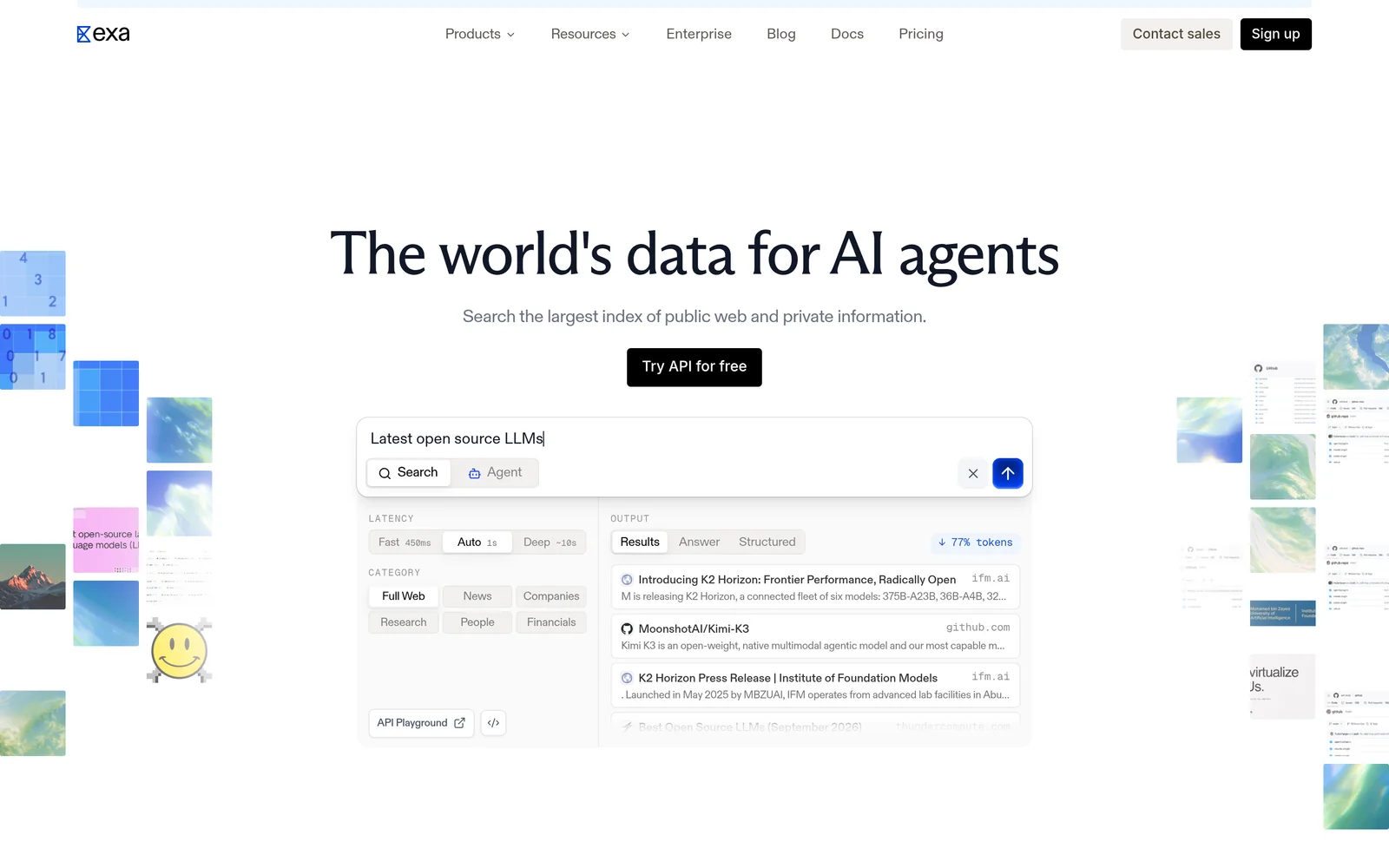
Exa is a search API built for AI agents and data retrieval systems. It combines a custom web index, semantic search, and full page text in its search results.
Competitor comparisons sometimes point to index freshness for brand-new content, anti-bot protections, and Exa's 10 queries per second rate limit as drawbacks. Some of these claims are easy to verify; others depend heavily on the workload, benchmark, or configuration being tested.
This guide compares six search and web data APIs using published features, current pricing, and reproducible benchmarks where possible. Where a claim comes from a vendor rather than independent testing, we say so.
Exa: Web search, research, and retrieval APIs for AI agents
- Founded
- 2021
- Similar to
- Tavily, Brave Search API
- Typical users
- Developers creating software agents and data retrieval systems
- Typical customers
- Early-stage AI companies and software development platforms
What is Exa?
Exa is a search engine built for software rather than people. Given a query, it searches its own index and returns ranked results with extracted text and highlights. Because the search is semantic, it handles natural language prompts such as "startups building humanoid robots in Europe."
Beyond search, Exa offers Contents for extracting text from URLs you already have, Answer for a cited response in one request, Deep Search for multi-step research, and Monitors for tracking new web content over time.
Key features
- Search by meaning. Neural search over its own index. Auto, the default search type, picks the best method for each query.
- Page content included in responses. Search starts at $4 per 1,000 requests (Lite); Auto is $7. Both include extracted text and highlights for up to ten results. Most alternatives return links and bill separately for content.
- Category-specific search. Filters for companies, people, and publications, with structured metadata.
- Answer and Deep Search. Cited answers cost $5 per 1,000 requests. Multi-step research runs cost $12 per 1,000.
- Contents and Monitors. Extracting text from URLs you already have costs $1 per 1,000 pages. Scheduled searches that watch a topic for new content cost $15 per 1,000.
- Published rate limits. 10 queries per second on Search, 100 on Contents, and 10 on Answer.
Comparison with the alternatives
Exa is the only API in this group that runs its own web index, searches it semantically, and returns extracted page text in the same response. Each alternative does some of this and leaves the rest to your code. The last two rows show the alternatives measured in the same benchmark run.
| Feature | Exa | Best alternative on the row |
|---|---|---|
Self-service access Direct setup without contacting sales | Yes | All six |
Free usage tier Included usage before paid plans | Yes | Yes |
Search cost Price per 1,000 requests | From $4, content included | Parallel, $1 to $5 |
Full text in results Extracted content returned in response | Yes | Yes |
Proprietary web index Independent crawl rather than a third-party wrapper | Yes | Yes |
Semantic search Meaning-based retrieval instead of strict keywords | Yes | No |
Single-call cited answer Combined data retrieval and answer synthesis | Yes | Yes |
Schema-defined output JSON output formatted to custom specifications | Yes | Yes |
URL content extraction Parses text directly from user-provided URLs | Yes | Yes |
Published rate limits Publicly documented query throughput limits | 10 QPS on Search, custom Enterprise limits | Parallel, 600 a minute |
Median latency Measured response speed during profile lookups | 472 ms | Sonar, 1.3 s, same run |
Entity lookup accuracy Top-result retrieval precision across 200 queries | 75.5% | Sonar, 53.5%, same run |
- Free usage tier: Exa offers $10/month plus a $10 onboarding bonus, plus free access through Exa MCP with no API key required. Best alternative (Parallel) offers $80 at signup.
- Full text in results: Exa returns text and highlights. Tavily and Linkup offer full text alternative options.
- Proprietary web index: Brave is the best alternative with an independent index.
- Semantic search: None of the six alternatives publish support for semantic search.
- Single-call cited answer: Exa Answer costs $5 per 1,000. Sonar, Linkup, Brave, and Parallel offer alternatives.
- Schema-defined output: Exa via outputSchema on Answer and JSON-schema summaries on Contents. Also supported by Linkup, Firecrawl, and Parallel.
- URL content extraction: Exa Contents costs $1 per 1,000 pages. Supported by Firecrawl, Tavily, and Linkup.
Key technical differences between Exa and the alternatives
- Exa returns page text with each result. Brave, Sonar, and Parallel return links, so you fetch and parse the pages yourself.
- Exa runs semantic search over its own index. None of the six alternatives publishes a semantic mode, and Brave documents keyword matching.
- In the benchmark run, Exa's median latency was 472 ms against 1.3 s for Sonar, 1.4 s for Firecrawl, and 3.6 s for Tavily. A separate audit measured about 280 ms for Exa against about 650 ms for Brave.
- Exa starts at $4 per 1,000 requests, with content included. Brave, Linkup, and Parallel list $5 or less per 1,000 and bill content separately.
Key similarities between Exa and the alternatives
- Every API in this set offers a free tier or signup credit, so a side-by-side evaluation costs nothing.
- All bill per request or per credit rather than per user seat.
- Exa, Sonar, Brave, Linkup, and Parallel each offer a cited-answer product.
- Exa, Firecrawl, Tavily, Linkup, and Parallel each offer an extraction product for URLs you already hold.
Exa primary use cases
In a benchmark of 200 people-profile queries, Exa returned the right profile first 75.5% of the time, against 53.5% for Perplexity, 41.6% for Firecrawl, and 40.5% for Tavily. On company lookups in the same run, Exa scored 81.5% against 69.3%, 61.7%, and 61.3%.
On a set of 597 academic papers, Exa reached 63.3% precision against 31.8% for Tavily and 26.3% for Firecrawl. The gap comes from semantic indexing, which matches on what the query means rather than on its exact words.
Bottom line
Pick Exa when you need semantic search, entity lookups (people, companies, papers), or full page text in the response. An alternative may fit better for cheap link retrieval, live scraping of specific pages, or a one-step answer where you never need the source documents.
Tavily: Web search API for AI agents
- Founded
- 2023
- Similar to
- Exa, Linkup
- Typical users
- Engineers building LLM apps and RAG pipelines
- Typical customers
- Prototypes and early-stage agent products
What is Tavily?
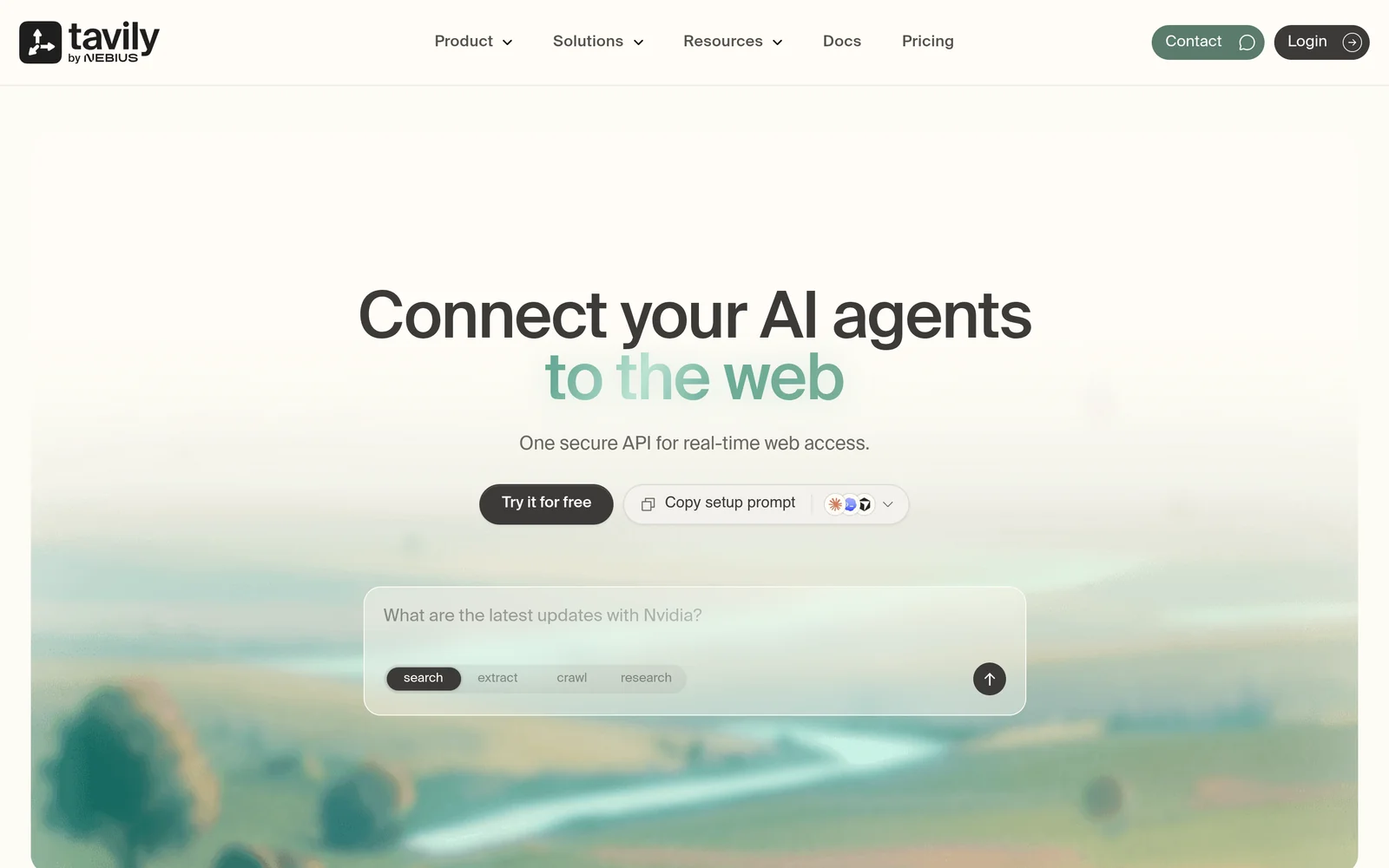
Tavily is a web search API built for language models and RAG pipelines. It returns context that is already cleaned, deduplicated, and trimmed to fit a model's token budget, so you can drop it straight into a prompt. An extract endpoint pulls text from URLs you supply. The free plan includes 1,000 credits a month; paid plans run $30 to $500 a month.
Key features
- Agent-ready context. Returns results as snippets sized for a model, with boilerplate removed.
- Extract endpoint. Retrieves text from URLs you already hold, alongside search.
- Credit pricing. Costs $0.008 per credit pay-as-you-go, falling to $0.0075 and $0.005 on committed plans from $30 to $500 a month.
- Free tier. Includes 1,000 credits a month with no card required.
Comparison with Exa
Tavily and Exa both hand processed web text to a language model, so neither needs a separate scraper. Exa runs neural search over its own index; Tavily does not document where its results come from. The benchmark run showed large gaps in latency and precision between the two.
| Feature | Tavily | Exa |
|---|---|---|
Self-service access Direct setup without contacting sales | Yes | Yes |
Free usage tier Included usage before paid plans | Yes | Yes |
Search cost Price per 1,000 requests | $8 pay-as-you-go, $5 to $7.50 on plans | From $4, content included |
Full text in results Extracted content returned in response | Yes | Yes |
Proprietary web index Independent crawl rather than a third-party wrapper | Not applicable | Yes |
Semantic search Meaning-based retrieval instead of strict keywords | Not applicable | Yes |
Single-call cited answer Combined data retrieval and answer synthesis | Not applicable | Yes |
Schema-defined output JSON output formatted to custom specifications | No | Yes |
URL content extraction Parses text directly from user-provided URLs | Yes | Yes |
Published rate limits Publicly documented query throughput limits | Not applicable | 10 QPS on Search, custom Enterprise limits |
Median latency Measured response speed in benchmark testing | 3.6 s | 472 ms |
Entity lookup accuracy Top-result retrieval precision in benchmark testing | 40.5% | 75.5% |
- Free usage tier: Tavily includes 1,000 credits/month. Exa offers $10/month plus a $10 onboarding bonus, plus free access through Exa MCP with no API key required.
- Full text in results: Tavily returns snippets; Exa returns full text and highlights.
- Single-call cited answer: Exa Answer is available at $5 per 1,000 requests.
- Schema-defined output: Exa via outputSchema on Answer and JSON-schema summaries on Contents.
- URL content extraction: Tavily uses an extract endpoint; Exa uses Contents ($1 per 1,000 pages).
Key technical differences between Tavily and Exa
- Exa runs semantic search over its own index. Tavily discloses neither an index nor a semantic mode.
- In the same benchmark run, Exa beat Tavily on individual profiles (75.5% to 40.5%), company lookups (81.5% to 61.3%), and research papers (63.3% to 31.8%).
- Tavily's median response time in that run was 3.6 s, against 472 ms for Exa.
- Tavily bills in credits, so cost depends on how much content you pull. Exa starts at $4 per 1,000 requests, with content included.
Key similarities between Tavily and Exa
- Both deliver model-readable content directly, removing the need for a separate scraping step.
- Both provide a free tier that supports a functional prototype.
- Both feature an extraction endpoint for URLs you already hold.
- Both charge per request or credit rather than per user seat.
Tavily primary use cases
Tavily fits prototypes and early agent projects where a free plan and quick setup matter more than retrieval accuracy.
Bottom line
Tavily works for prototypes and early agent development where setup speed and free access come first. For production workloads that need precision and low latency, the benchmark favors Exa.
Firecrawl: Web crawling and extraction APIs for AI
- Founded
- 2022
- Similar to
- Crawl4AI, Apify
- Typical users
- Engineers who start from URLs rather than from a question
- Typical customers
- Teams crawling known sites into a knowledge base
What is Firecrawl?
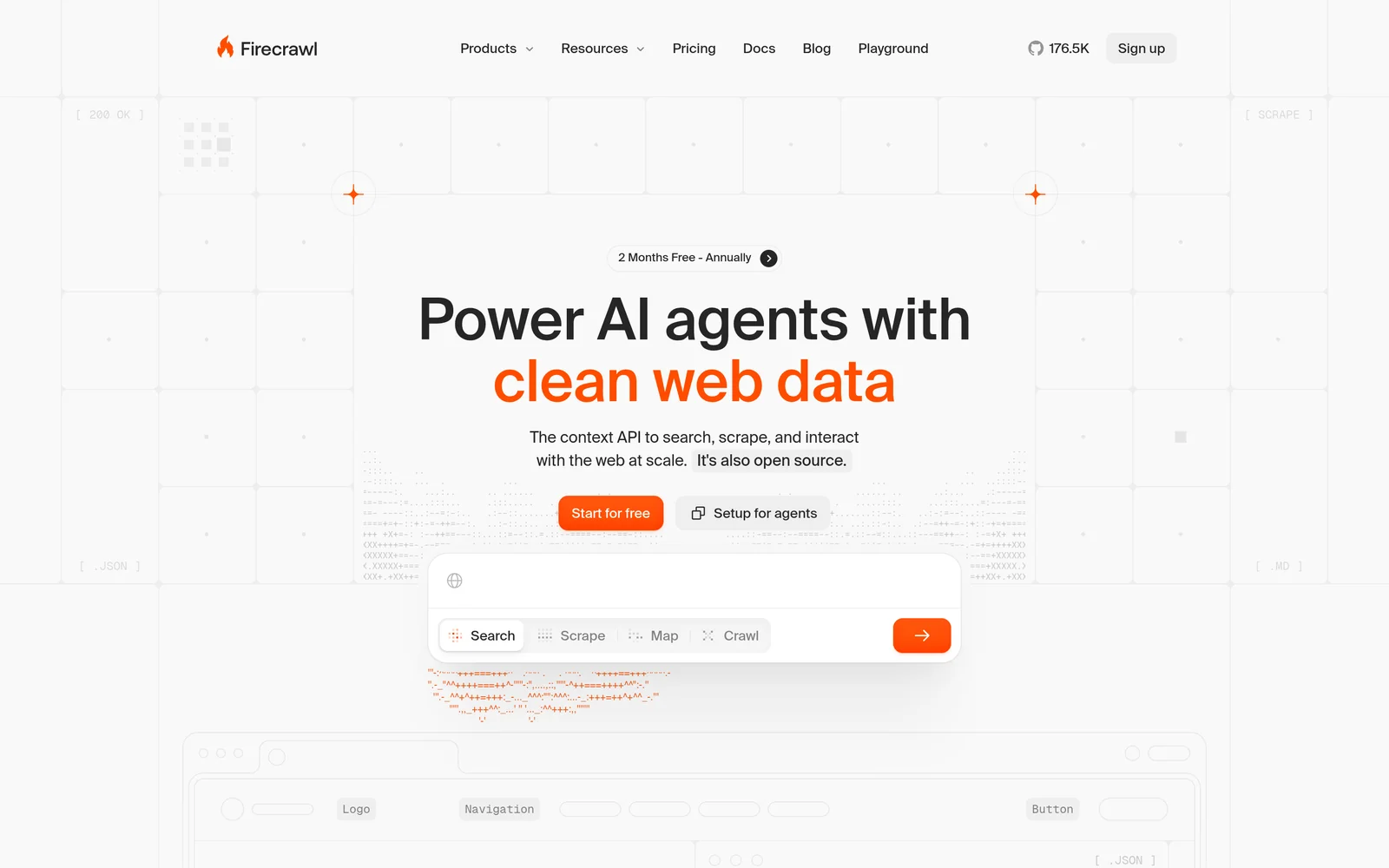
Firecrawl turns websites into Markdown or structured JSON. Give it a URL and it renders the JavaScript, strips the page furniture, and returns clean text for a model prompt.
Give it a root domain and it crawls every reachable subpage. It also has a search endpoint at two credits per ten results, but its main job is reading pages, not finding them.
Key features
- Scrape and crawl. Cleans one URL or a whole site at one credit per page.
- Structured extraction. Formats output into JSON based on your custom schema.
- JavaScript rendering. Renders dynamic pages that index-based search tools can't read.
- Subscription pricing. 1,000 free monthly credits with two concurrent requests, then tiers at $16 for 5,000, $83 for 100,000, and $333 for 500,000 credits. Only successful calls are billed.
Comparison with Exa
Developers often use Firecrawl and Exa together rather than choosing between them. Exa finds the pages; Firecrawl fetches them live with JavaScript rendered. Firecrawl's search scored 41.6% on the entity benchmark against Exa's 75.5%; its strength is extracting dynamic content a static index can't reach.
| Feature | Firecrawl | Exa |
|---|---|---|
Self-service access Direct setup without contacting sales | Yes | Yes |
Free usage tier Included usage before paid plans | Yes | Yes |
Search cost Price per 1,000 requests | Subscription, from $16 a month for 5,000 credits | From $4, content included |
Full text in results Extracted content returned in response | Yes | Yes |
Proprietary web index Independent crawl rather than a third-party wrapper | Not applicable | Yes |
Semantic search Meaning-based retrieval instead of strict keywords | Not applicable | Yes |
Single-call cited answer Combined data retrieval and answer synthesis | No | Yes |
Schema-defined output JSON output formatted to custom specifications | Yes | Yes |
URL content extraction Parses text directly from user-provided URLs | Yes | Yes |
Published rate limits Publicly documented query throughput limits | 10 a minute on free plan | 10 QPS on Search, custom Enterprise limits |
Median latency Measured response speed in benchmark testing | 1.4 s | 472 ms |
Entity lookup accuracy Top-result retrieval precision in benchmark testing | 41.6% | 75.5% |
- Free usage tier: Firecrawl provides 1,000 monthly credits. Exa offers $10/month plus a $10 onboarding bonus, plus free access through Exa MCP with no API key required.
- Full text in results: Exa includes text and highlights.
- Single-call cited answer: Exa Answer available for $5 per 1,000 requests.
- Schema-defined output: Exa via outputSchema on Answer and JSON-schema summaries on Contents.
- URL content extraction: Firecrawl includes JavaScript rendering; Exa Contents costs $1 per 1,000 pages.
Key technical differences between Firecrawl and Exa
- Firecrawl reads pages you name. Exa finds pages you describe.
- Firecrawl renders JavaScript on a live fetch. Exa's Contents endpoint returns what its crawler last captured.
- Firecrawl sells monthly subscriptions sized by page volume; Exa bills per request, so which is cheaper depends on your volume.
- In the benchmark run, Exa returned the top result in 75.5% of profile lookups and 81.5% of company lookups, against 41.6% and 61.7% for Firecrawl.
Key similarities between Firecrawl and Exa
- Both deliver clean, model-readable text without a custom parsing layer.
- Both provide a substantial free tier.
- Both extract content from URLs you already hold.
- Both are built for automated pipelines rather than people.
Firecrawl primary use cases
Use Firecrawl to index a known set of domains or to read client-rendered pages, and get Markdown or schema-shaped JSON back.
Bottom line
Firecrawl is a good fit for extracting known URLs and crawling whole sites, especially ones that need a live browser. If your workflow starts with a question rather than a URL, you still need a search API to find the sources.
Perplexity Sonar: Search and answer API
- Founded
- 2022
- Similar to
- Exa Answer, Linkup
- Typical users
- Product teams shipping a chat or answer feature
- Typical customers
- Consumer and prosumer apps that show a person a cited answer
What is Perplexity Sonar?
Sonar is Perplexity's API. Instead of returning search hits, it retrieves and reads the sources itself and returns a written answer with inline citations.
An app can show a cited answer after one request and never touch the source documents. Web search costs $0.0025 per call; model tokens are billed on a separate meter.
Key features
- Answer with citations. Retrieval, synthesis, and citations in one request, with nothing to assemble client-side.
- Agent tool pricing. $0.0025 per web search ($2.50 per 1,000 requests), with model tokens billed separately.
- Fetch, people and finance tools. $0.0005 per fetch and $0.005 per targeted search over finance or people sources.
- No retrieval layer to build. No chunking, ranking, or re-ranking on your side; Perplexity processes the sources.
Comparison with Exa
Exa gives you the retrieval pipeline; Sonar gives you the finished answer. Exa's Answer endpoint produces a comparable single-call cited response, and its Search endpoint lets you generate with your own model, which Sonar does not allow.
| Feature | Perplexity Sonar | Exa |
|---|---|---|
Self-service access Direct setup without contacting sales | Yes | Yes |
Free usage tier Included usage before paid plans | Not applicable | Yes |
Search cost Price per 1,000 requests | Not published for the base API | From $4, content included |
Full text in results Extracted content returned in response | No | Yes |
Proprietary web index Independent crawl rather than a third-party wrapper | Not applicable | Yes |
Semantic search Meaning-based retrieval instead of strict keywords | Not applicable | Yes |
Single-call cited answer Combined data retrieval and answer synthesis | Yes | Yes |
Schema-defined output JSON output formatted to custom specifications | No | Yes |
URL content extraction Parses text directly from user-provided URLs | Yes | Yes |
Published rate limits Publicly documented query throughput limits | Not applicable | 10 QPS on Search, custom Enterprise limits |
Median latency Measured response speed in benchmark testing | 1.3 s | 472 ms |
Entity lookup accuracy Top-result retrieval precision in benchmark testing | 53.5% | 75.5% |
- Free usage tier: Exa offers $10/month plus a $10 onboarding bonus, plus free access through Exa MCP with no API key required.
- Full text in results: Sonar provides synthesized answers; Exa provides full text and highlights.
- Single-call cited answer: Exa Answer costs $5 per 1,000 requests.
- Schema-defined output: Exa via outputSchema on Answer and JSON-schema summaries on Contents.
- URL content extraction: Sonar uses fetch tool; Exa uses Contents ($1 per 1,000 pages).
Key technical differences between Perplexity Sonar and Exa
- Sonar returns a written answer and keeps the source documents. Exa returns the documents and offers Answer as an option.
- Your code can't re-rank, re-chunk, or cache what Sonar retrieved. Exa exposes the documents for downstream processing.
- Perplexity doesn't publish a base per-request price we could verify. Exa Search starts at $4 per 1,000 requests. Answer is $5 per 1,000 requests.
- In the benchmark run, Sonar scored 53.5% on profile lookups and 69.3% on company lookups against Exa's 75.5% and 81.5%, and 45.1% against 66.5% in a separate research-paper run.
Key similarities between Perplexity Sonar and Exa
- Both offer a cited answer in a single call.
- Both bill per request.
- Both ground a language model in live web content.
- Both run retrieval on the vendor's side, so you host no index.
Perplexity Sonar primary use cases
Sonar fits apps that need a cited answer in one step and don't want to run a retrieval pipeline.
Bottom line
Sonar suits user-facing apps that show a written answer and never need the sources. If your system needs the underlying web content, or generates with its own model, Exa is the better fit.
Brave Search API: Independent web search API
- Founded
- 2021
- Similar to
- Exa, Bing Search API
- Typical users
- Engineers who want an index that is not Google's
- Typical customers
- Privacy-focused products with their own extraction layer
What is Brave Search API?
The Brave Search API exposes Brave's own web index, which it crawls itself rather than pulling from Google or Bing. It returns ranked results at $5 per 1,000 queries and has an AI Grounding option for cited answers. It is the only alternative in this group that, like Exa, runs an independently crawled index.
Key features
- Independent index. Brave crawls the web directly rather than wrapping another engine's results.
- $5 per 1,000 requests, with $5 of free credit a month.
- AI Grounding. Cited answers at $4 per 1,000 requests, plus $5 per million input and output tokens.
- Speed. Median response of about 650 ms in the audit.
Comparison with Exa
Brave is the closest structural alternative to Exa, with an independent index at a lower price per request. The differences are in the payload and the accuracy. Brave returns links and leaves extraction to you. The table shows the audit numbers side by side.
| Feature | Brave Search API | Exa |
|---|---|---|
Self-service access Direct setup without contacting sales | Yes | Yes |
Free usage tier Included usage before paid plans | Yes | Yes |
Search cost Price per 1,000 requests | $5 | From $4, content included |
Full text in results Extracted content returned in response | No | Yes |
Proprietary web index Independent crawl rather than a third-party wrapper | Yes | Yes |
Semantic search Meaning-based retrieval instead of strict keywords | No | Yes |
Single-call cited answer Combined data retrieval and answer synthesis | Yes | Yes |
Schema-defined output JSON output formatted to custom specifications | No | Yes |
URL content extraction Parses text directly from user-provided URLs | No | Yes |
Published rate limits Publicly documented query throughput limits | Not applicable | 10 QPS on Search, custom Enterprise limits |
Median latency Measured response speed in benchmark testing | About 650 ms, company lookup audit | About 280 ms, company lookup audit |
Entity lookup accuracy Top-result retrieval precision in benchmark testing | 65.2% company lookup, same audit | 79.5% company lookup, same audit |
- Free usage tier: Brave offers $5/month in credits. Exa offers $10/month plus a $10 onboarding bonus, plus free access through Exa MCP with no API key required.
- Full text in results: Brave content is billed separately; Exa includes text and highlights.
- Semantic search: Brave uses keyword matching.
- Single-call cited answer: Brave uses AI Grounding; Exa Answer costs $5 per 1,000 requests.
- Schema-defined output: Exa via outputSchema on Answer and JSON-schema summaries on Contents.
- URL content extraction: Exa Contents costs $1 per 1,000 pages.
Key technical differences between Brave Search API and Exa
- Brave returns links only. Exa returns links with page text and highlights attached.
- Brave runs keyword search over its independent index. Exa runs neural search over its own.
- Brave charges $5 per 1,000 requests. Exa starts at $4, with content included.
- In the audit, Exa returned the right company first in 79.5% of queries against 65.2% for Brave, and the right research paper in 67.8% against 32.5%, at a median of about 280 ms against about 650 ms.
Key similarities between Brave Search API and Exa
- Both operate a proprietary web index rather than reselling Google or Bing results.
- Both bill per request without seat pricing.
- Both offer a cited-answer product.
- Both are fast enough for interactive use.
Brave Search API primary use cases
Brave fits teams that already have an extraction layer and want a fast, cheap index that isn't Google's.
Bottom line
Brave works when you want a cheap, independent keyword index and will parse the pages yourself. If you need page text in the response or semantic search, Brave scored lower in the audit.
Linkup: Web search API for AI applications
- Founded
- 2024
- Similar to
- Perplexity Sonar, Exa Answer
- Typical users
- Engineers who want retrieval output already shaped for their code
- Typical customers
- Teams with compliance requirements in the buying process
What is Linkup?
Linkup is an AI search API that returns sourced answers or structured JSON at $5 to $6 per 1,000 requests, with a stated latency of one to three seconds. It also offers URL extraction, asynchronous research for harder queries, and SOC 2 Type II on every plan.
Key features
- Schema-aligned output. Pass a schema with the call and get JSON in that shape, with nothing to parse.
- Attributed answers. A written answer with its sources in one synchronous call.
- Content extraction and research. Extracts page content for $1 to $5 per 1,000 requests, with asynchronous deep research priced at $0.25 to $2.50 per query.
- Compliance. SOC 2 Type II on every tier, with zero data retention for enterprise customers.
Comparison with Exa
Both return cited answers but are built differently. Exa runs semantic search over its own index. Linkup retrieves, synthesizes, and returns a sourced answer shaped to the JSON schema you pass, aimed at multi-step queries. Linkup was not in the benchmark run against Exa, so those rows are omitted.
| Feature | Linkup | Exa |
|---|---|---|
Self-service access Direct setup without contacting sales | Yes | Yes |
Free usage tier Included usage before paid plans | Not applicable | Yes |
Search cost Price per 1,000 requests | $5 to $6 | From $4, content included |
Full text in results Extracted content returned in response | Yes | Yes |
Proprietary web index Independent crawl rather than a third-party wrapper | Not applicable | Yes |
Semantic search Meaning-based retrieval instead of strict keywords | Not applicable | Yes |
Single-call cited answer Combined data retrieval and answer synthesis | Yes | Yes |
Schema-defined output JSON output formatted to custom specifications | Yes | Yes |
URL content extraction Parses text directly from user-provided URLs | Yes | Yes |
Published rate limits Publicly documented query throughput limits | Not applicable | 10 QPS on Search, custom Enterprise limits |
- Free usage tier: Exa offers $10/month plus a $10 onboarding bonus, plus free access through Exa MCP with no API key required.
- Full text in results: Exa returns text and highlights.
- Single-call cited answer: Exa Answer costs $5 per 1,000 requests.
- Schema-defined output: Exa via outputSchema on Answer and JSON-schema summaries on Contents.
- URL content extraction: Exa Contents costs $1 per 1,000 pages.
Key technical differences between Linkup and Exa
- Linkup's search call returns JSON in a schema you define. Exa's Search returns ranked results with page text; Answer and Contents summaries take an output schema.
- Linkup states a latency of one to three seconds. Exa's measured median is under half a second.
- Linkup publishes SOC 2 Type II on every plan. Exa's pricing page does not state a compliance posture.
- Linkup has no published free tier. Exa gives $10 a month plus a $10 onboarding bonus.
Key similarities between Linkup and Exa
- Both bill per request. Exa starts at $4 per 1,000, versus $5 for Linkup.
- Both offer a cited answer in a single call.
- Both feature a content-extraction endpoint for URLs you already hold.
- Both target agents and retrieval pipelines rather than human users.
Linkup primary use cases
Linkup fits teams that need cited answers, a compliance certificate to show procurement, or JSON in their own schema. In testing for this query, ChatGPT, Claude, and Perplexity named Linkup in every run; Google's AI Overview rarely did.
Bottom line
Linkup suits teams that need SOC 2 on every plan. No published benchmark compares its retrieval accuracy with Exa's.
Parallel Search: Web search API for AI agents
- Founded
- 2023
- Similar to
- Exa Deep Search, Linkup Research
- Typical users
- Engineers building research agents
- Typical customers
- Teams whose jobs can wait minutes for a better answer
What is Parallel Search?
Parallel Web Systems sells a Search API at $0.001 to $0.005 per query for ten results, a Task API for asynchronous research, an Extract API, and web monitoring. Search is synchronous with a stated 200 ms to 3 s response. Task runs research jobs that take five seconds to thirty minutes.
Key features
- Search API. Costs $1 to $5 per 1,000 requests for ten results, with a stated synchronous response of 200 ms to 3 seconds.
- Task API. Performs multi-step research at $5 to $2,400 per 1,000 depending on depth, running five seconds to thirty minutes.
- Extract, Monitor and FindAll. Separately priced products alongside search.
- Free credits. $80 at signup and $5 a month. SOC 2 is published across all products.
Comparison with Exa
Parallel and Exa compete most directly on deep research, Task API against Deep Search. On plain web search, Parallel is cheaper per request but returns links without page text.
| Feature | Parallel Search | Exa |
|---|---|---|
Self-service access Direct setup without contacting sales | Yes | Yes |
Free usage tier Included usage before paid plans | Yes | Yes |
Search cost Price per 1,000 requests | $1 to $5 | From $4, content included |
Full text in results Extracted content returned in response | No | Yes |
Proprietary web index Independent crawl rather than a third-party wrapper | Not applicable | Yes |
Semantic search Meaning-based retrieval instead of strict keywords | Not applicable | Yes |
Single-call cited answer Combined data retrieval and answer synthesis | Yes | Yes |
Schema-defined output JSON output formatted to custom specifications | Yes | Yes |
URL content extraction Parses text directly from user-provided URLs | Yes | Yes |
Published rate limits Publicly documented query throughput limits | 600 a minute on Search | 10 QPS on Search, custom Enterprise limits |
- Free usage tier: Parallel offers $80 at signup and $5/month; Exa offers $10/month plus a $10 onboarding bonus, plus free access through Exa MCP with no API key required.
- Full text in results: Exa returns text and highlights.
- Single-call cited answer: Parallel uses Task API; Exa Answer costs $5 per 1,000 requests.
- Schema-defined output: Exa via outputSchema on Answer and JSON-schema summaries on Contents. Parallel Extract supports schema-defined output.
- URL content extraction: Parallel Extract costs $1 per 1,000; Exa Contents costs $1 per 1,000 pages.
Key technical differences between Parallel Search and Exa
- Parallel's Search returns links only. Exa returns links with page text and highlights.
- Parallel's Search costs $1 to $5 per 1,000. Exa starts at $4, with content included.
- Parallel's Task API runs asynchronously for up to thirty minutes. Exa's Deep Search runs through the Search endpoint at $12 per 1,000.
- Parallel publishes a rate limit of 600 searches per minute; Exa publishes 10 per second on Search, the same order of magnitude.
Key similarities between Parallel Search and Exa
- Both offer a fast search product and a slower research product.
- Both provide meaningful free credit: $80 at signup for Parallel, $10 a month plus a $10 onboarding bonus for Exa.
- Both feature an extraction product for known URLs and a monitoring product for new pages.
- Both bill per request rather than per seat.
Parallel Search primary use cases
Parallel fits scheduled, asynchronous research jobs where waiting minutes buys multi-step reasoning instead of a single retrieval pass.
Bottom line
Parallel works for asynchronous deep research pipelines, and its plain search is cheap. If you need page text in the response or the lowest latency, Exa is the better fit.
Which Exa alternative should you choose?
- If you need full page text with results, semantic search, and the lowest measured latency, choose Exa.
- If you are prototyping and a free tier plus quick setup decides it, choose Tavily.
- If your workflow starts with specific URLs or needs browser rendering, choose Firecrawl.
- If you show cited answers to end users and never process the sources yourself, choose Perplexity Sonar.
- If you want the cheapest link retrieval from an independent index and run your own extraction, choose Brave Search API.
- If you require SOC 2 compliance on every plan, choose Linkup.
- If you are running deep research that can wait minutes for a result, choose Parallel.
Is Exa right for you?
Exa is built for AI workflows. Choose it if:
- You search for people, companies, or research papers, where Exa's measured lead is largest.
- You want page text and highlights in the search response, with no second round trip and no second content bill.
- You want to test it without paying. The free tier gives $10 of credit a month plus a $10 onboarding bonus, no card required. You can also start through Exa MCP without an API key.
Get an API key at dashboard.exa.ai and run:
curl -X POST https://api.exa.ai/search \-H "x-api-key: YOUR_KEY" \-H "Content-Type: application/json" \-d '{"query": "startups building humanoid robots in Europe"}'