The best Brave Search API alternatives & competitors, compared
Updated
At $5 per 1,000 requests, the Brave Search API is one of the cheapest ways to get ranked results from an independent index. Latency is low and every account gets monthly free credits.
Teams building search and retrieval into their products still look for alternatives for two reasons: Brave returns links without page text, and it matches keywords rather than the meaning of a query.
Those limitations can mean adding a separate content extraction pipeline or getting weaker results for descriptive, semantic queries. For some applications, a search API built specifically for AI agents can be a better fit.
This guide compares seven search, answer, and web crawling APIs on features, benchmark results, and where each one fits.
Exa: Web search, research, and retrieval APIs for AI agents
- Founded
- 2021
- Similar to
- Tavily, Brave Search API
- Typical users
- Developers creating software agents and data retrieval systems
- Typical customers
- Early-stage AI companies and software development platforms
What is Exa?
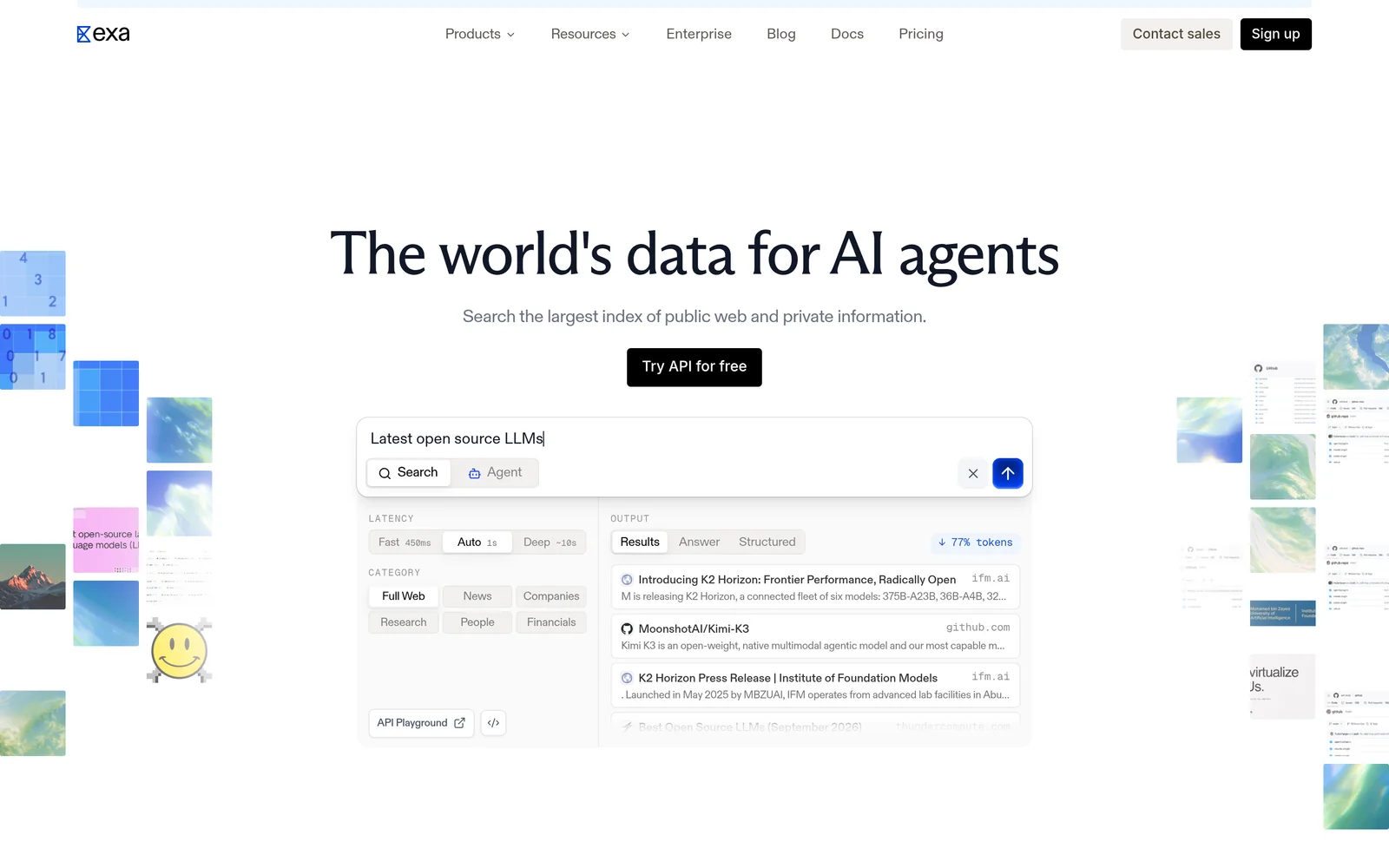
Exa is a search engine built for software, not people. Where Brave matches keywords, Exa searches by meaning, so a query like "startups building humanoid robots in Europe" works as written. Results come back ranked, with page text and highlights. Exa also offers Contents for extracting text from URLs, Answer for cited responses, Deep Search for multi-step research, and Monitors for tracking new content.
Key features
- Semantic search. Neural retrieval over Exa's own index. Auto, the default search type, picks the best method for each query.
- Content included in results. Search starts at $4 per 1,000 requests (Lite); Auto is $7. Both return parsed text and highlights for the top ten results, with no separate content fee.
- Category filters. Structured metadata filters for companies, people, and research papers.
- Answer and Deep Search. Cited answers cost $5 per 1,000 requests; multi-step research runs cost $12 per 1,000.
- Contents and Monitors. Text from URLs you already have costs $1 per 1,000 pages. Recurring searches that watch a topic cost $15 per 1,000.
- Published rate limits. 10 requests per second on Search and Answer, 100 on Contents.
Comparison with Brave
Brave is the closest structural alternative to Exa: both run their own index. Exa starts at $4 per 1,000 requests, versus $5 for Brave. Exa differs in what each call returns and how it matches: page text in the response, and neural search over the index. The table below comes from the audit that measured the two side by side.
| Feature | Exa | Brave Search API |
|---|---|---|
Self-service access Direct setup without contacting sales | Yes | Yes |
Free usage tier Included usage before paid plans | Yes | Yes |
Search cost Price per 1,000 requests | From $4, content included | $5 |
Full text in results Extracted content returned in response | Yes | No |
Proprietary web index Independent crawl rather than a third-party wrapper | Yes | Yes |
Semantic search Meaning-based retrieval instead of strict keywords | Yes | No |
Single-call cited answer Combined data retrieval and answer synthesis | Yes | Yes |
Schema-defined output JSON output formatted to custom specifications | Yes | No |
URL content extraction Parses text directly from user-provided URLs | Yes | No |
Published rate limits Publicly documented query throughput limits | Yes | No |
Median latency Measured response speed in benchmark testing | About 280 ms, company lookup audit | About 650 ms, company lookup audit |
Entity lookup accuracy Top-result retrieval precision in benchmark testing | 79.5% company lookup, same audit | 65.2% company lookup, same audit |
- Free usage tier: Exa offers $10 a month plus a $10 onboarding bonus, plus free access through Exa MCP with no API key required. Brave Search API offers $5 in credits a month.
- Full text in results: Exa includes text and highlights; Brave Search API requires separate billing.
- Semantic search: Brave Search API uses keyword matching.
- Single-call cited answer: Exa offers Answer ($5 per 1,000); Brave Search API offers AI Grounding.
- Schema-defined output: Exa via outputSchema on Answer and JSON-schema summaries on Contents.
- URL content extraction: Exa offers Contents endpoint ($1 per 1,000 pages).
- Published rate limits: Exa has 10 QPS on Search with custom Enterprise limits; Brave Search API rate limits are not published.
Key technical differences between Exa and Brave
- Exa returns extracted page text and highlights with each result. Brave returns URLs and bills content retrieval separately.
- Exa searches its index by meaning; Brave matches keywords over its own dataset.
- Exa starts at $4 per 1,000 queries, with content included. Brave's is $5 per 1,000 for links only.
- In the benchmark, Exa found the target company on the first attempt in 79.5% of tests (Brave: 65.2%), found the right research paper in 67.8% of queries (Brave: 32.5%), and answered in a median of about 280 milliseconds (Brave: 650).
Key similarities between Exa and Brave
- Both build and maintain their own web index instead of repackaging Google or Bing.
- Both charge per request, not per seat.
- Both have a cited-answer product: Answer for Exa, AI Grounding for Brave.
- Both respond fast enough for interactive applications.
Exa primary use cases
In the side-by-side audit, Exa found the correct company in 79.5% of queries; Brave found it in 65.2%. On research papers, Exa was right 67.8% of the time and Brave 32.5%. Exa's median latency was about 280 milliseconds against Brave's 650. Because Exa's results already include page text and highlights, teams moving off Brave can usually drop the fetch-and-clean layer they built on top of it.
Bottom line
Exa fits semantic search, entity lookup, and any task that needs full page text in the response. If your application only needs cheap links or a finished answer, one of the alternatives below may fit better.
Tavily: Web search API for AI agents
- Founded
- 2023
- Similar to
- Exa, Linkup
- Typical users
- Engineers building LLM apps and RAG pipelines
- Typical customers
- Prototypes and early-stage agent products
What is Tavily?
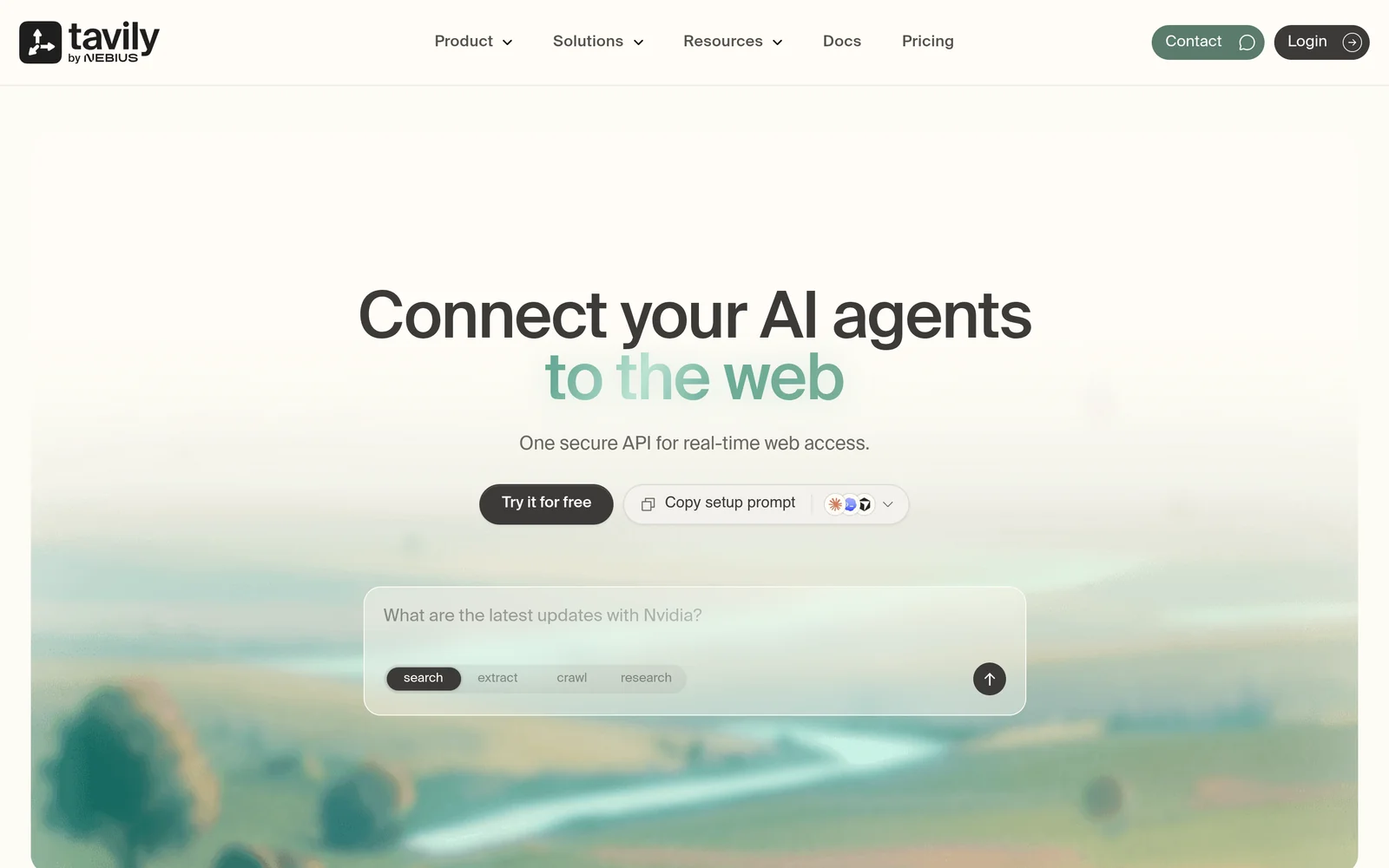
Tavily is a web search API for AI models and retrieval-augmented generation pipelines. It returns deduplicated context trimmed to a character limit so the output can go straight into a prompt. An extract endpoint pulls text from URLs you supply. The free tier includes 1,000 credits a month; paid plans run from $30 to $500 a month.
Key features
- Context sized for prompts. Search results with navigation, footers, and other page furniture stripped out.
- Extract endpoint. Pulls readable text from URLs you specify, alongside search.
- Credit pricing. $0.008 per credit pay-as-you-go, down to $0.005 per credit on monthly plans from $30 to $500.
- Free monthly credits. 1,000 credits a month, no card required.
Comparison with Brave
Tavily and Brave take opposite approaches. Brave returns cheap, fast links and leaves extraction to you. Tavily does the extraction itself and hides the index it searches. Teams move from Brave to Tavily to drop their own extraction pipeline, and accept higher latency and credit pricing in exchange.
| Feature | Tavily | Brave Search API |
|---|---|---|
Self-service access Direct setup without contacting sales | Yes | Yes |
Free usage tier Included usage before paid plans | Yes | Yes |
Search cost Price per 1,000 requests | $8 pay-as-you-go, $5 to $7.50 on plans | $5 |
Full text in results Extracted content returned in response | Yes | No |
Proprietary web index Independent crawl rather than a third-party wrapper | Not applicable | Yes |
Semantic search Meaning-based retrieval instead of strict keywords | Not applicable | No |
Single-call cited answer Combined data retrieval and answer synthesis | Not applicable | Yes |
Schema-defined output JSON output formatted to custom specifications | No | No |
URL content extraction Parses text directly from user-provided URLs | Yes | No |
- Free usage tier: Tavily provides 1,000 credits a month; Brave Search API provides $5 in credits a month.
- Full text in results: Tavily returns snippets; Brave Search API charges separately.
- Semantic search: Brave Search API relies on keyword matching.
- Single-call cited answer: Brave Search API features AI Grounding.
- URL content extraction: Tavily provides an extract endpoint.
Key technical differences between Tavily and Brave
- Tavily returns processed content snippets. Brave returns links from its own index.
- Tavily charges $8 per 1,000 credits pay-as-you-go; Brave charges a flat $5 per 1,000 requests.
- In profile-lookup tests Tavily's median latency was 3.6 seconds. Brave measured about 650 milliseconds in a separate evaluation.
- Tavily handles fetching, cleaning, and token limits for you. With Brave, your code does that work.
Key similarities between Tavily and Brave
- Both include a monthly free allowance: 1,000 credits on Tavily, $5 of usage on Brave.
- Both bill by request or credit volume rather than per seat.
- Both exist to ground agents with live web information.
- Both offer a cited-answer feature.
Tavily primary use cases
Teams pick Tavily for prototypes and early agent projects where a free tier and quick integration matter more than retrieval accuracy.
Bottom line
Tavily suits teams that want to stop running their own extraction step. Compared with Brave, it costs more and responds slower.
Firecrawl: Web crawling and extraction APIs for AI
- Founded
- 2022
- Similar to
- Crawl4AI, Apify
- Typical users
- Engineers who start from URLs rather than from a question
- Typical customers
- Teams crawling known sites into a knowledge base
What is Firecrawl?
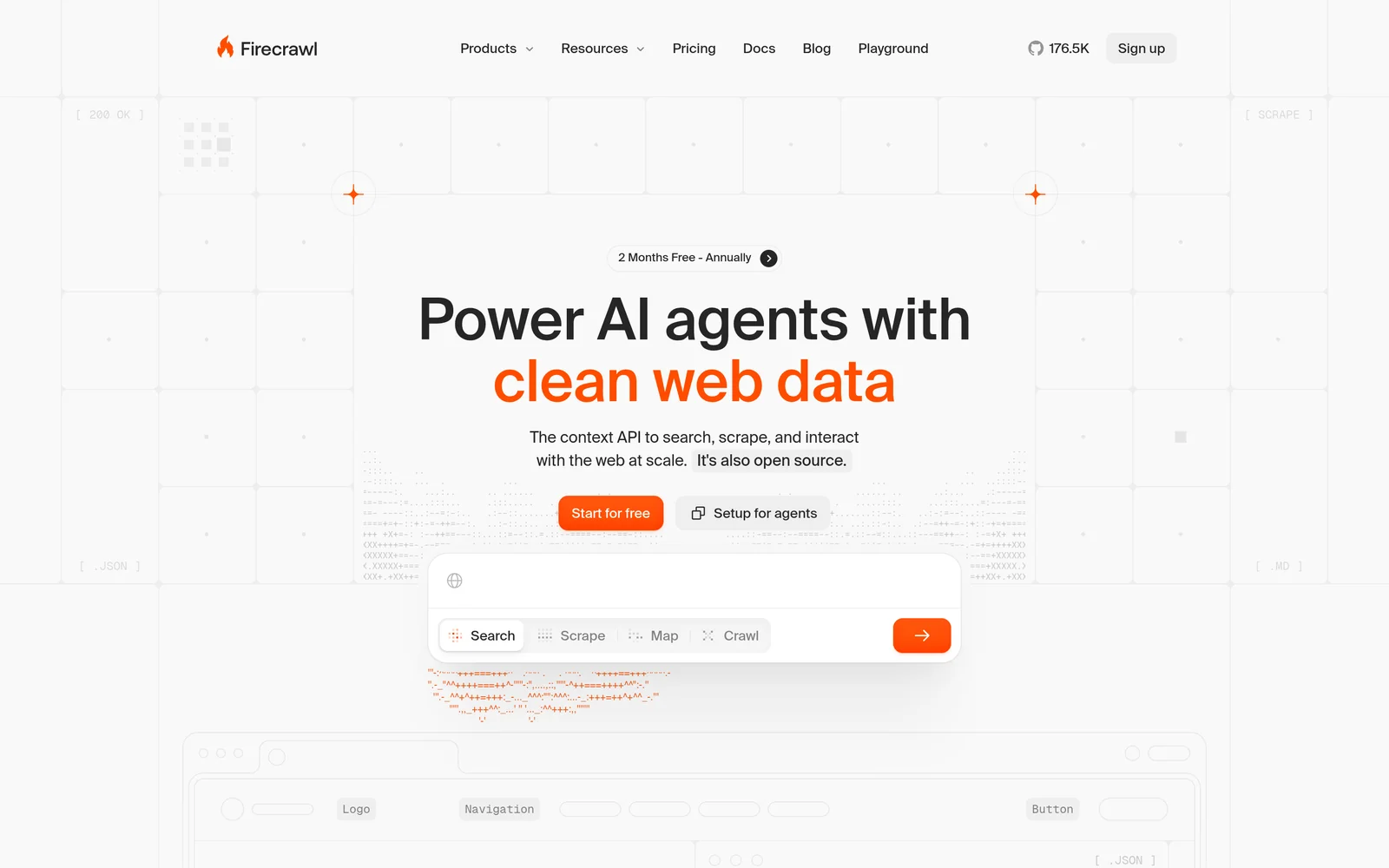
Firecrawl turns websites into clean Markdown or structured JSON. Give it a URL and it renders the page, JavaScript included, strips layout clutter, and returns text ready for a prompt. Give it a domain and it crawls every reachable page. It also has a search endpoint priced at two credits per ten results. Firecrawl appears on most alternative lists, but its focus is page extraction, not web-wide discovery.
Key features
- Scrape and crawl. Clean text from one page or a whole site, one credit per page.
- Structured extraction. JSON output that matches a schema you define.
- JavaScript rendering. Handles script-heavy pages that index-based search tools miss.
- Subscription pricing. 1,000 free credits a month with two concurrent requests, then $16 for 5,000, $83 for 100,000, and $333 for 500,000 credits. Only successful calls are billed.
Comparison with Brave
Firecrawl handles the step Brave stops at. Brave finds the links; Firecrawl renders them, removes clutter, and returns text. Most teams that compare the two end up running both, and the two-vendor setup is often what sends them looking for a single API that does both jobs.
| Feature | Firecrawl | Brave Search API |
|---|---|---|
Self-service access Direct setup without contacting sales | Yes | Yes |
Free usage tier Included usage before paid plans | Yes | Yes |
Search cost Price per 1,000 requests | Subscription, from $16 a month for 5,000 credits | $5 |
Full text in results Extracted content returned in response | Yes | No |
Proprietary web index Independent crawl rather than a third-party wrapper | Not applicable | Yes |
Semantic search Meaning-based retrieval instead of strict keywords | Not applicable | No |
Single-call cited answer Combined data retrieval and answer synthesis | No | Yes |
Schema-defined output JSON output formatted to custom specifications | Yes | No |
URL content extraction Parses text directly from user-provided URLs | Yes | No |
Published rate limits Publicly documented query throughput limits | Yes | No |
- Free usage tier: Firecrawl provides 1,000 monthly credits; Brave Search API provides $5 in credits a month.
- Full text in results: Brave Search API charges separately for content.
- Semantic search: Brave Search API relies on keyword matching.
- Single-call cited answer: Brave Search API provides AI Grounding.
- URL content extraction: Firecrawl includes JavaScript rendering.
- Published rate limits: Firecrawl sets 10 requests a minute on free plan; Brave Search API limits are not published.
Key technical differences between Firecrawl and Brave
- Firecrawl processes URLs you give it. Brave finds pages that match a query.
- Firecrawl is subscription-priced from $16 per 5,000 pages; Brave charges a flat $5 per 1,000 requests.
- Firecrawl returns Markdown or schema-defined JSON. Brave returns links and SERP metadata.
- Firecrawl and Brave were benchmarked in separate audits, so this page does not compare their numbers directly.
Key similarities between Firecrawl and Brave
- Both have a free tier for early development.
- Both sit inside agent pipelines rather than serving people directly.
- Both are self-service with published pricing.
- Neither does semantic search.
Firecrawl primary use cases
Firecrawl converts dynamic sites into clean Markdown or structured JSON, which makes it a good fit for indexing specific domains and client-side rendered pages.
Bottom line
Firecrawl is strong at extracting text from known URLs. It replaces an extraction pipeline, not Brave. Without discovery of its own, it still needs a search API to find the pages.
Perplexity Sonar: Search and answer API
- Founded
- 2022
- Similar to
- Exa Answer, Linkup
- Typical users
- Product teams shipping a chat or answer feature
- Typical customers
- Consumer and prosumer apps that show a person a cited answer
What is Perplexity Sonar?
Sonar is Perplexity's API. Instead of returning search results, it retrieves sources and writes a complete answer with citations.
Applications get a cited answer in one call and never handle the source documents. Standard search queries cost $0.0025 per call; model tokens are billed separately.
Key features
- Cited answers. Retrieves, synthesizes, and cites in one request, with no client-side processing.
- Agent tool pricing. $0.0025 per web search request ($2.50 per 1,000), plus model tokens.
- Fetch, people, and finance tools. $0.0005 per fetch call and $0.005 per targeted search across finance or directory domains.
- No retrieval layer to build. Chunking, ranking, and re-ranking happen on Perplexity's side.
Comparison with Brave
Sonar and Brave do different jobs. Brave returns raw links. Sonar returns a finished answer written by Perplexity's model, with the sources kept as citations. Teams that want to drop their post-search processing look at Sonar for that reason.
| Feature | Perplexity Sonar | Brave Search API |
|---|---|---|
Self-service access Direct setup without contacting sales | Yes | Yes |
Free usage tier Included usage before paid plans | No | Yes |
Search cost Price per 1,000 requests | Not published for the base API | $5 |
Full text in results Extracted content returned in response | No | No |
Proprietary web index Independent crawl rather than a third-party wrapper | Not applicable | Yes |
Semantic search Meaning-based retrieval instead of strict keywords | Not applicable | No |
Single-call cited answer Combined data retrieval and answer synthesis | Yes | Yes |
Schema-defined output JSON output formatted to custom specifications | No | No |
URL content extraction Parses text directly from user-provided URLs | Yes | No |
- Free usage tier: Brave Search API offers $5 in credits a month.
- Full text in results: Perplexity Sonar returns generated answers directly; Brave Search API bills content separately.
- Semantic search: Brave Search API uses keyword matching.
- Single-call cited answer: Brave Search API provides AI Grounding.
- URL content extraction: Perplexity Sonar offers fetch tool.
Key technical differences between Perplexity Sonar and Brave
- Sonar returns a written answer. Brave returns links.
- Sonar has no verifiable base per-request price; Brave publishes $5 per 1,000 requests.
- Sonar has no published free tier. Brave gives $5 in monthly credits.
- Sonar embeds citations in the answer. Brave's AI Grounding returns cited answers at $4 per 1,000 requests plus token fees.
Key similarities between Perplexity Sonar and Brave
- Both offer cited answers: Sonar natively, Brave through AI Grounding.
- Both bill per request.
- Both run retrieval on the vendor's side.
- Both ground language models with live web content.
Perplexity Sonar primary use cases
Sonar fits applications that need a cited answer and do not want to build or run their own retrieval stack.
Bottom line
Sonar is the right choice for user-facing products that need a finished, cited answer. Workflows that need the underlying documents lose even the links Brave gives them.
SerpAPI: Search engine results API
- Founded
- 2017
- Similar to
- Serper, SearchApi
- Typical users
- Engineers and SEO teams parsing search result pages
- Typical customers
- Rank trackers and analytics products across several engines
What is SerpAPI?
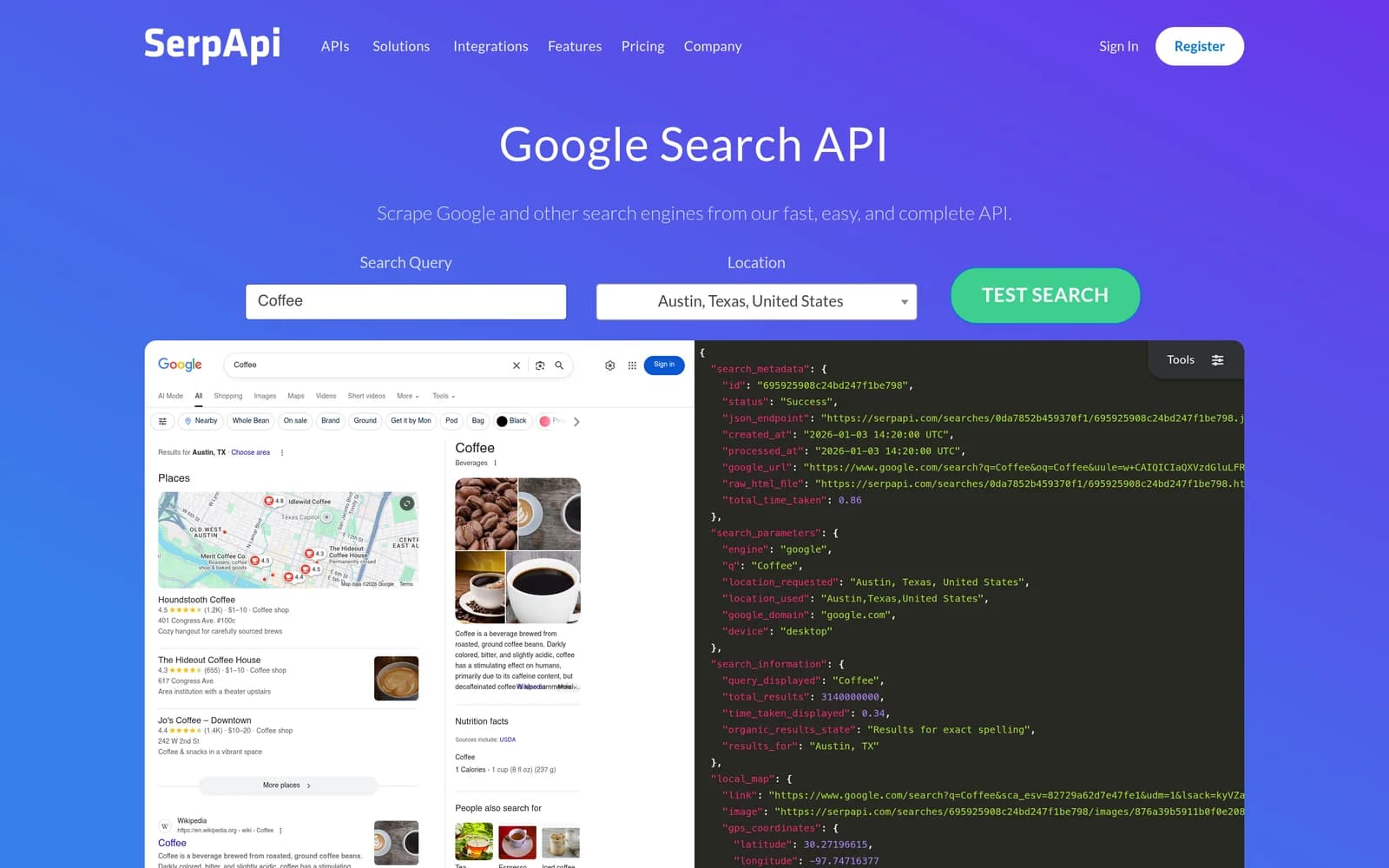
SerpAPI returns search result pages from Google, Bing, Yahoo, YouTube, Baidu, and others as structured JSON. It parses knowledge panels, local packs, shopping listings, and "People Also Ask" boxes into typed fields. Plans run from $25 a month for 1,000 queries to $275 a month for 30,000, with a free tier of 250 searches a month. The service also includes legal indemnification for automated search data collection.
Key features
- Multi-engine. Google, Bing, Yahoo, YouTube, Baidu, and more through one API.
- SERP feature parsing. Knowledge panels, local listings, shopping results, and related questions as structured fields.
- Tiered plans. From $25 a month for 1,000 queries to $275 for 30,000, plus 250 free searches a month.
- Indemnification. Legal protection up to $2 million for compliance risk from scraping and structured extraction.
Comparison with Brave
SerpAPI answers a different question. Brave returns results from its own index. SerpAPI returns what Google, Bing, Yahoo, YouTube, or Baidu show on the results page, with every element parsed into fields. That makes it the tool for rank tracking, where the full results page is the point.
| Feature | SerpAPI | Brave Search API |
|---|---|---|
Self-service access Direct setup without contacting sales | Yes | Yes |
Free usage tier Included usage before paid plans | Yes | Yes |
Search cost Price per 1,000 requests | $25 a month for 1,000 searches | $5 |
Full text in results Extracted content returned in response | No | No |
Proprietary web index Independent crawl rather than a third-party wrapper | Not applicable | Yes |
Semantic search Meaning-based retrieval instead of strict keywords | No | No |
Single-call cited answer Combined data retrieval and answer synthesis | No | Yes |
Schema-defined output JSON output formatted to custom specifications | No | No |
URL content extraction Parses text directly from user-provided URLs | No | No |
- Free usage tier: SerpAPI offers 250 searches a month; Brave Search API offers $5 in credits a month.
- Full text in results: Brave Search API bills content separately.
- Proprietary web index: SerpAPI reads engines' pages directly.
- Semantic search: Both services use keyword matching.
- Single-call cited answer: Brave Search API offers AI Grounding.
Key technical differences between SerpAPI and Brave
- SerpAPI returns structured SERP data from third-party engines. Brave returns links from its own index.
- SerpAPI costs $25 per 1,000 searches; Brave costs $5 for the same volume.
- SerpAPI extracts SERP features such as local listings and shopping results. Brave returns web results, news, and images.
- SerpAPI covers several search engines. Brave covers only its own index.
Key similarities between SerpAPI and Brave
- Both return links and metadata, not page content, so a RAG pipeline still has to fetch the pages.
- Both have a free tier: 250 searches a month on SerpAPI, $5 in monthly credits on Brave.
- Both are self-service with published pricing.
- Neither does semantic search, so descriptive queries return thin results on both.
SerpAPI primary use cases
Teams choose SerpAPI when they need several engines or precise SERP features, such as local map packs across cities, and will pay a higher unit price to get them.
Bottom line
SerpAPI is the tool when you need to see what Google shows, which Brave's index cannot tell you. For general web retrieval it costs five times more than Brave for the same list of links.
Serper: Google Search API
- Founded
- Not published
- Similar to
- SerpAPI, SearchApi
- Typical users
- Engineers who need Google's result page as JSON
- Typical customers
- Rank trackers, SERP monitors and Google-only agents
What is Serper?
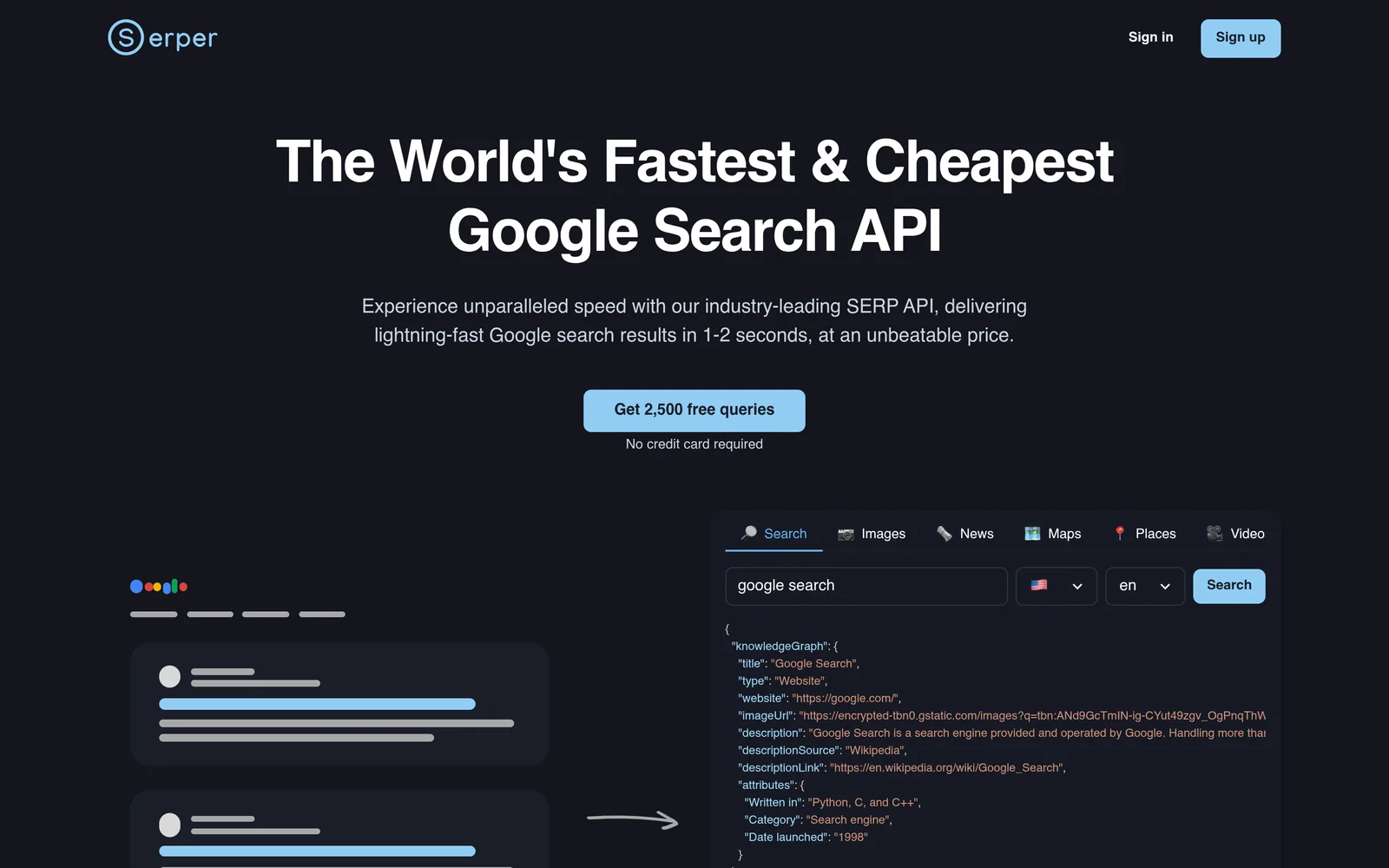
Serper returns Google search results as JSON, fast and cheap, which is why comparison guides often list it first for SERP queries. It covers Google only. Its pricing page renders client-side, so published rates and free tier details could not be verified for this page.
Key features
- Google SERP as JSON. Organic results and SERP components as typed fields.
- Speed. Regularly cited across comparisons as a fast, low-cost option for Google queries.
- Google only. Bing, Yahoo, or multi-engine coverage needs a second vendor.
Comparison with Brave
Comparison guides describe Serper as a fast, cheap API for Google results. Against Brave the trade-off is the same as SerpAPI's: Serper returns Google's results page, Brave returns its own index, and both return links rather than page text. Serper's exact pricing could not be verified.
| Feature | Serper | Brave Search API |
|---|---|---|
Self-service access Direct setup without contacting sales | Yes | Yes |
Free usage tier Included usage before paid plans | Not applicable | Yes |
Search cost Price per 1,000 requests | Not applicable | $5 |
Full text in results Extracted content returned in response | No | No |
Proprietary web index Independent crawl rather than a third-party wrapper | Not applicable | Yes |
Semantic search Meaning-based retrieval instead of strict keywords | No | No |
Single-call cited answer Combined data retrieval and answer synthesis | No | Yes |
Schema-defined output JSON output formatted to custom specifications | No | No |
URL content extraction Parses text directly from user-provided URLs | No | No |
- Free usage tier: Brave Search API offers $5 in credits a month.
- Full text in results: Brave Search API bills content separately.
- Proprietary web index: Serper reads Google's page directly.
- Semantic search: Both services use keyword matching.
- Single-call cited answer: Brave Search API offers AI Grounding.
Key technical differences between Serper and Brave
- Serper returns Google results as JSON. Brave returns results from its own index.
- Serper's pricing page renders client-side and could not be verified; Brave publishes $5 per 1,000 requests.
- Serper queries Google only. Brave queries only its own index.
- Serper lists no readable free tier. Brave includes $5 in free monthly credits.
Key similarities between Serper and Brave
- Both return results and SERP metadata, not page content.
- Both compete on speed and low per-request cost.
- Both are self-service, with no sales call.
- Neither does semantic search, so descriptive queries return thin results.
Serper primary use cases
Engineers use Serper for Google-specific rank tracking and SERP monitoring, when Google's results for a query are all they need.
Bottom line
Serper works for teams that want Google results from one provider. Teams leaving Brave will not gain content extraction or semantic search by switching to it.
Crawl4AI: Open-source web crawler for AI
- Founded
- 2024
- Similar to
- Firecrawl, Scrapy
- Typical users
- Engineers who want to run the crawler themselves
- Typical customers
- Teams with data-residency rules or no per-page budget
What is Crawl4AI?
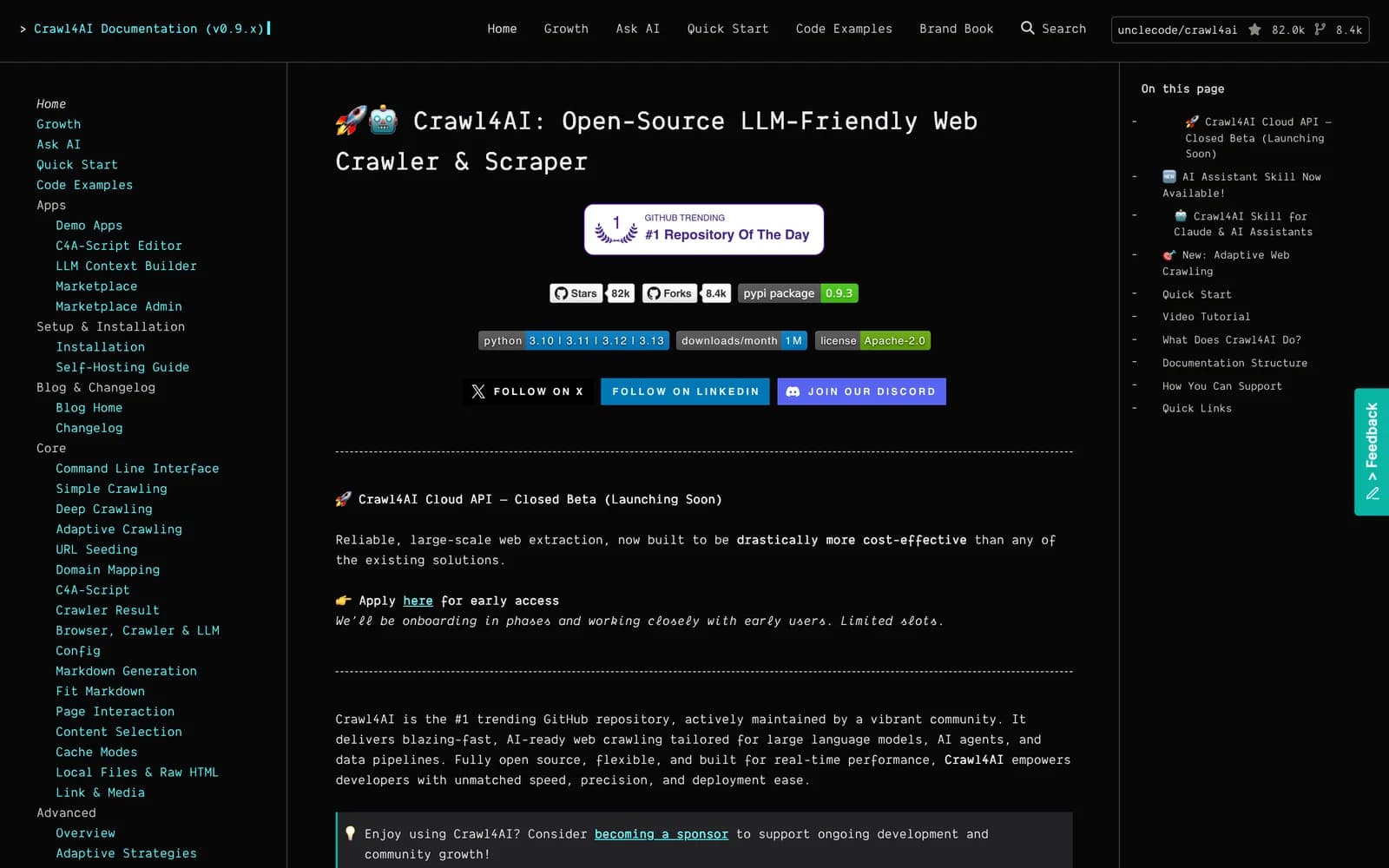
Crawl4AI is an open-source web crawler for LLM pipelines and a frequent entry on Firecrawl alternative lists. It runs on your own infrastructure, so there is no vendor and no per-page fee.
Its output is shaped for model prompts rather than browsers. There is no API pricing; the project takes sponsorships from $5 to $2,000 a month.
Key features
- Free and open source. No API fees and no vendor lock-in. Sponsorship is optional.
- Self-hosted. Runs inside your network, which satisfies data residency rules hosted services cannot.
- LLM-shaped output. Markdown and JSON formatted for prompt ingestion.
- You run it. Proxy rotation, IP blocks, retries, and site structure changes are your responsibility.
Comparison with Brave
Crawl4AI is a self-hosted crawler, not a search API. It takes URLs you give it and converts them to model-ready text at no usage cost. It is here because teams that want to own their whole retrieval stack, with no third-party vendor, sometimes choose this path.
| Feature | Crawl4AI | Brave Search API |
|---|---|---|
Self-service access Direct setup without contacting sales | Yes | Yes |
Free usage tier Included usage before paid plans | Yes | Yes |
Search cost Price per 1,000 requests | Free, self-hosted | $5 |
Full text in results Extracted content returned in response | Yes | No |
Proprietary web index Independent crawl rather than a third-party wrapper | Not applicable | Yes |
Semantic search Meaning-based retrieval instead of strict keywords | Not applicable | No |
Single-call cited answer Combined data retrieval and answer synthesis | No | Yes |
Schema-defined output JSON output formatted to custom specifications | Yes | No |
URL content extraction Parses text directly from user-provided URLs | Yes | No |
Published rate limits Publicly documented query throughput limits | Yes | No |
- Self-service access: Crawl4AI is open source.
- Free usage tier: Crawl4AI is free; Brave Search API provides $5 in credits a month.
- Full text in results: Brave Search API bills content separately.
- Proprietary web index: Crawl4AI reads URLs directly.
- Semantic search: Brave Search API relies on keyword matching.
- Single-call cited answer: Brave Search API offers AI Grounding.
- Published rate limits: Crawl4AI rate limits depend on your own infrastructure; Brave Search API limits are not published.
Key technical differences between Crawl4AI and Brave
- Crawl4AI is free, open source, and self-hosted. Brave is a paid API at $5 per 1,000 requests.
- Crawl4AI processes URLs you supply. Brave indexes the web and finds pages that match a query.
- Crawl4AI returns Markdown and structured data. Brave returns SERP metadata and links.
- With Crawl4AI you manage proxies, IP blocks, and retries. Brave handles indexing and retrieval behind a managed API.
Key similarities between Crawl4AI and Brave
- Both are independent of Google's index: Brave runs its own, Crawl4AI parses pages directly.
- Both are built as components in agent pipelines, not end-user tools.
- Both can be evaluated for free, and Crawl4AI stays free in production.
- Neither does semantic retrieval.
Crawl4AI primary use cases
Teams with strict data residency rules or small content budgets pick Crawl4AI when they have the engineers to run a crawler themselves.
Bottom line
Crawl4AI suits teams that would rather run their own crawler than pay a vendor per page. Unlike Brave, it has no search of its own.
Which Brave Search API alternative should you choose?
- If you need semantic search, low latency, and full page text in the results, choose Exa.
- If you want to drop your extraction pipeline and can accept higher latency and credit billing, choose Tavily.
- If you are keeping Brave for search but need JavaScript rendering for target pages, choose Firecrawl.
- If you are handing users a cited answer and never touch the source documents, choose Perplexity Sonar.
- If you need SERP features parsed across Google, Bing, and Yahoo, choose SerpAPI.
- If you only need Google results pages at the lowest per-request price, choose Serper.
- If you want to avoid vendors and per-page fees by running your own crawler, choose Crawl4AI.
Is Exa right for you?
Exa is built for AI agent workflows. Choose it if:
- You search for people, companies, or research papers. These are the categories where Exa's measured lead over Brave is largest.
- You want page text and highlights in the search response, so you can retire the extraction layer you built on top of Brave.
- You want to test before you pay. The free tier gives $10 in credit a month plus a $10 onboarding bonus, with no credit card. You can also start through Exa MCP without an API key.
Getting started costs nothing. Get an API key at dashboard.exa.ai and run:
curl -X POST https://api.exa.ai/search \-H "x-api-key: YOUR_KEY" \-H "Content-Type: application/json" \-d '{"query": "search APIs for AI agents"}'